
Participant
December 26, 2021
Question

Spark Projects Cannot open with Creative Cloud Express update

  • December 26, 2021
  • 5 replies
  • 2005 views

I have been trying to access my previous spark posts/projects since this new creative cloud express has come into place and I cannot open any file on my destktop. 


I have looked at previous posts such as Troubleshooting: Previous Projects not opening in Creative Cloud Express and I have deleted my cache, logged in via my mobile and opened the project incognitio mode and I still cannot edit my file. I have attatched a photo of the issue I am having; it just loads foreverI also cannot start a new post. 
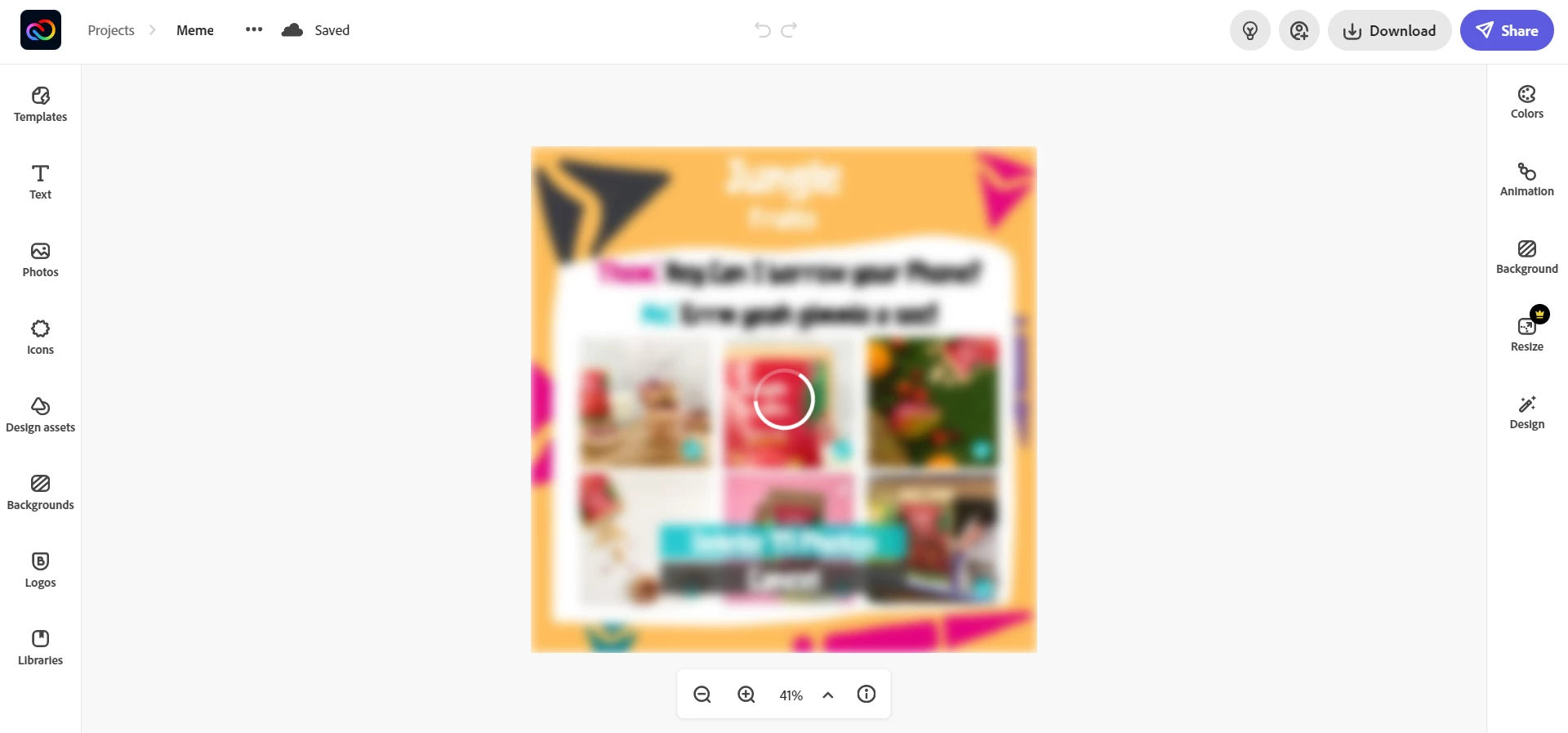
 

Any help would be much appericated. 


This topic has been closed for replies.

5 replies

Participant
January 4, 2022

Im having same issue. Cant open project with hours of work into it. Tried multiple browsers, tuning off add blocker and different computers. Mine looks the same as the image that started this thread. 

Kevin-Monahan
Community Manager
Community Manager
January 4, 2022

Hey Chris,

Sorry! Have you tried logging in via your mobile device? That can "shake things loose," so to speak. Are you in a corporate or educational environment? Let us know, OK.


Regards,
Kevin

Kevin Monahan - Sr. Community and Engagement Strategist – Adobe Pro Video and Audio
Kevin-Monahan
Community Manager
Community Manager
January 10, 2022

Chris, 

Can we assume all is well now? Hope so! 🙂


Kevin

Kevin Monahan - Sr. Community and Engagement Strategist – Adobe Pro Video and Audio
Participating Frequently
December 31, 2021

I'm a PC guy. My comments regard working on a desktop and not fiddling on a smartphone.

I tried anew and now it does work. I can open a project and duplicate it. And even download it.

It's now around 11 am CET. 

When I tried last time and encounterd the bugs it was 7 pm CET. Maybe an overload of the servers when America wakes up?

Participating Frequently
December 31, 2021

Not working here as of 10:15 ET in the USA -- I can't even open a file that I created yesterday.

This is a huge problem!


Participant
December 29, 2021

Same problem here!!! Contacted the support and send me to here and i find this discussion page. Is very frustrating to know that all my work is missing! Is less money for me!!! Im living with this and with this Adobe want us to buy premium and his apps!? Not thanks, buy premium, buy premium, but the apps not work.

Participant
December 29, 2021
Kevin-Monahan
Community Manager
Community Manager
January 4, 2022

Still having problems, Javier? Let me know. Sorry for the trouble.


Best Wishes,

Kevin

Kevin Monahan - Sr. Community and Engagement Strategist – Adobe Pro Video and Audio
Participating Frequently
December 28, 2021

Me too!


Spent an hour on the chat and let tech take control of my PC and he couldn't get it done....And, refused to escalate when I asked him to.


Extremely frustrated -- I have over 1500 hours of work that I can't access.


Tried different browser, logout / logon, clearing cache/cookies, turning off network security, different PC -- NOTHING IS WORKING HERE!

Kevin-Monahan
Community Manager
Community Manager
December 29, 2021

SJ,

Have you tried logging in from a mobile device? That can work.


Thanks,
Kevin

Kevin Monahan - Sr. Community and Engagement Strategist – Adobe Pro Video and Audio
Participating Frequently
December 29, 2021

Yes - mobile works - but, I work from PC and that still doesn't work...

Tried cache clear, logout from mobile login incognito etc. etc.

We need to get a solution for PC users, like me.

Community Manager
December 27, 2021

Hi there,


Sorry about that. Have you tried reinstalling the app? Signing out of the app, and then signing back in? Try checking these things and report back with any observations. Thanks for your patience in resolving this problem.


Thanks,

Manmeet

Participating Frequently
December 27, 2021

Same here. Projects won't open.