Inspiring
October 13, 2024
Question

Display distorted or unrealistic facial features. and resist unintended bias

  • October 13, 2024
  • 5 replies
  • 1471 views

several issues I've encountered while using Adobe Firefly.

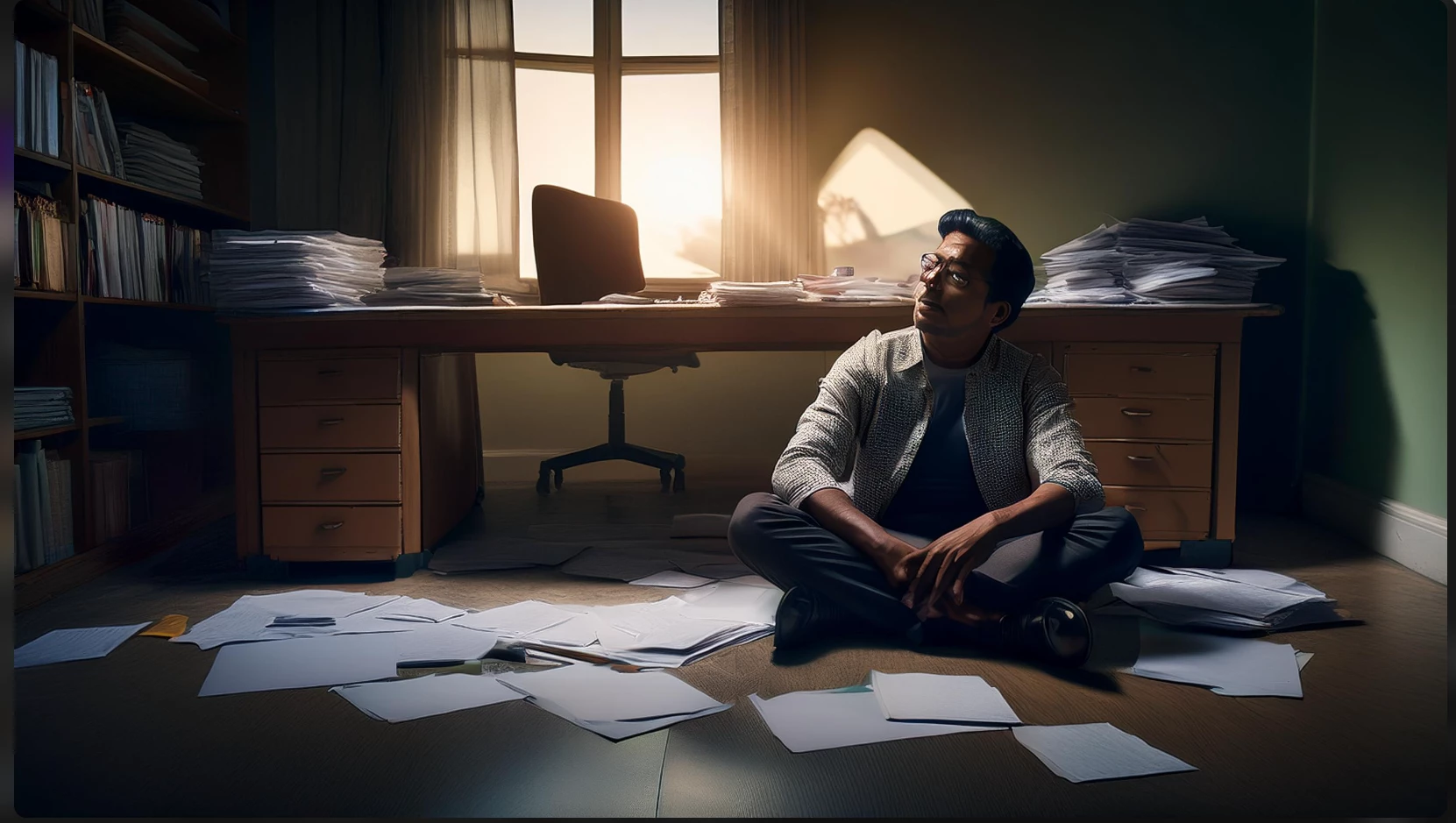
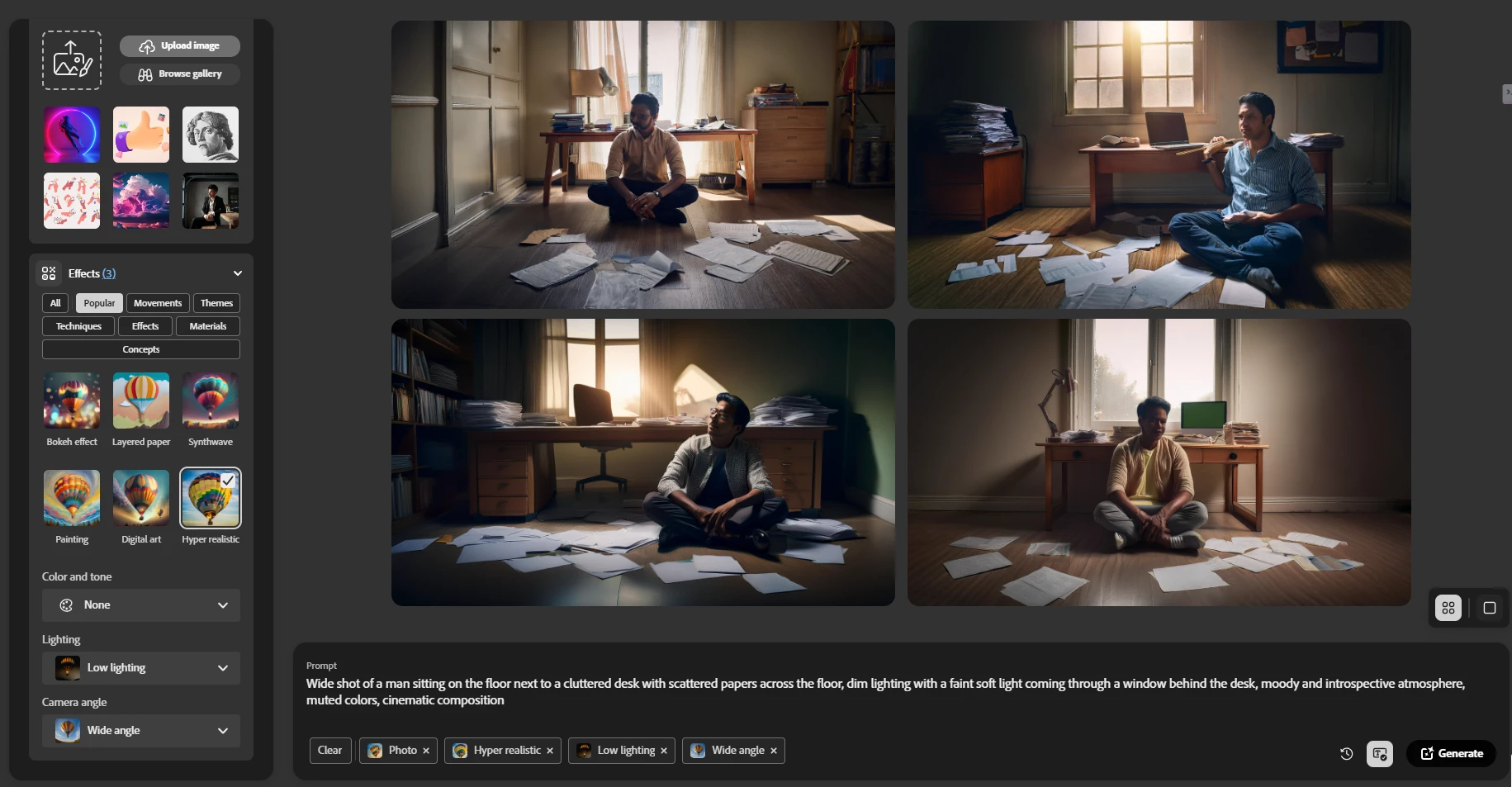
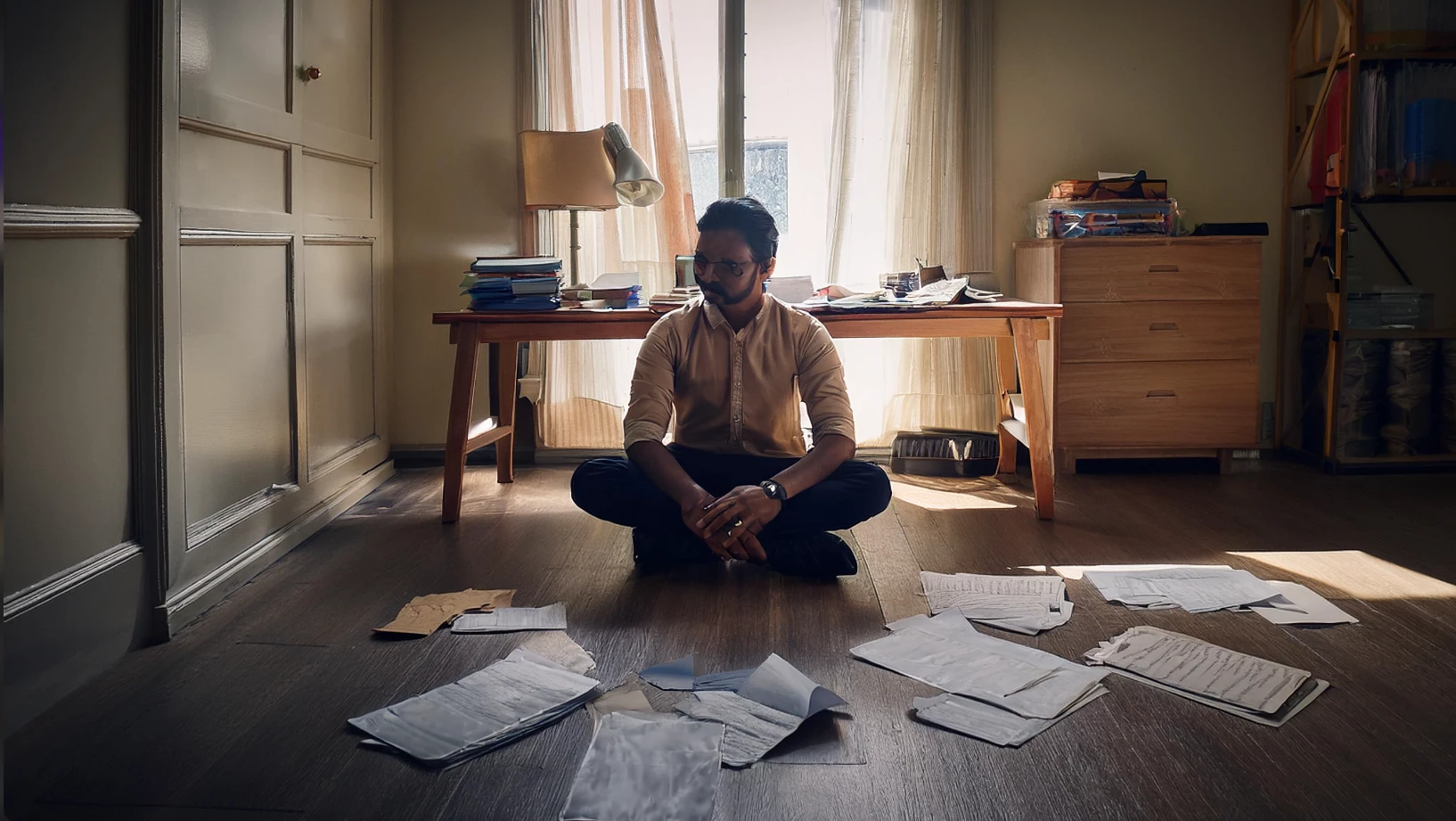
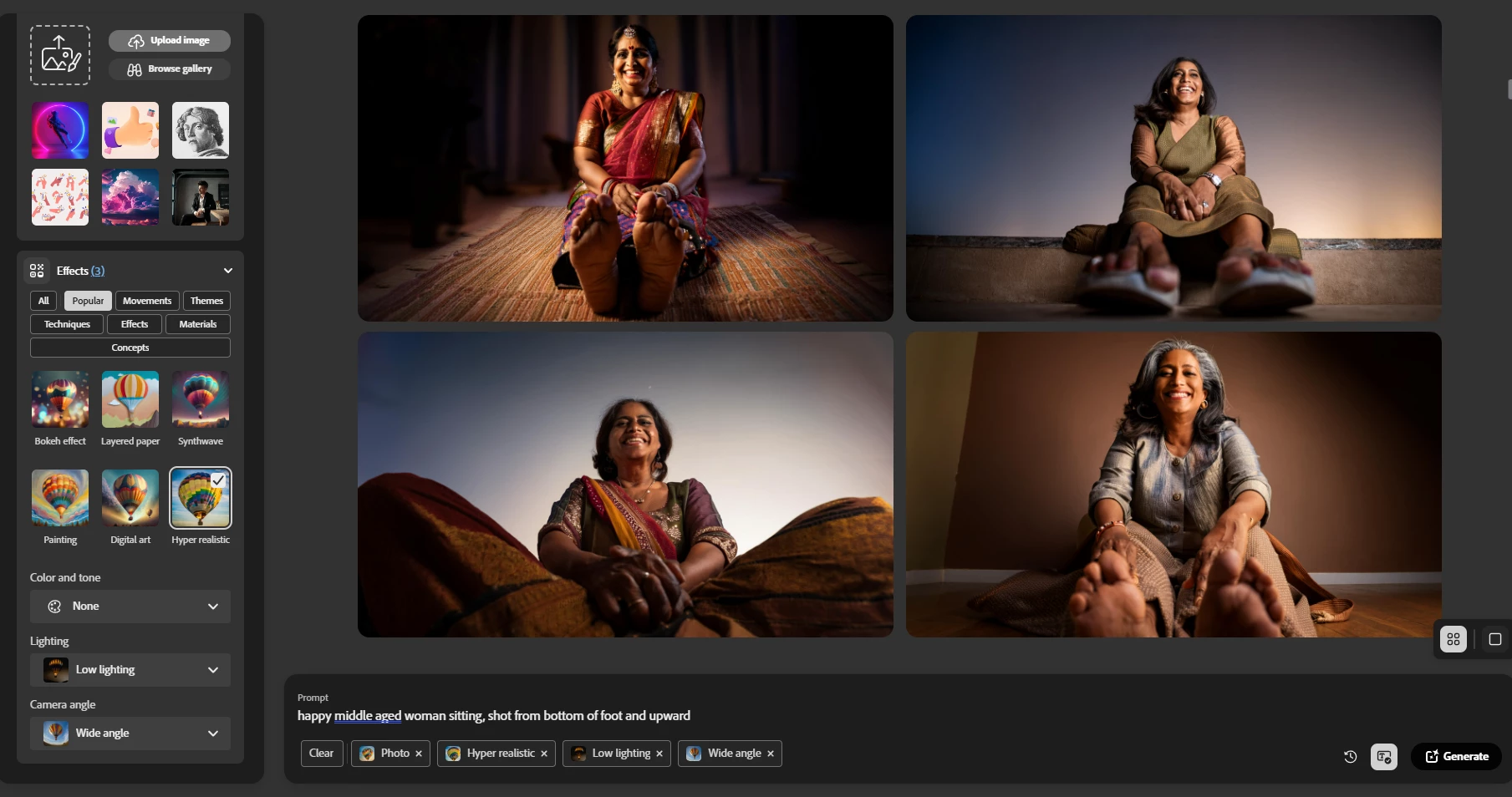
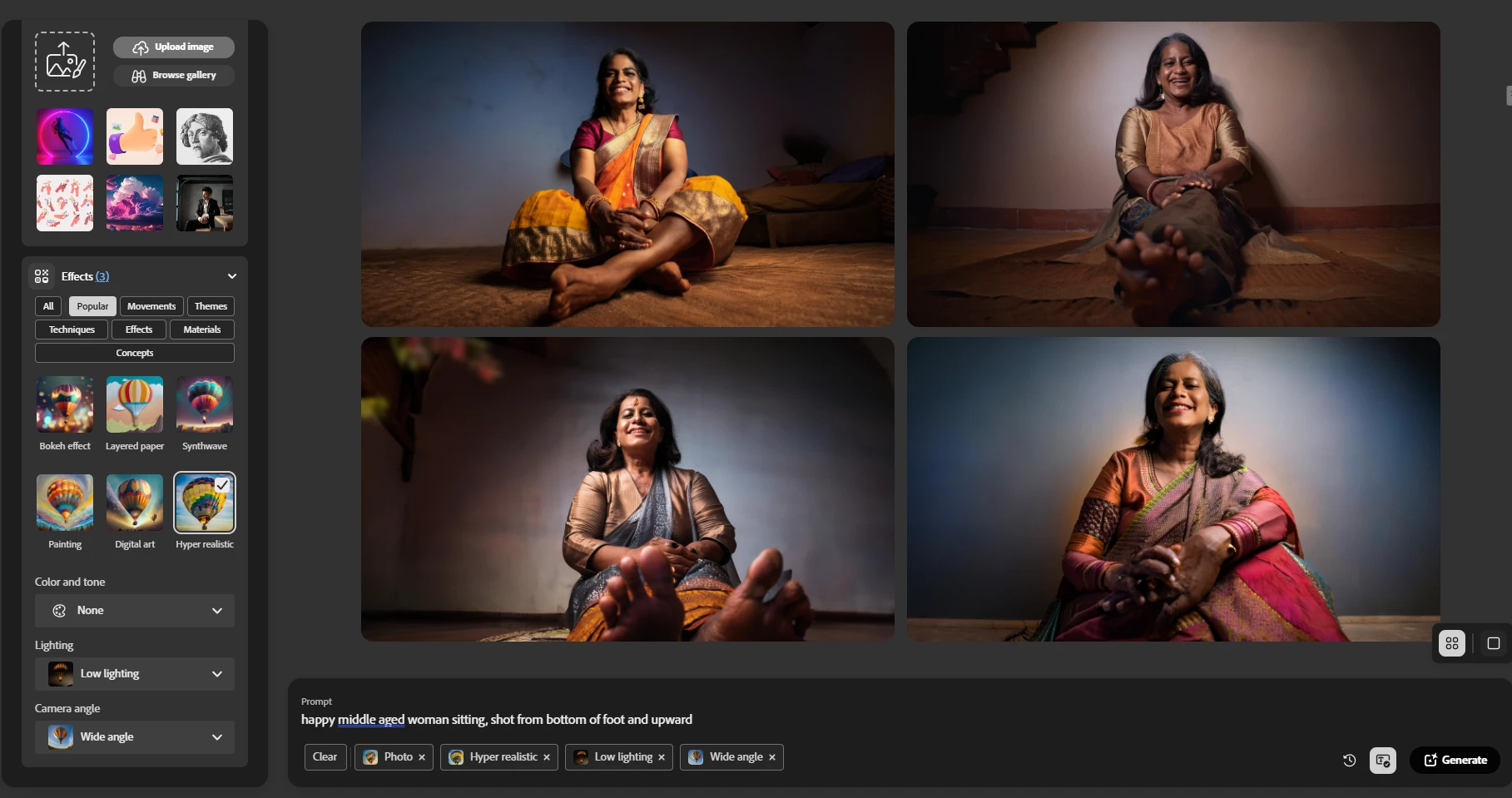
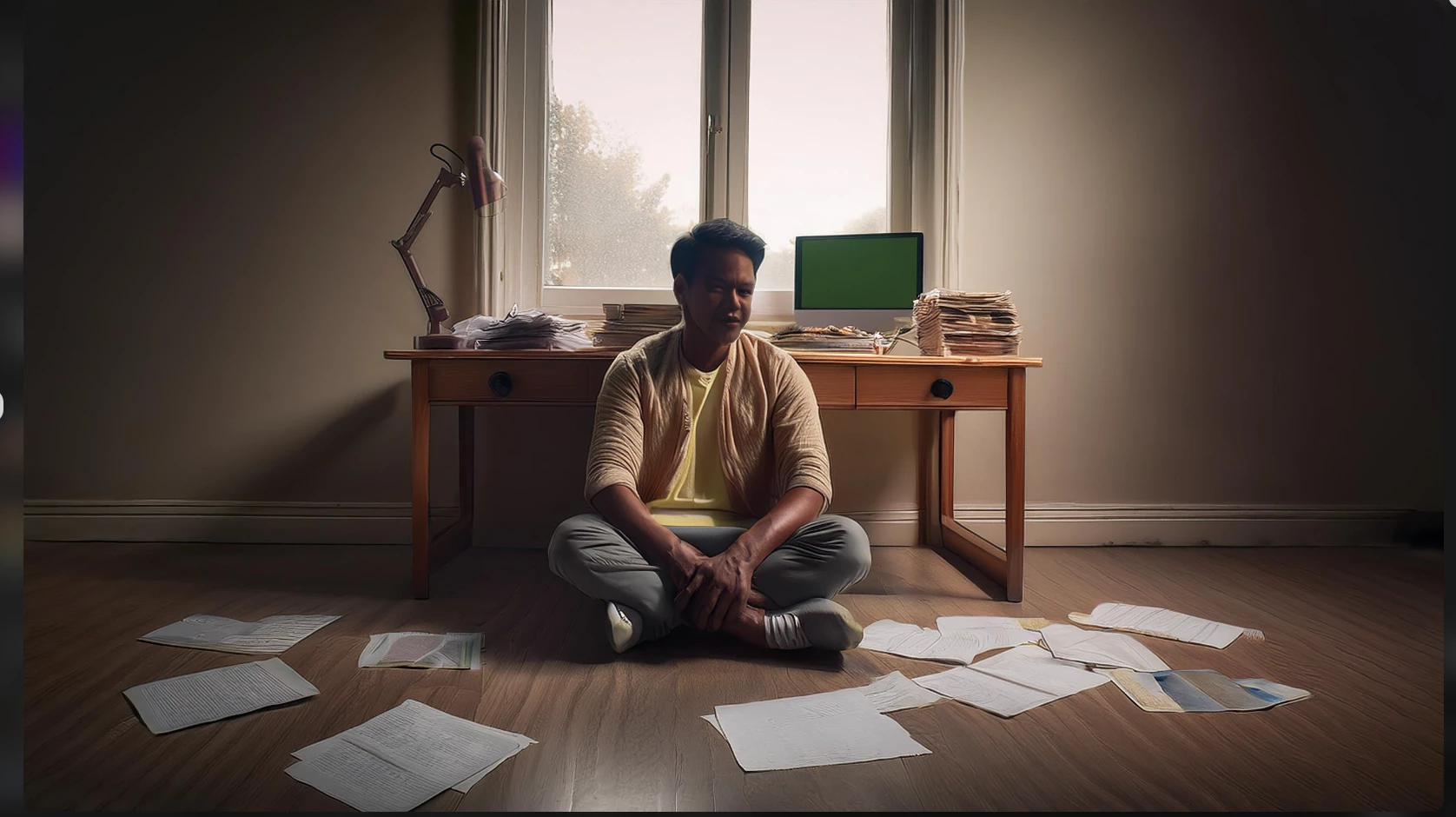
Firstly, I've noticed that generated images often display distorted or unrealistic facial features. This occurs consistently across various prompts and styles.

Secondly, I'm concerned about the recurring theme of Indian faces appearing in generated images, even when I haven't specified any Indian-related elements in my prompts. This seems like an unintended bias that needs to be addressed.
This topic has been closed for replies.

5 replies

droopydog500
Community Manager
Community Manager
October 13, 2024

Hi @ARTMAXX ,


This issue has been discussed in these threads:


Adobe basically had three choices:

  • Make everyone look the same (so unlike a large percentage of the user base)
  • Have every image have a diversity of people who appear to be from many locations
  • Create people who appear to be closest to the region/location where the user is


The decision Adobe made is to try to make results appear more culturally relevant based on where the user is located. There are advantages and disadvantages of doing that, and in some cases, the results can be far from what you are looking for. You can change your prompts to be more descriptive of the people and objects to override that region/culture behaviour. It would be nice for Adobe to allow this to be disabled or overridden with another location/region or completely diverse subjects. This can be overridden by specifying regions/cultures/races in the prompt.

 
My best,

   droopy

Adobe Community Expert (not an Adobe employee)
ARTMAXXAuthor
Inspiring
October 13, 2024

@droopydog500 but what about distrorted face in every single image, there anythink wrong in my prompt 

droopydog500
Community Manager
Community Manager
October 13, 2024

Hi @ARTMAXX,


There have been some face distortion issues. You can try Model 2 and see if that produces better results. Another option is to take the image into Generative Fill and select the face and have it recreate the face.  Adobe is aware of this issue and has been working to resolve it.


    droopy


Adobe Community Expert (not an Adobe employee)
ARTMAXXAuthor
Inspiring
October 13, 2024

@droopydog500 IAM from india, 

ARTMAXXAuthor
Inspiring
October 13, 2024

india


droopydog500
Community Manager
Community Manager
October 13, 2024

Hello @ARTMAXX,

Thank you for your message. I am sorry you are having this problem. 

Secondly, I'm concerned about the recurring theme of Indian faces appearing in generated images, even when I haven't specified any Indian-related elements in my prompts.


What region are you located in?

Thanks,
    droopy

Adobe Community Expert (not an Adobe employee)
ARTMAXXAuthor
Inspiring
October 13, 2024

Again try with new prompt