Answered
How can change background
How can change background

How can change background
Hi,
In Adobe Firefly you go to the "Generative Fill" Module, Upload your Photo and click on "background" to select your background.
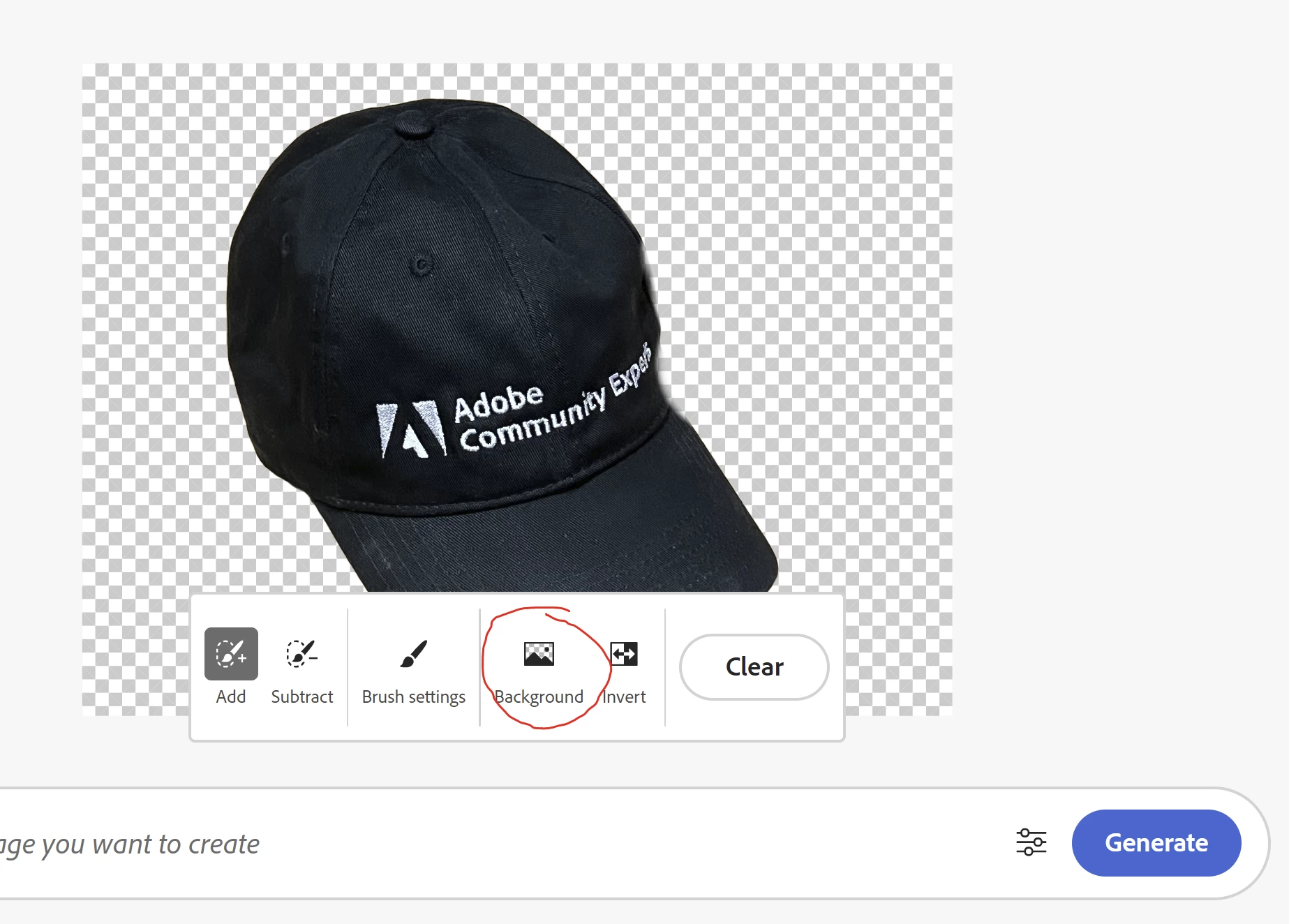
After that you can insert whatever Background you want in the Generative Fill Prompt bar. Instead of selecting "Background" you also can paint out the parts of the Image you want to change or insert something else. Hope that helps.
Already have an account? Login
Enter your E-mail address. We'll send you an e-mail with instructions to reset your password.
 AdChoices