


Participating Frequently
January 8, 2022
Answered

activated fonts do not show in acrobat pro

  • January 8, 2022
  • 3 replies
  • 4246 views

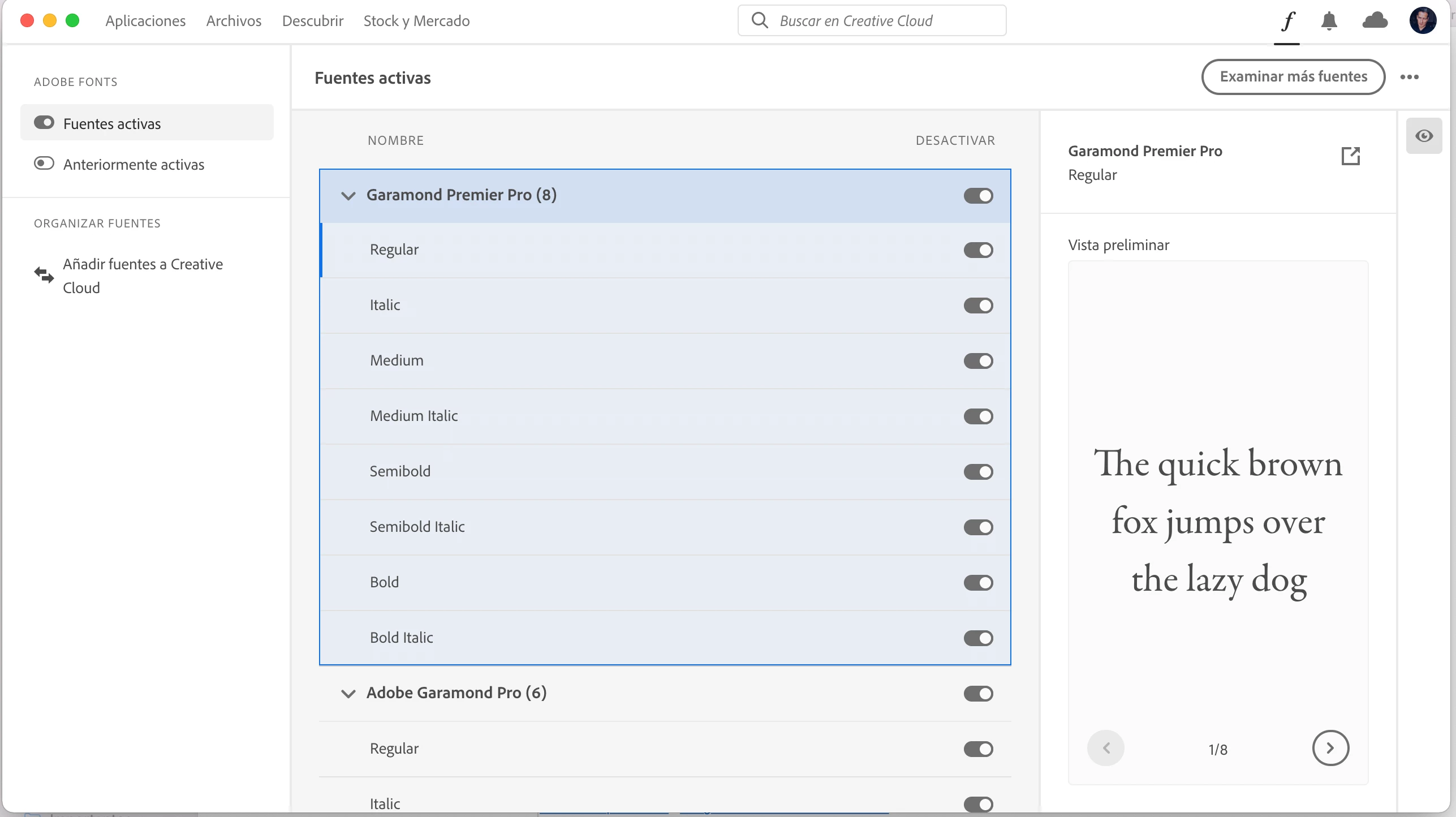
Hi, I am working with acrobat pro under windows 11. Some of my imported pfds use a font which was not available. I opend Adobe fonts and activated the respective font there. Then I closed and reopened acrobat, but the font still does not show up.
What can I do to get that font working in acrobat pro?
Thanks for any help.
    This topic has been closed for replies.
    Correct answer lfuentesp

    Hello, i just chat with an adobe help and they have the solution, uninstall and CLEAN CC software and reinstall, i can sync fonts now to all my Adobe software witha a click.

    Thank you.


    3 replies

    Inspiring
    January 13, 2023

    @lfuentesp what do you mean by "CLEAN CC".  Is that an application that you had to uninstall?  Was that a procedure you preformed to clean up the Creative Cloud uninstall?  A number of my users (not all) are experiencing this font issue as of 1/5 of this year.

    lfuentesp
    New Participant
    January 13, 2023

    Sorry for my bad english i mean uninstall and clean install.

    Uninstal, delete folders, restart and install ful clean CC, that worked for me at that time.

    Inspiring
    January 13, 2023

    Thank you.  I tried that today, no luck didn't fix my issue.

    Silvia K.Author
    Participating Frequently
    January 9, 2022

    Next problem - after installing Adobe Cloud to use Adobe Fonts Acrobat won't print anymore. A message appears: "Document cannot be printed" and then "An error occured", not giving any hint WHICH error or WHY document cannot be printed.
    I do hope someone from Adobe will look into it, I really need to finish some year-end work properly soon.

    HARSHIKA_VERMA
    Community Manager
    Community Manager
    January 10, 2022

    Hi defaulthwsk6cflsxj7,


    We are sorry to hear you are experiencing issue with Adobe Fonts. We would like to confirm if the issue is only happening with Adobe Acrobat or with other Adobe apps as well.


    We will try our best to help.


    Thanks,

    Harshika

    Silvia K.Author
    Participating Frequently
    January 11, 2022

    Thanks to the solution lfuentesp suggested, the font problem is solved now.

    The printing problem still exists though. For now I downloaded a PDF-app from another company to print, which is a bit anoying.

    What can I do to solve this problem too?


    lfuentesp
    New Participant
    January 8, 2022

    Same here, trying to actvate 2 fonts from Adobe Fonts and Creative Cloud won't load the F window, two fonts ativated in website bun cant find them or downbload from Creative Cloud or In Design.

    HARSHIKA_VERMA
    Community Manager
    Community Manager
    January 10, 2022

    Hi lfuentesp,


    We are sorry to hear you are unable to activate fonts from Creative Cloud Desktop app. We would request you to please try the steps suggested in this article: https://helpx.adobe.com/fonts/kb/troubleshoot-font-activation.html


    Let us know if that helps. We're here to help. 


    Thanks,

    Harshika

    lfuentesp
    lfuentespCorrect answer
    New Participant
    January 10, 2022

    Hello, i just chat with an adobe help and they have the solution, uninstall and CLEAN CC software and reinstall, i can sync fonts now to all my Adobe software witha a click.

    Thank you.