


Answered

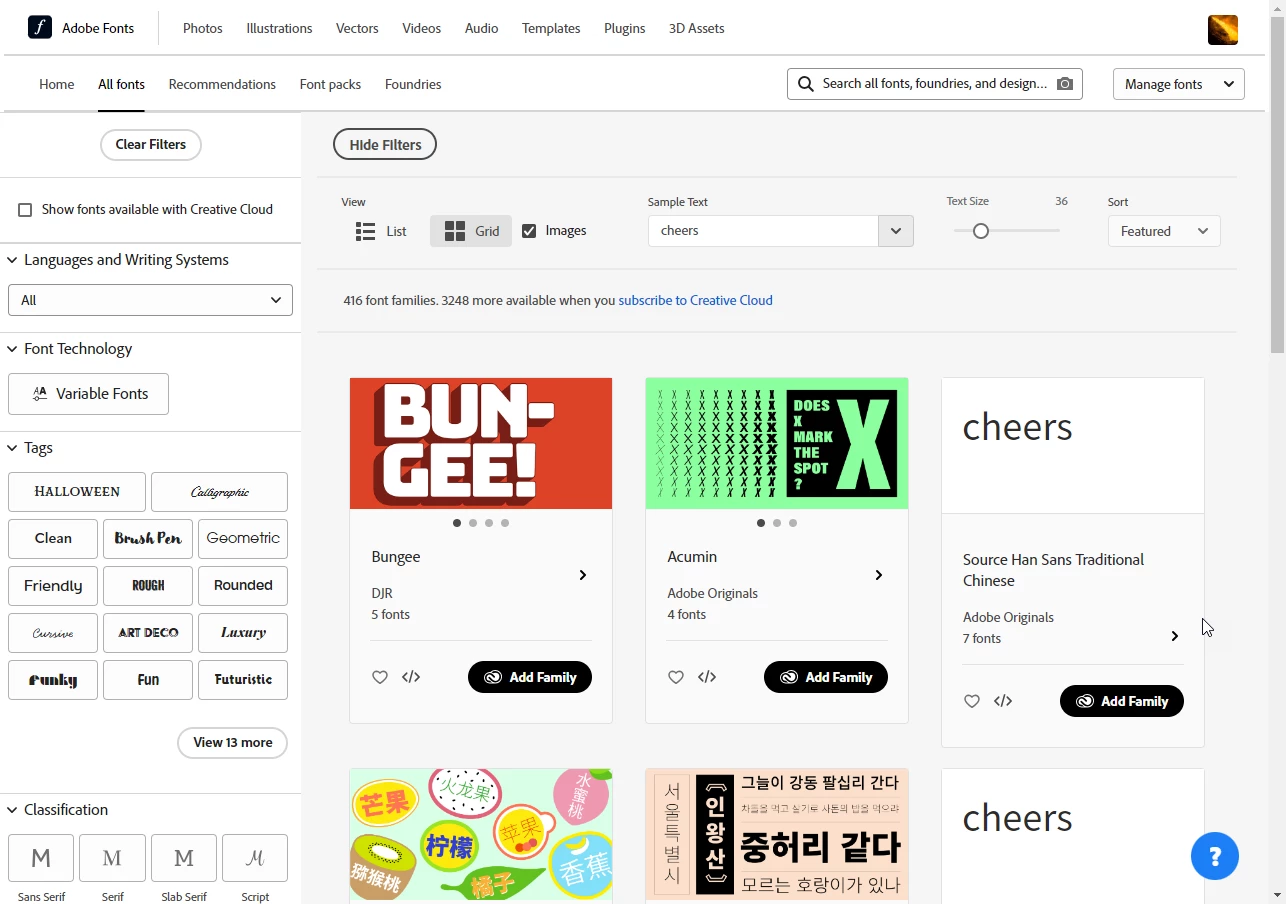
It displays like it should on other browsers, but I use Google Chrome as my main browser and am signed into Creative Cloud on that browser.
By @Emac_trademark
The main browser has normally all kinds of cookies, cached files and extensions installed. If, after cleaning up the coolies and the cache, you do not return to a normal view, I would, as a test, start your browser with all extensions disabled. If the site displays then normally, one of your extensions (guess: ad blocker) messes up with the fonts site. I can confirm that the fonts site is working with Google Chrome.
Already have an account? Login
Enter your E-mail address. We'll send you an e-mail with instructions to reset your password.

 AdChoices