



Freezing when changing font, font will not uninstall & weird default wording
Yesterday morning, I installed a font to use and now when I try to change fonts, my system freezes to the point I have to use Task Manager to get CC to close out. I looked thru the forum here and other online searches, and I have tried nearly everything to get it to work. Right now, the only thing that works is changing the font preview to None. However, have countless attempts to uninstall the font I downloaded, it's still there -- the message says it is in use in the System but I have nothing open.
Over the course of several hours last night, I have done repeatedly: deleted the font caches in both places, uninstalled & reinstalled CC, tried to uninstall in apps settings, tried to delete from the registry - it won't allow me.
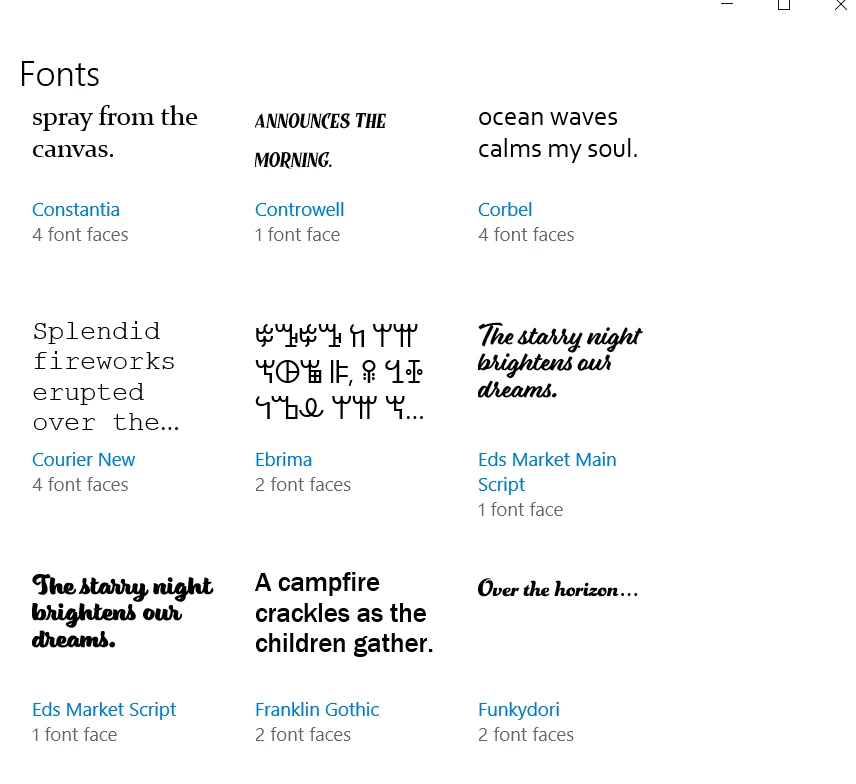
When I try to delete it from the Windows Fonts folder, it isn't even showing there to even try to delete it. The font name is Eds Market Main Script and Eds Market Script
On top of all this, when I add a new text box, I get some crazy wording inside the box: Lorem ipsum dolor sit amet, consectetur adipiscing elit, sed do eiusmod tempor incididunt ut labore et dolore magna aliqua. Quis ipsum suspendisse ultrices gravida. Risus commodo viverra maecenas accumsan lacus vel facilisis.
I'm very new to PSCC (I'm teaching myself by watching youtube videos) and only decently computer savvy, so if anyone knows how to help me get this resolved, feel free to dumb down the response -- I won't be offended. 
I am using Windows 10, I have the latest version of CC installed, and I've attached screen shots for reference. Thank you in advance!!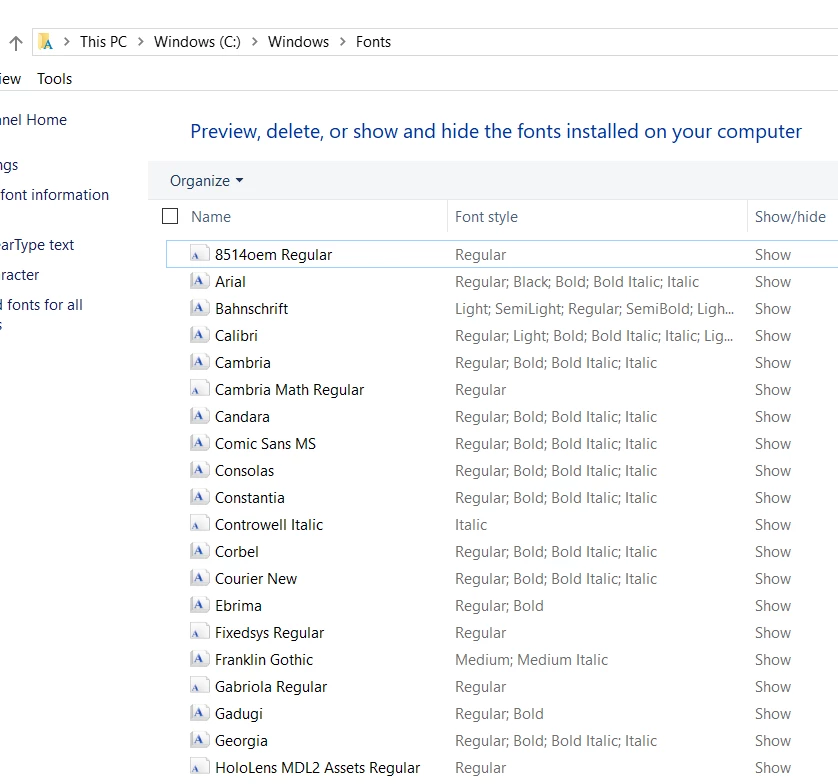


 AdChoices