


Non ASCII characters not showing in selected font on web page
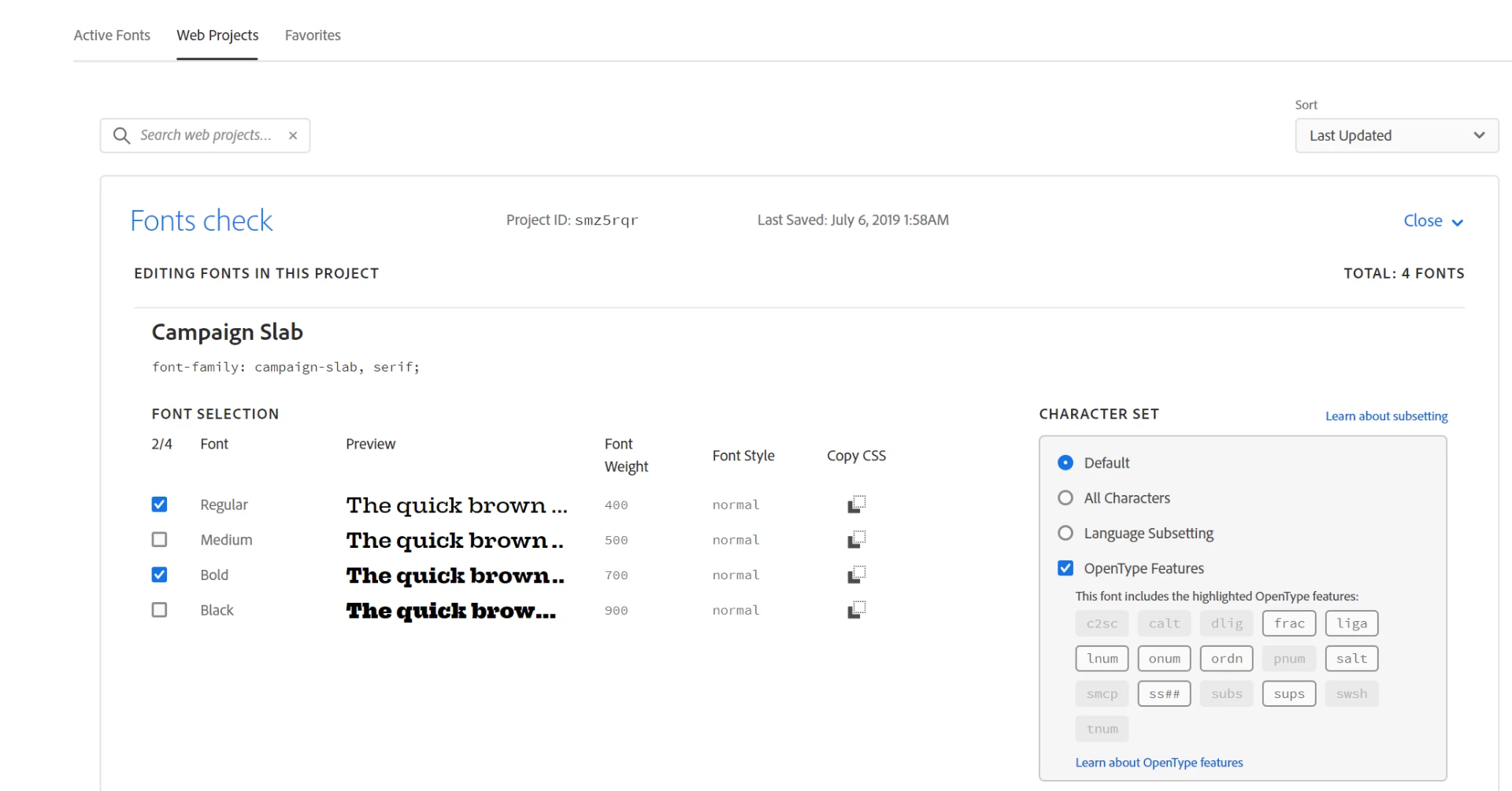
I'm trying to use several Adobe Fonts on a webpage, through a web project.
The HTML page I'm assembling is in Hungarian, and there are two problematic letters (which are a common problem anyway in Hungarian) which are not standard: ő and ű.
When I try some font on Adobe Fonts and enter a custom text with these letters, first an X-ed box appears on the place of these letters but then get replaced by the correct one matching the right font. (so there is something with those characters, but after a second or two they get replaced and these letters exist in those fonts) !
However, when a text with one of these characters is shown with the same font, the ő and ű characters are displayed with some default (Arial or so) font instead of the Adobe one. The encoding of the page is UTF-8 and charset in meta tag also set to UTF-8. Is there any catch, how should I make these letters appear matching the right font?
 AdChoices