


Joscon5
Participating Frequently
May 7, 2017
Answered

Can't Log In to Publish to Vimeo

  • May 7, 2017
  • 7 replies
  • 6270 views

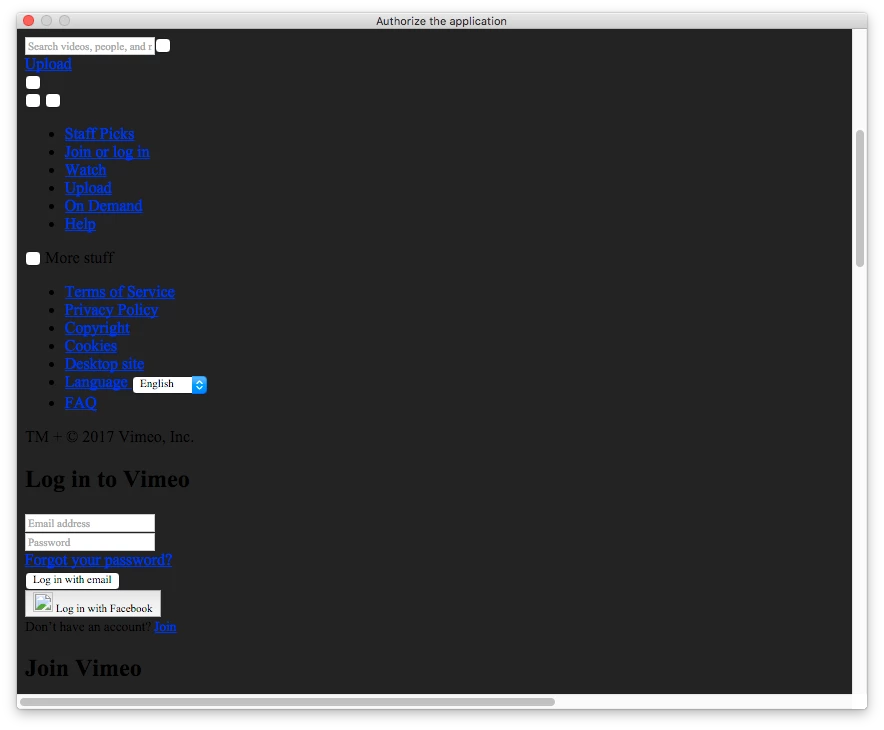
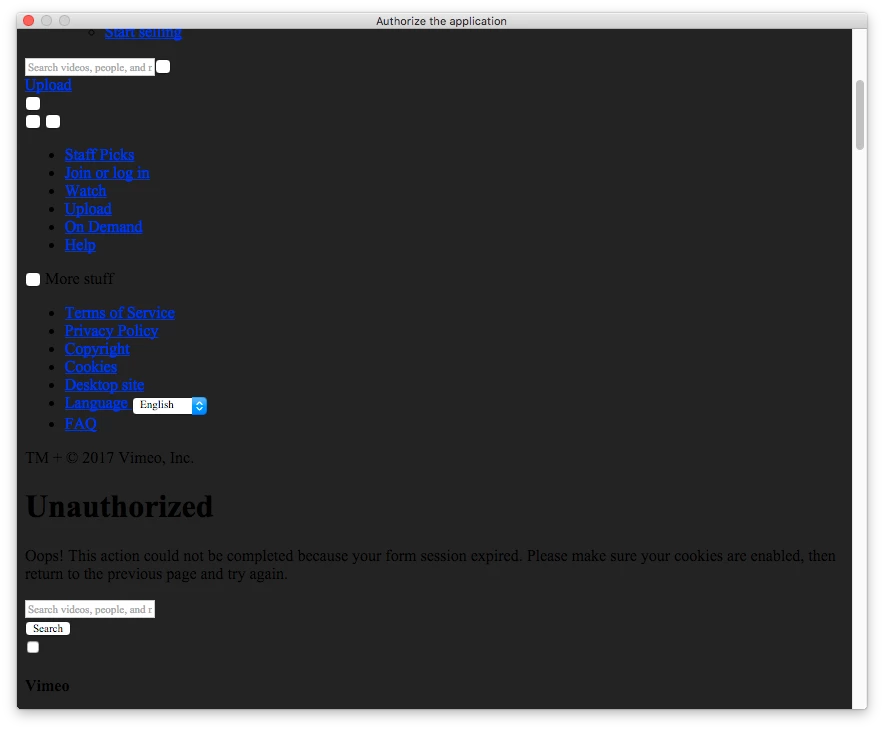
In Media Encoder, when I'm attempting to configure a preset to automatically publish to Vimeo upon encode, I click on the button to "login," and the web page that loads seems to lack formatting.  If I scroll down to find the login fields, and attempt to log in regardless, I receive an error that my form session expired, despite that I just opened the window.  I've had this problem on another computer with a different version of the application.  I'm currently on a 2016 Mac Pro OSX 10.11.6.  AME v 2017.1, build 11.1.0.107.  Any thoughts on what could be wrong?  Thanks!
This topic has been closed for replies.
Correct answer Paul R. Williams

I logged in to Vimeo.com, went to Account Settings / Connected Apps and disconnected Adobe Media Encoder CC. Then I went to the AME and in the settings for the next video that I wanted to publish I first logged out of Vimeo and then logged back in again. I was asked to grant permissions for AME and accepted that. That fixed the problem for me.

7 replies

Participant
April 23, 2020

It seems this problem has arisen again. It was working for me on another machine recently, and I love the feature. But it will not work on my Mac Pro now. Tried disconnecting it in Vimeo, logged out of vimeo, but every time I try to sign in, it gives me the regular vimeo sign in window, but it doesn;t accept my credentials. No error or anything, just goes back to tmain page again, and I'm not logged in. ANyone else having this problem?

Participant
April 27, 2020

Confirmed - not working for me either.

ShuraBorodin
Participant
May 22, 2017

Working for me now as well. Once last night and then again this morning.

tommy wh
Participant
May 22, 2017

It's working for me today. Everything seems to be back to normal.

Joscon5
Joscon5Author
Participating Frequently
May 21, 2017

I was able to compress and upload a file to Vimeo this morning using Media Encoder.  I'm guessing they finally worked out the bugs.  I'll keep an eye on it, and if it maintains, I'll mark this post "answered".

Paul R. WilliamsCorrect answer
Participant
May 21, 2017

I logged in to Vimeo.com, went to Account Settings / Connected Apps and disconnected Adobe Media Encoder CC. Then I went to the AME and in the settings for the next video that I wanted to publish I first logged out of Vimeo and then logged back in again. I was asked to grant permissions for AME and accepted that. That fixed the problem for me.

Participant
May 18, 2017

Same problem here. I hope Vimeo and Adobe fix this soon.

Joscon5
Joscon5Author
Participating Frequently
May 14, 2017

Good morning, pshankar!

I wondered if we had any more information on this problem.  While I understand that there are times Vimeo servers could be overloaded, I don't think they've been consistently overloaded the last 3 days.  Also, I'm still able to upload quickly using their web site.  So, I thought I'd see if you guys have any more thoughts on it?  Thanks again for any help you can offer!

Participant
May 11, 2017

I am also experiencing the upload error.  It encodes properly, but then fails to upload, or upload properly in some cases.  We have

05/xx/2017 06:45:58 PM : Vimeo(Upload succeeded but clip metadata could not be set.) - Upload succeeded but clip metadata could not be set.

05/xx/2017 04:57:24 PM : Vimeo(The Vimeo server failed to respond during upload.  Please check your network connection.) - The Vimeo server failed to respond during upload.  Please check your network connection.

05/xx/2017 11:38:27 AM : Vimeo(The network is not accessible, or the Vimeo server is not responding.  Please check your network connection.) - The network is not accessible, or the Vimeo server is not responding.  Please check your network connection.

Speed is not an issue...

Joscon5
Joscon5Author
Participating Frequently
May 11, 2017

Apologies, I've deleted my last comment about being resolved.  I'm having the same problem as mentioned here already now that I actually tried to upload.  My error is as follows:

"05/11/2017 11:30:02 AM : Vimeo(The Vimeo server failed to respond during upload.  Please check your network connection.) - The Vimeo server failed to respond during upload.  Please check your network connection."

Speed is also not an issue for me.  I'll keep watching for a resolution.  Thanks again, all!

Adobe Employee
May 11, 2017

Thanks for the additional info. It is quite possible that Vimeo servers are overloaded or they are slow to respond but our app is not factoring in that condition and our app times out. So you could have a real fast connection but still fail as you all have reported here. We will work with Vimeo and make publish to Vimeo feature more reliable.

Adobe Employee
May 9, 2017

This issue seems to have been now fixed by Vimeo on their side. Could you try the login again?

Joscon5
Joscon5Author
Participating Frequently
May 9, 2017

Thank you very much for your reply!  However, I'm still experiencing the same problem.  Is there anything else you can think of that I need to check on my end?  For me, the problem began when I updated to the most recent version of Media Encoder, but that could be total happenstance.  Thanks again!

Adobe Employee
May 9, 2017

You are correct. It is still broken for you and others (while it works for me). We are working on getting it fixed soon.