


Participating Frequently
June 3, 2019
Question

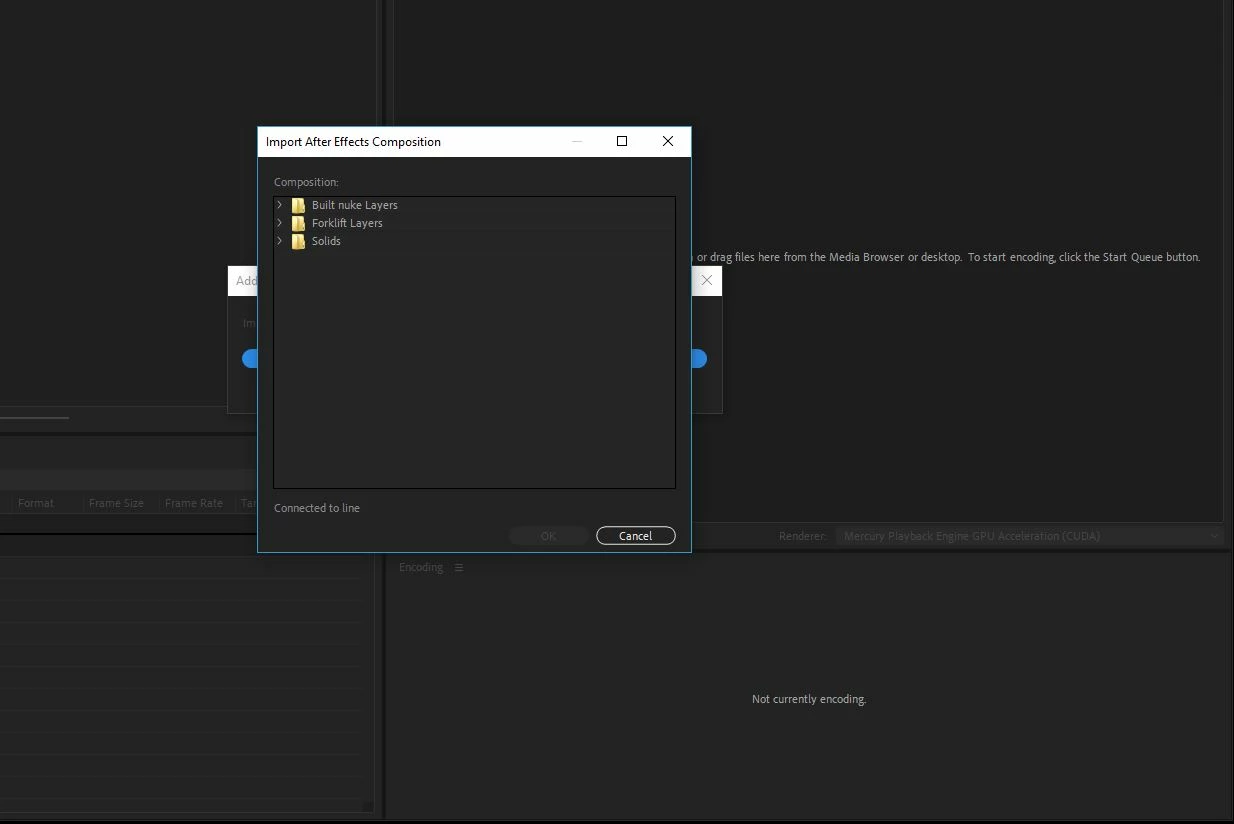
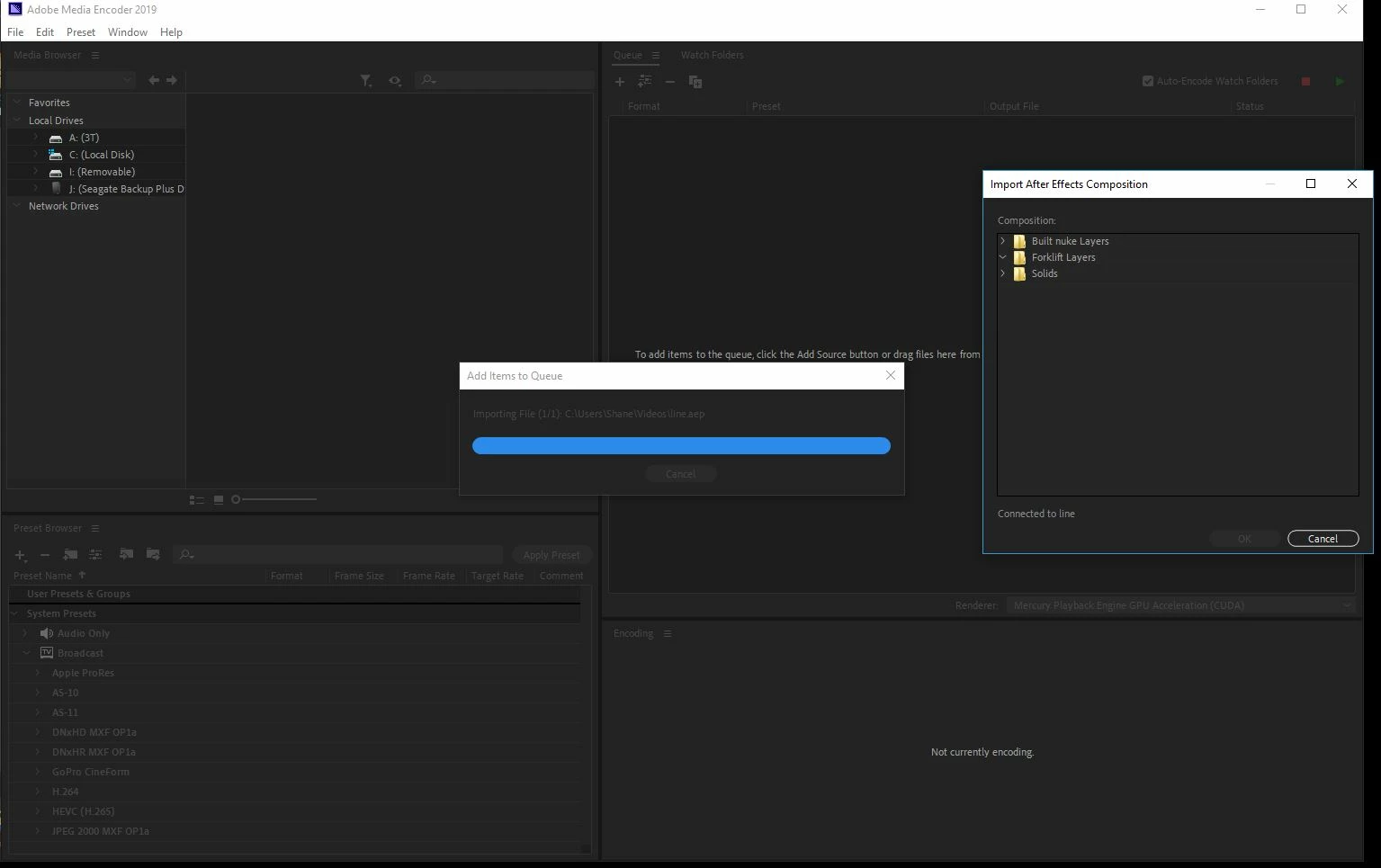
Composition don't show when I import an After effects File[Windows]

  • June 3, 2019
  • 1 reply
  • 1132 views

So i imported an After Effects File into AME and only the folders are showing in the Composition selection menu, i have tried using "Render in AME" in after effects but all that does is crash both application.
Title was edited by: mod

This topic has been closed for replies.

1 reply

Community Manager
June 11, 2019

Hi joshforeman,

Thanks for reaching out. Dynamic link should work fine if the version of both the applications is in sync.

  • Which version of After Effects and Adobe Media Encoder is installed on your computer?
  • Have you tried reinstalling the applications?
  • What happens when you import the .aep file directly in AME?

Let us know. We're here to help.

Thanks,

Shivangi

Participating Frequently
June 12, 2019

I have the current version of both. i've tried reinstalling it, same results. i've tried every way of importing files into it.

Community Manager
June 20, 2019

Most the time none of the Comps show in that menu uncles i shift open the program, and even then only the folders show and the folders are always empty. most the time its not bothered to try to connect to the Dynamic link servers either.


That's weird. I am using the latest version i.e. 16.1.2 and it is working absolutely fine here.

  • Have you tested multiple projects/compositions?
  • Do you have Adobe Premiere Pro installed? If yes, please check if the dynamic link works fine between PR and AME.
  • I can see that you are using Windows. Could share some more detail about your computer(RAM, GPU, etc)

Let me know.

Meanwhile, I'll check if there is an ongoing discussion or reports for the same issue from other users.