Participating Frequently
November 11, 2022
Question

Export from media encoder dosent match with export from Photoshop

  • November 11, 2022
  • 2 replies
  • 1552 views

Hello!

Im working with pictures everyday, and i need to post static picture and same animated picture in same place.

So i get an issue. 

Im working in sRGB color space, and im exporting:

1.GIF file from Photoshop and its matching original colour

2. Mov file from AE and its matching original colour

3. MP4 from Media Encoder, and the color is slightly cooler and darker then original.

Ive been reserching this problem for a while now, ive tried rendering only with Mercury Playback Engine , it dosent help

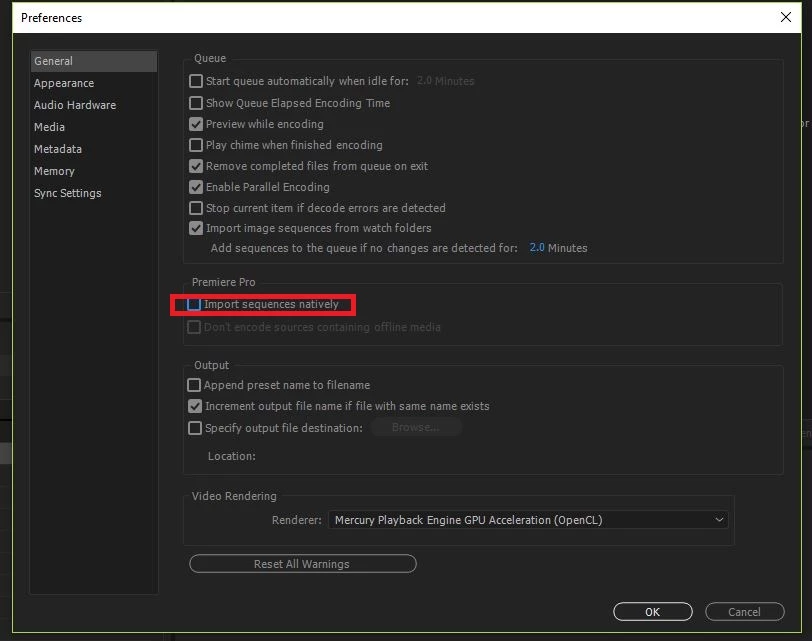
Import sequences nativly is grey, i cannot uncheck it, idk why.
 

This is original and exported colors 

Please, gods of internet HELP


This topic has been closed for replies.

2 replies

Community Expert
November 16, 2022

In Adobe Media Encoder, enable Render at Maximum Depth under the Video tab.


Then save this as a preset for use later.


Participating Frequently
November 17, 2022

Ive tried on my project, which i cant share online

but it dosnt work anyways

Original colors on the left

and on the right what ive got from AME

dont mind font btw

EckiAME
Community Manager
Community Manager
November 11, 2022

Thanks for the info. We will investigate the issue. Can you share your system specs and a mini sample project that illustrates the issue?

Participating Frequently
November 14, 2022

Ofc

Win 10 pro

Nvidia GeForce RTX 3080

AMD Ryzen 9 5950 x


I dont know which info you need about my computer, im free to give it

So in attachments i pinned gif, mov and mp4 file, i can clearly see the difference between darker colors and also pink colors