Participating Frequently
January 20, 2018
Question

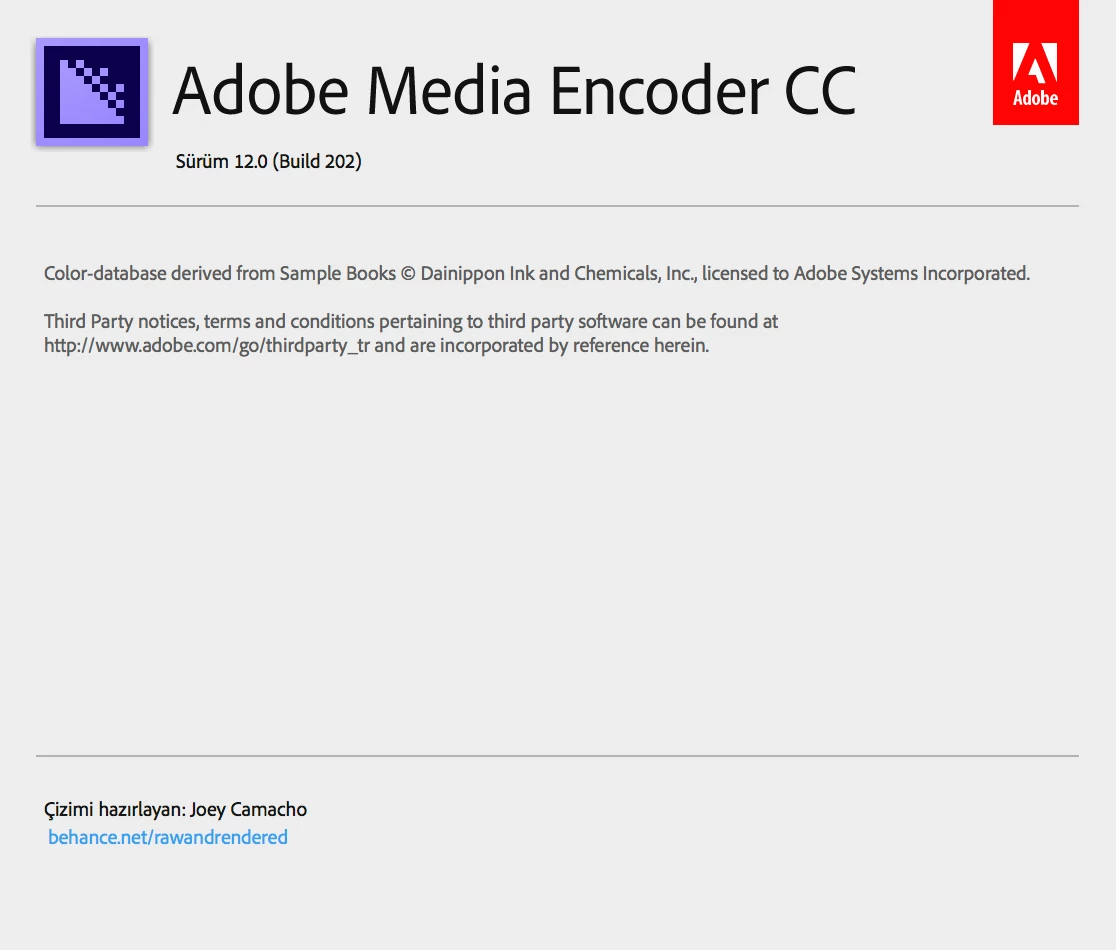
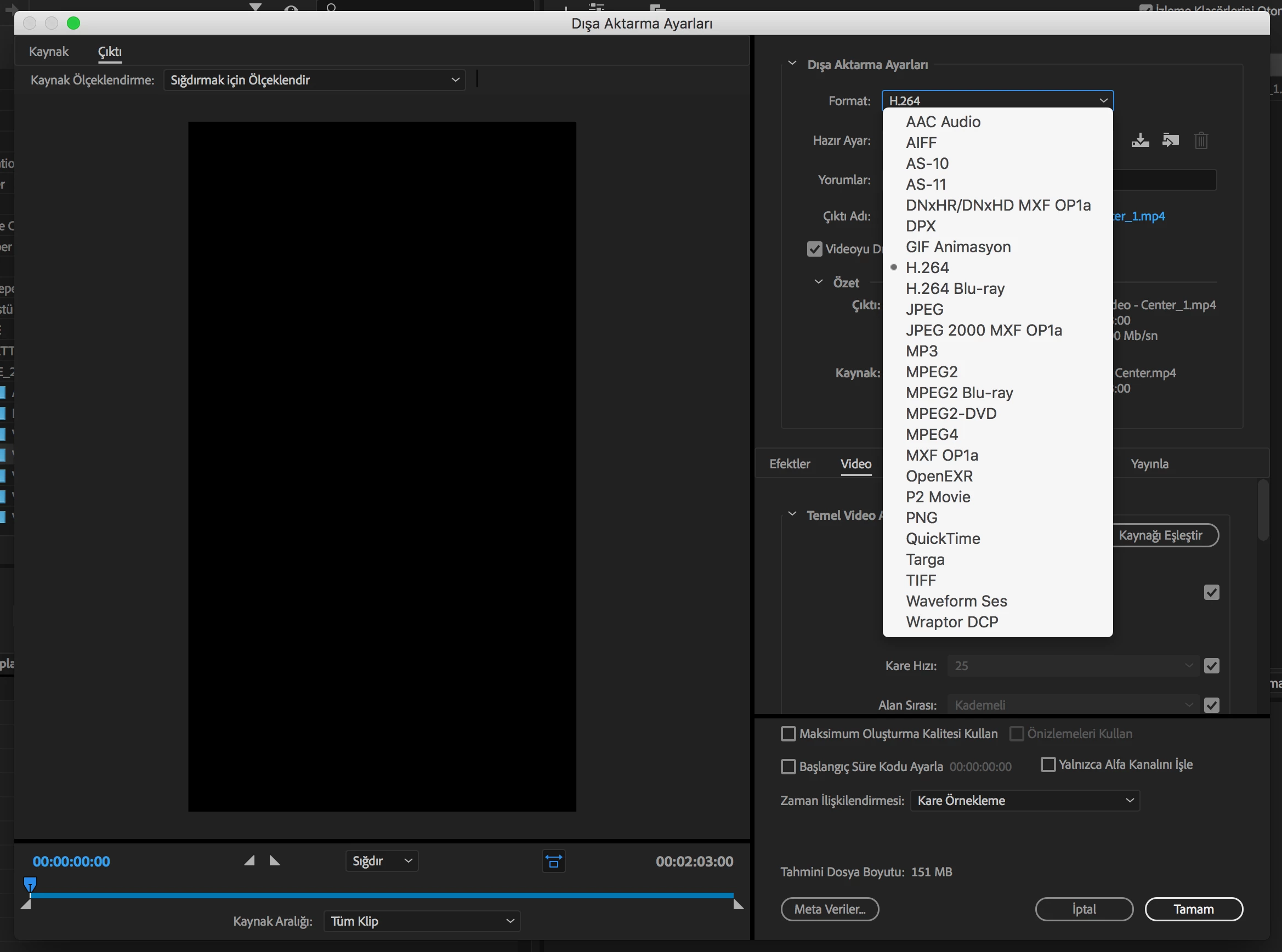
Missing codecs H265 (HEVC) in Adobe Media Encoder CC 12.0 (Build 202)

  • January 20, 2018
  • 12 replies
  • 87700 views

Hi.

However, the H265 codec is missing in the Media Encoder program.
This is very important for me. What should I do?

Please help me.

The systems and programs I use are as follows:

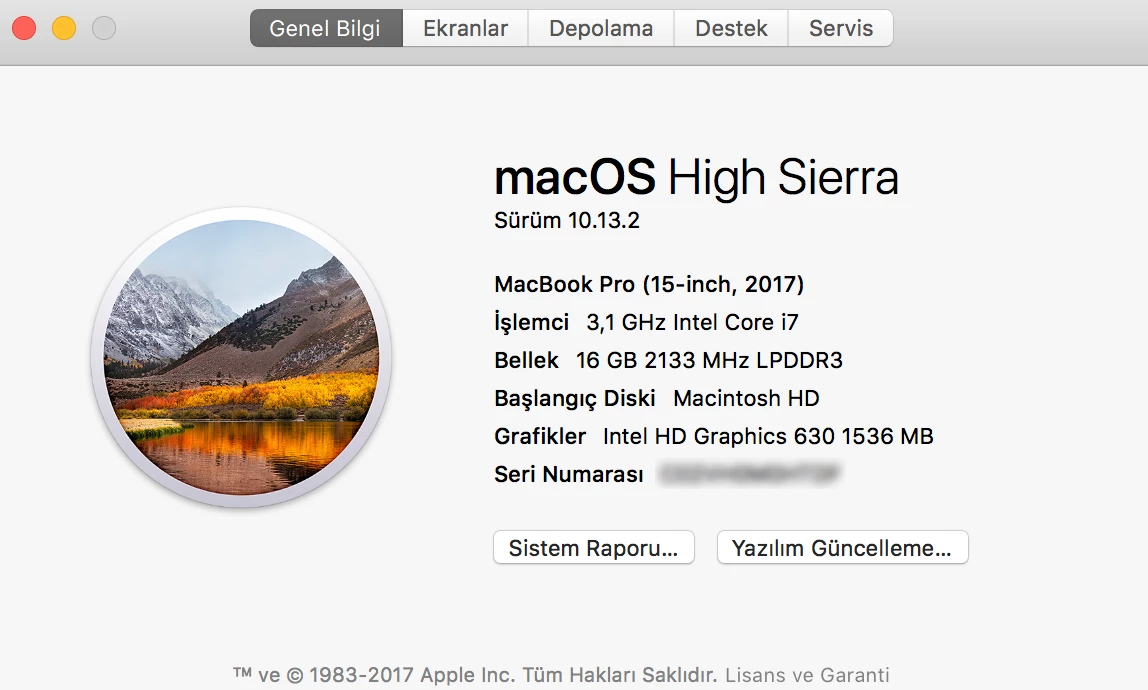
- New MacBook Pro Touch Bar (Max. Hardware)

macOS High Sierra 10.13.2

3.1 GHz Intel Core i7

16 GB 2133 MHz RAM

Radeon Pro 560

2TB SSD

- Adobe Media Encoder CC 12.0 (Build 202) (up-to-date)

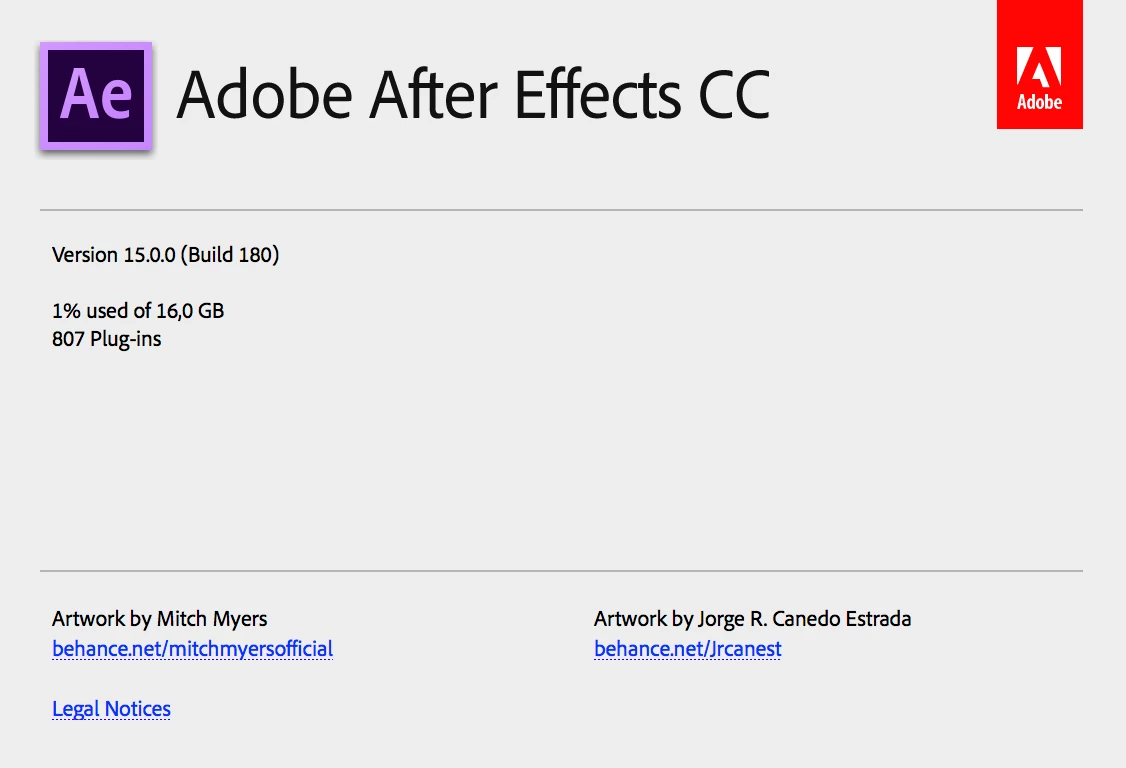
- Adobe After Effects CC 2018 15.0.0 (Build 180) (up-to-date)

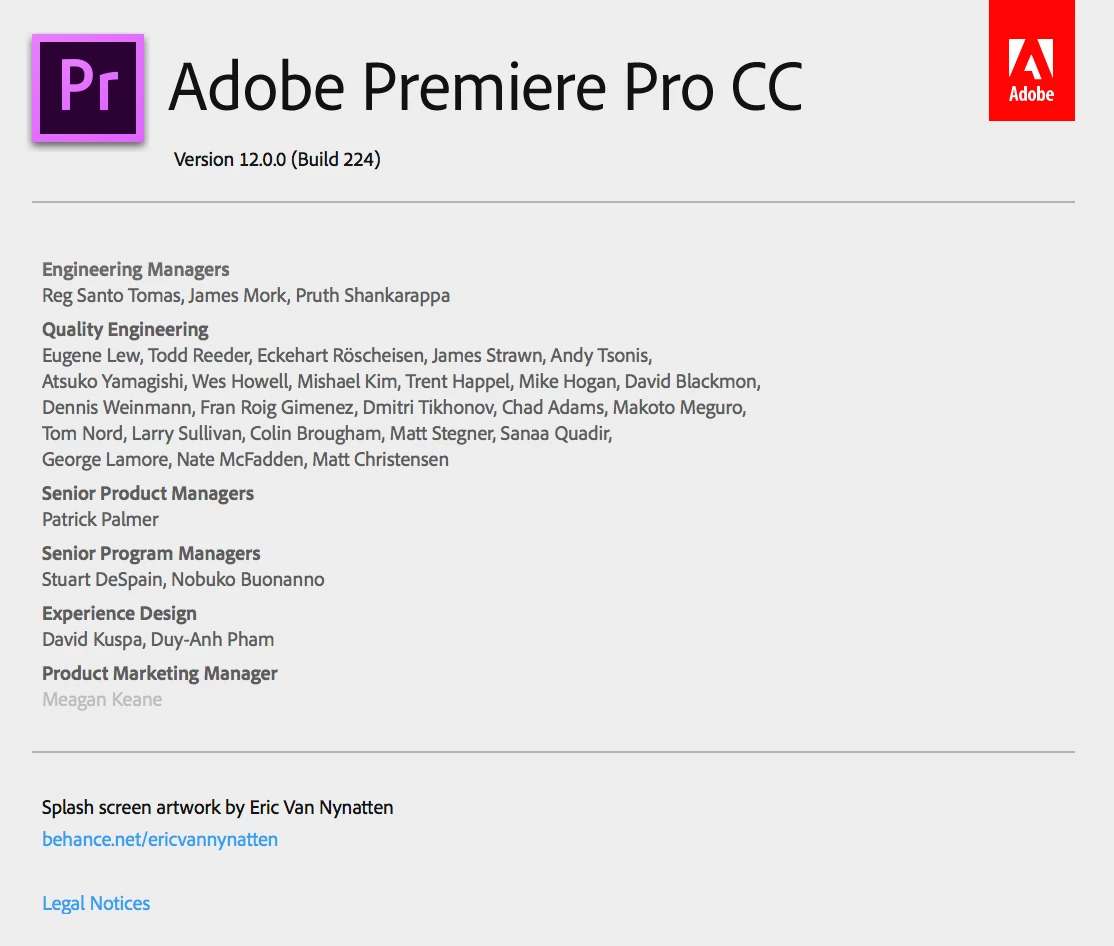
- Adobe Premiere Pro CC 12.0.0 (Build 224) (up-to-date)
12 replies

minerios
New Participant
August 30, 2020

Hey there,
I can see many users not being able to find the HEVC codec, it should be a matter of not up to date software, I'm able to see it perfectly.
One thing that I believe should help you is the AfterCodecs plugin, it fills a big codec gap in Adobe's video exporting solutions, including the h.265 (HEVC) codec, in this case, as you can see here:

http://www.autokroma.com/blog/How-to-Export-Custom-Framerates-PPro-AME/
and I will leave a video tutorial also:

https://www.youtube.com/watch?v=AxkqdNZFKPk
Best luck!

New Participant
July 3, 2020

It is 2020 my dudes, and i still cannot see the HEVC codec. Pepegrin.


New Participant
June 2, 2019

Is there a update on this issue?

It has been over one year and I still cannot find HEVC in media encoder

New Participant
September 23, 2019
This is a scam, and I will denounce the company, spending money on adobe is a scam, do not give solutions to such basic issues as a codec, the most used by 4K cameras,
Kevin-Monahan
Community Manager
Community Manager
September 24, 2019

Hi Tadeus, there is usually a reason why you may not be seeing the HEVC codec. Are you running a trial version, for example? Please let us know full details on that. If this is not a trial you are having trouble with, please contact us here.


Regards,
Kevin Monahan

Kevin Monahan - Sr. Community & Engagement Strategist – Pro Video and Audio
KMU360
New Participant
September 10, 2018

Well... still not solved.

Any news?

Kevin-Monahan
Community Manager
Community Manager
September 10, 2018

Hi KMU 360,

Kindly contact our support agents for this situation: Contact Customer Care

Thanks,
Kevin

Kevin Monahan - Sr. Community & Engagement Strategist – Pro Video and Audio
Elliot Balynn
Participating Frequently
July 12, 2018

Dear Adobe,

After all the promises H.265 still doesn't work! Any updates?

Vinay Dwivedi
Adobe Employee
Adobe Employee
July 12, 2018

Hi Elliot and all who have participated on this thread and provided their inputs.

THOR 4.6 update is out and it seems that the issue still stands but you can try to update and then uninstall and reinstall the application. Also, it would be better if you uninstall CC application, Premiere Pro and Media Encoder and check if it helps. I have reopened the BUG again and need some inputs from you all.

First of all my sincere apologies about this issue which is taking this long to get resolved and I will try to expedite the fix ASAP.

I require the logs from your machine which can be collected using the link mentioned below for Log collector tool. Please send it to me on my Email address. Please go through the instructions before using this tool.

Log Collector Tool

//Vinay

Elliot Balynn
Participating Frequently
July 13, 2018

Dear Vinay,

First of all thank you for your reply. I appreciate your help my frustration is not directed at you and I understand that there is not much that you can personally do.

I have re-installed everything, but now I get an error message saying that Premiere Pro doesn't seem to find the encoder when I open my existing project even though it has be reinstalled. Thankfully it doesn't seem to affect anything else. It still seem to be able to queue renders without a problem.

Thank you again!

Elliot Balynn
Participating Frequently
June 14, 2018

I have reinstalled everything, so latest versions of Premiere Pro, AME and After Effects.

Next week sounds good! Thank you!

Elliot Balynn
Participating Frequently
June 21, 2018

Any updates?

Elliot Balynn
Participating Frequently
June 29, 2018

Didn´t work for me, too.

I signed out, closed the application, killed all Adobe processes that were still running (CEF Helper, CoreSync.exe, ...).

Then I started it again, got my fonts reinstalled, but it still shows "No Updates"

Honestly, I´ve bee following that threat for quite a while now. It sucks!


Done all the signing out, quitting, restarting (even cleaned my screen). The issue is still there.

Elliot Balynn
Participating Frequently
June 13, 2018

Dear Adobe,

I'm having the exact same issue which I discovered when I tried to import my footage after several days of shooting.

Your software spec says that Adobe Premiere has full support for H.265!

How long do we have to wait for update? This issue has been raised several months ago, yet as of 13th of June I still cannot work with H.265. I have over 40 hours of footage in H.265. Do I spend days converting it back to H.264 or shall I wait for the update? I have about a week before it starts effecting my schedule and I WILL lose my client.

I have done a full clean up (using Adobe Clean Up tool) , reinstalled absolutely everything. Now I have a task of reimporting all the LUTs, titles, plugins etc.

What's ironic is that the beta version of Davinci Rosolve 15 has absolutely no issues with H.265!

If there is a work around, how can I email support with all my details. Your support page just keeps me going in circles and neither provides a telephone number nor an email address! There seems to be no easy way of contacting your support directly. If there is please kindly let me know. I'm based in the UK.

Kind Regards

Elliot Balynn

elliot@balynn.com (my Adobe login if you can check on your end)

Jeff Bugbee
Community Expert
June 13, 2018

Elliot, what version of Premiere/AME are you running?

New Participant
April 19, 2018

I have a similar issue. I don't use h.265, but I use Newtek codecs and they are not visible anymore. I just don't see them in the list. I am curious if there is a problem now with 32 bit codecs?

m90583877
Known Participant
April 5, 2018

I have the same issue, I have updated After Effects, Premiere and Media Encoder yesterday morning and H264 is gone from all of them (along with most of other codecs!). I am running  macOS Sierra 10.12.6. Please help!

New Participant
April 6, 2018

We have a similar issue, 3 PCs (W10) and now we cannot access QT PNG among other codecs. Everything was fine before the April update. What we had to do is roll back to CC 2017. Everything is working now as it was before.

New Participant
April 10, 2018

Same issue here. I wish the Adobe representatives would get a handle on this. Their stock responses appear to be in the order of:

You're using a trial (not using a trial, fully paid up CC account)

You need to update (everything updated)

You need to sign into Creative manager (I am signed in)

You need to launch from the Creative manager apps window (we have done)

You need to turn off the firewall (turned off)

You need to sign out, close all Adobe apps, stop Adobe processes, restart, turn off firewall, sign in and launch from CM apps window (okay, did all that, still no HEVC codecs)

You need to uninstall apps, reinstall apps, restart, turn off firewall, sign in and launch from the CM manager (really? Okay. So did all that, still nothing).

I wonder what customers have to do before Adobe representatives can a) admit that there is an issue, b) find a solution or c) tell the community that they are actively looking for a solution.

Any one from Adobe care enough to respond?

KanashimiSk
New Participant
March 19, 2018

I'm using the latest version of Media Encoder CC 2018 (12.0.1) on Windows and it doesn't contain HEVC too.