


Participant
April 18, 2020
Question

"Could not connect to project" Dynamic Link between AE

  • April 18, 2020
  • 2 replies
  • 948 views

My issue revolves around the dynamic link. I edit videos as my career, and my workflow is as follows: Premiere Pro, After Effects, Media Encoder. Just yesterday I experienced an issue when importing my After Effects composition into Adobe Media Encoder:
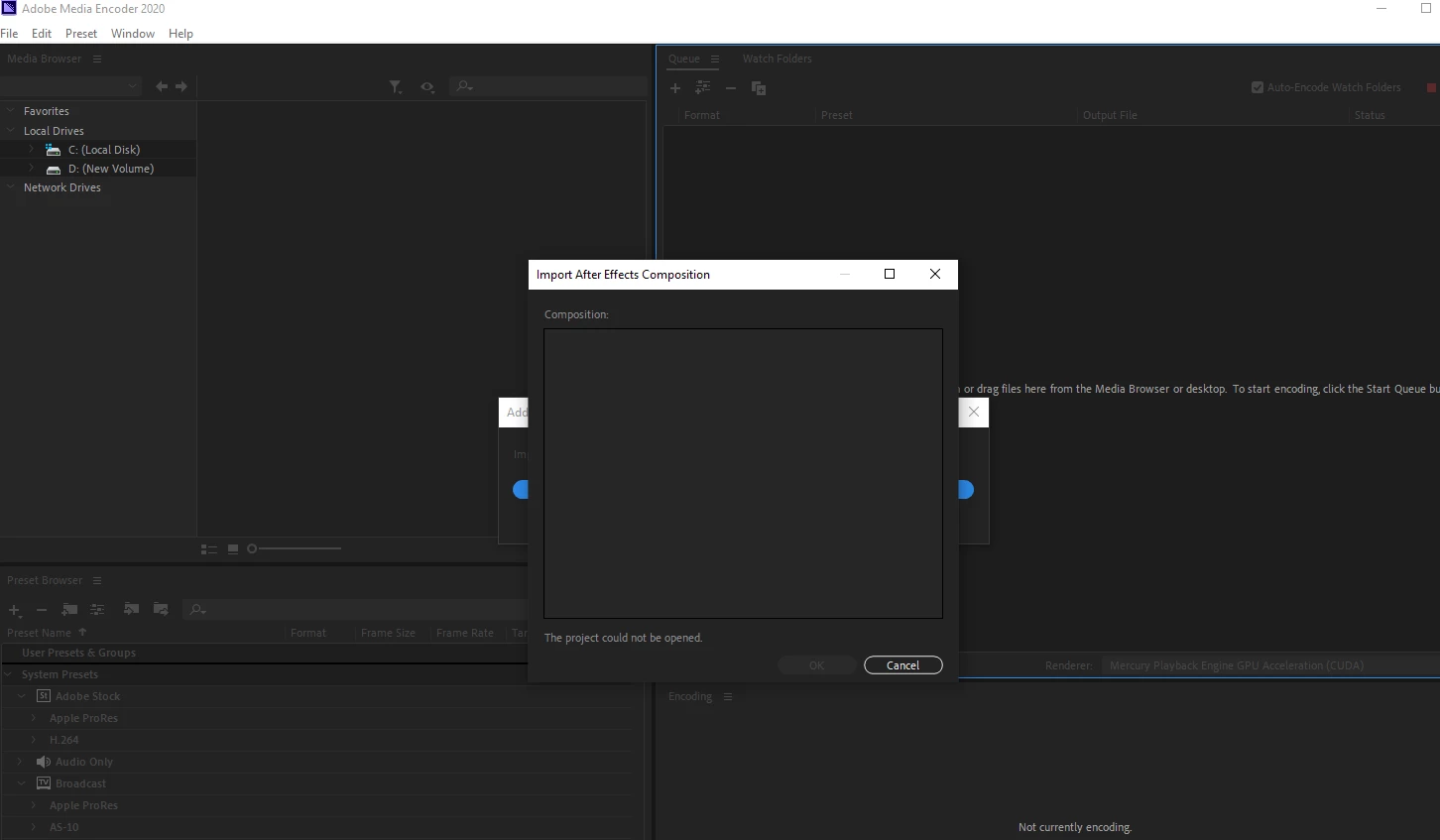
I had to work around this error by exporting inside of AE. I have tried adding to AME queue via the render tab, along with using the File/Export/Add to AME queue menu. When attempting those methods the project will either not show up in the queue or read "Could not read from source" when attempting to render or change settings:
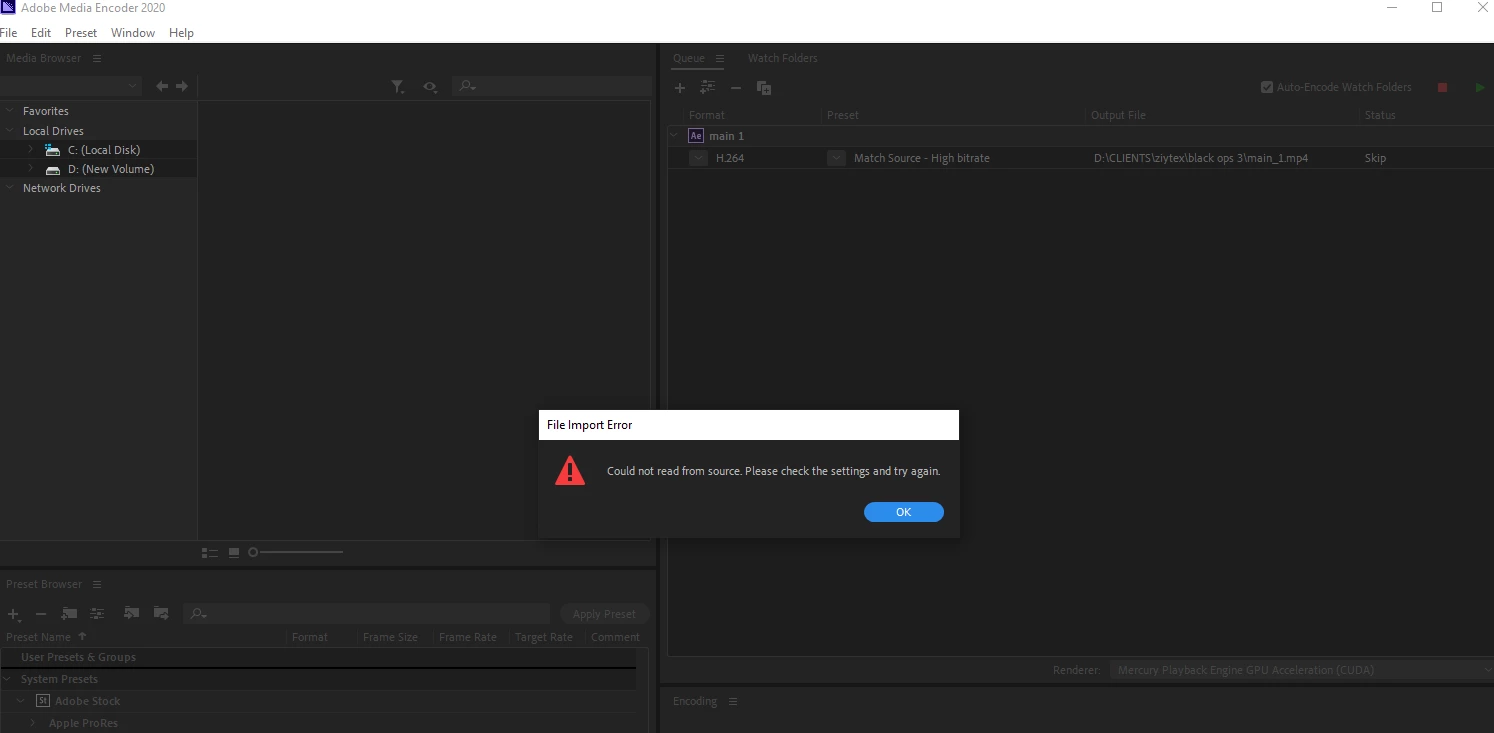
 Dynamic-link works fine when moving my premiere project into after effects, but my workflow after that is completely soiled. I need help ASAP! 

This topic has been closed for replies.

2 replies

Community Manager
May 9, 2020

Hi there,

Thanks for reaching out. Our product team is aware of this issue and they are researching on it. I researched and found some information.

Check out this article: Unable to render/export After Effects comps through Media Encoder

Let us know if you have any questions.

Thanks,

Shivangi

Brandon Loshe
Legend
May 3, 2020

Hi lukejeffes,


What version of After Effects and Media Encoder are you working on? I believe this is a known issue with After Effects 17.0.6 and Media Encoder 14.1. Are theses perhaps what versions you have? Here was my response to another user who I think is having the same problem as you:


https://community.adobe.com/t5/adobe-media-encoder/my-2020-updated-ame-is-stuck-at-the-connecting-to-dynamic-link-server/m-p/11091020?page=1#M9487