


Participating Frequently
February 8, 2019
Answered

Adobe XD cant open up file.

  • February 8, 2019
  • 10 replies
  • 17953 views

Hey Adobe XD users.

Im facing a serious issue on not able to open my files of XD.

This message keep poping out, even i had my adobe XD with the latest version of Version : 15.0.12.8.
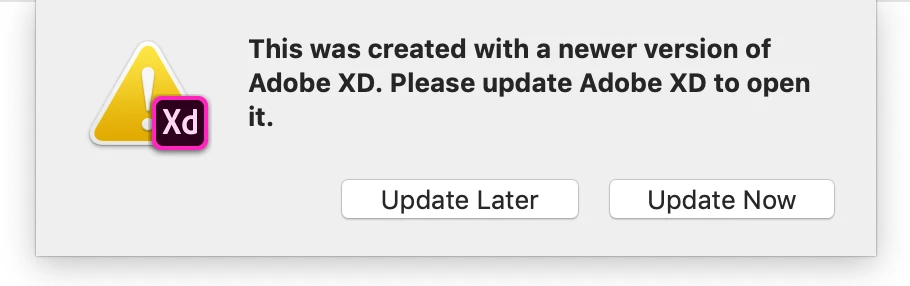
When i click "Update Now" it closed the whole XD program,  my Adobe Creative Suit shows that i had updated my Adobe XD :
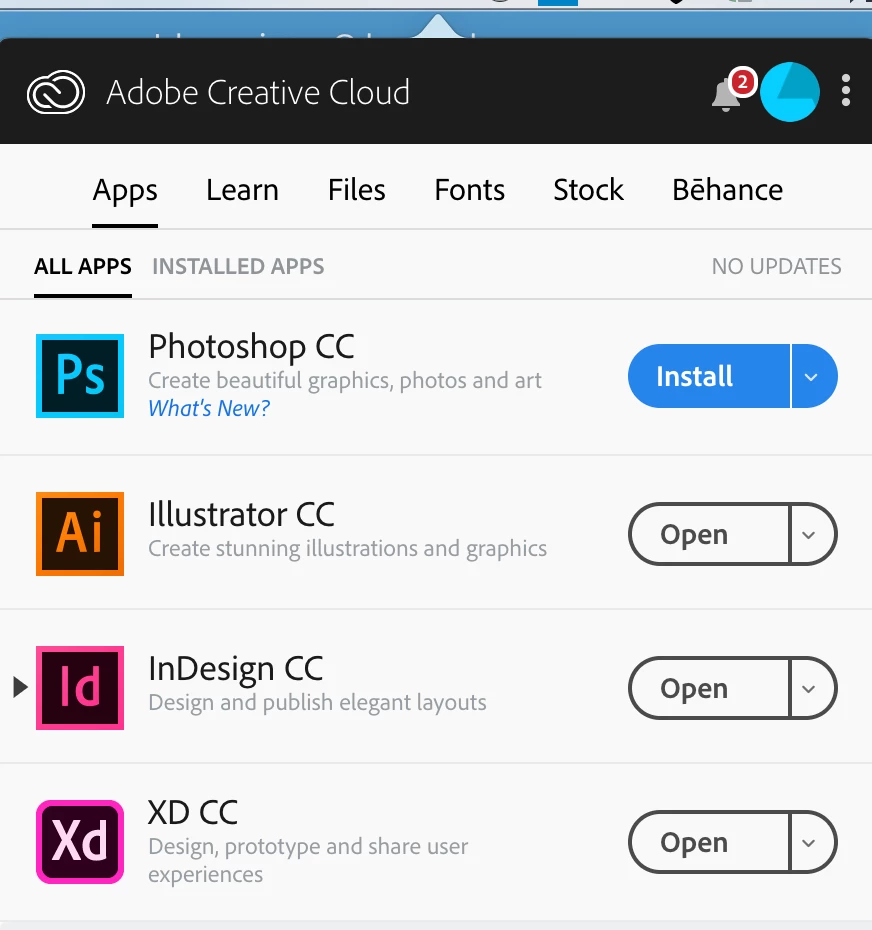
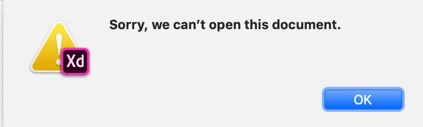
Even I had tried to revert to the older version, it still does not open the file.

HELP NEEDED, PLEASE..
    Correct answer Atul_Saini

    I am able to reproduce this issue. New files are automatically saved to the Cloud Document server and sadly can't be opened.

    Notes:

    Build: 15.0.12.8 Creative Cloud Sync 4.1.0.29

    New document

    Auto-Saved to Cloud Documents

    Xd crashed when laptop sent into sleep mode

    Document shows up in Recent Docs and in Cloud Documents directory

    Opening document:


    Hi everyone, please update Adobe XD to the latest release Adobe XD 16 and please update this discussion if this issue has resolved for you.

    Here is how you can update to the latest build: - Update apps to the latest release of Adobe Creative Cloud

    Thanks,

    Atul_Saini

    10 replies

    New Participant
    August 30, 2025

    I want to open my old adobe xd all files but on creative cloud not seeing xd app to download, why

    Participating Frequently
    March 11, 2021

    If you have an older version that you can't upgarde this might help you: https://xd2sketch.com/open-xd-file-old-corrupted

    Participating Frequently
    July 18, 2019

    This is not solved. Not in my world. In fact. As of today XD won't open 30 of my most recent projects. All of which is client work. Reproducing the work is not viable. Opening them all on another user computer is not viable. Everything is updated. My computer has been restarted. This beyond a serious issue, and erases any reason to use XD.

    Participating Frequently
    July 18, 2019

    I'll add that I can view them on the cloud site but unable to open them in the XD application.

    cmgap
    Community Expert
    July 18, 2019

    Can you share a document so that  I can try to open it?

    muratm6501608
    New Participant
    March 19, 2019

    Hi guys,

    I'm having a problem with my version of Xd.

    I have the latest version installed but when trying to open up an Xd file from the internet, it's warning me that was made with a newer version of Xd.

    Can someone help me with this issue I'm facing?

    Thanks in advance!

    Atul_Saini
    Community Manager
    Community Manager
    March 19, 2019

    Hi Muratm,

    Sorry that you are unable to work on this file, I would like to know the exact version which you are using right now? Please go to "Help" menu and then "About XD".

    Awaiting your response.

    Thanks,

    Atul_Saini

    Peter Villevoye
    Community Expert
    May 25, 2019

    Hi

    I've got the same kind of problem.

    My XD version : 18.1.12.1

    Viewing some tutorials, it appear that I'm missing some features :

    - guides

    - timer

    I can't open some ressources (EX : auto animate,...).

    Same message  "This file was created with a newer version..."

    Anyway My CC app says that my XD is up to date.

    I've got a CC subscription for all apps...

    I'm on Mac with High Sierra OS (10.13.6)

    Please, help me !

    Best regards

    Eric DAIME


    Well, your XD version is certainly not the latest one. The version should be something in the realm of 19 ! So that probably explains why files are not opening and certain features missing. And the real culprit is either accidentally having/using multiple versions of XD on your system (do a Spotlight search for "XD"), or your CC Desktop Panel not being aware of this latest version (try signing out and back in again with your CC panel).

    New Participant
    February 8, 2019

    It appears there is a serious problem with this update. I have read several reports of this problem online.

    Atul_Saini
    Community Manager
    Community Manager
    February 8, 2019

    Hi Everyone, sorry for the inconvenience it has caused to you, the engineering team is aware of this issue and they are working on this fix actively. Meanwhile, I would like to know if you have shared the xd file with Preran as per his request?

    Thanks,

    Atul_Saini

    anase67820426
    New Participant
    February 8, 2019

    Also having the same issue. Stuck on version 15, shared to someone who is on version 16, and now unable to open the file on my version 15 XD CC.

    Participating Frequently
    February 8, 2019

    WE NEED REPLY FROM XD!!!!!!!!!!!!

    New Participant
    February 8, 2019

    Version : 15.0.12.8.

    I have been working on the file since August! I cannot recreate all the work that has gone in to it.

    Preran
    Community Manager
    Community Manager
    February 8, 2019

    That was just an option in case if it was possible. I perfectly understand if that isn't a viable solution for you.

    Do share the file with me, and I will try to investigate at my end.

    Thanks,

    Preran

    cmgap
    Community Expert
    February 8, 2019

    Did you restart your computer after updating? Have your tried to completely sign out of the Creative Cloud Manager (not quit) and then back in?

    Participating Frequently
    February 8, 2019

    Hey, i did it doesnt work either. Even uninstall and reinstalling both old n new version. It just happen today, all the file that was save today was unable to open.

    cmgap
    Community Expert
    February 8, 2019

    Can you share the file?

    Can you create a new document? Can you open other documents?

    Abambo
    Community Expert
    February 8, 2019

    Discussion successfully moved from Adobe Creative Cloud to Adobe XD CC

    ABAMBO | Hard- and Software Engineer | Photographer
    mattias1978
    New Participant
    February 8, 2019

    Hi,

    I'm getting the 'this was created with a newer version of XD' warning when trying to open file/s I created yesterday?

    I've updated to the latest version, all seems to install fine and about menu option tells me I'm running the latest (15.0.12.8) but some how I'm still getting this error???

    Any solutions or reasons why on earth this is happening?

    Mac OS Mojave 10.14.2

    Participating Frequently
    February 8, 2019

    XD has no upward compatibility.