Participant
May 26, 2023
Answered

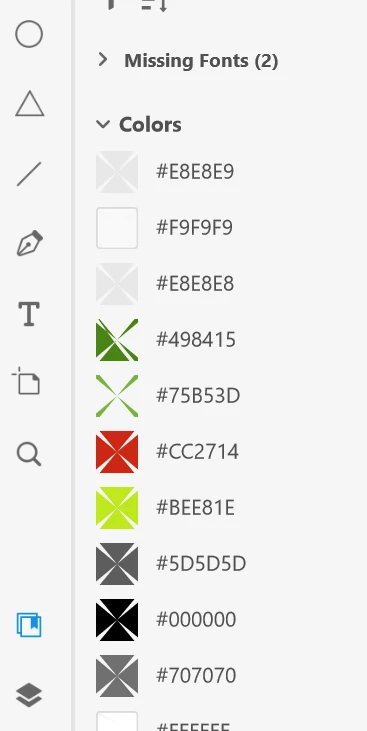
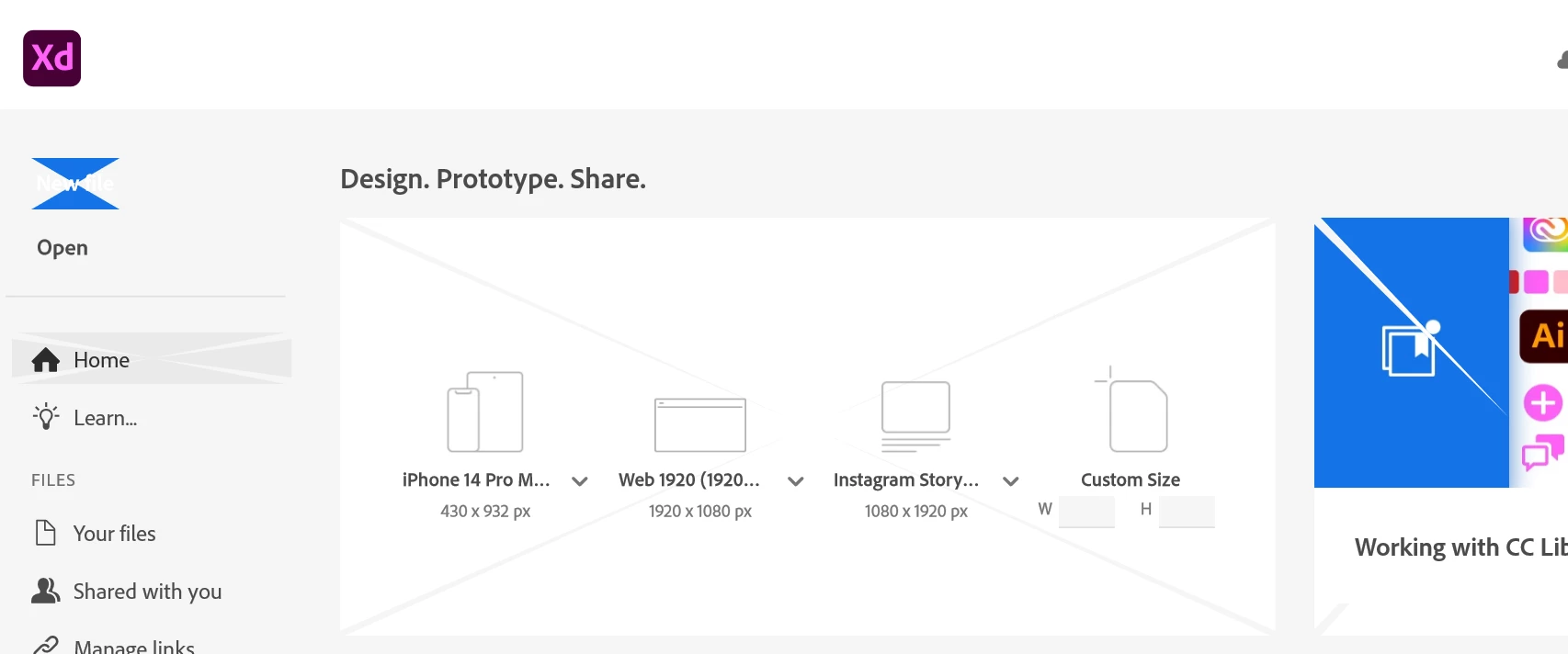
Adobe XD software does not display properly, can't see buttons

  • May 26, 2023
  • 1 reply
  • 995 views

The buttons and views of files in the toolbar menus does not seem to be displaying properly. Has anyone else seen this. 
This topic has been closed for replies.
Correct answer Rishabh_Tiwari

Thank you for confirming. This display glitch is not expected, so have you tried re-installing the application? If not, would you mind trying that and let us know if that solves the issue? 

1 reply

Rishabh_Tiwari
Community Manager
Community Manager
May 26, 2023

Hi @Jessica29999915fgno ,


Sorry to hear about the trouble. Would you mind sharing the version of XD & OS along with hardware details like if you're using XD on a primary screen or an extended monitor? Also, is this happening with a specific file or multiple files?


Thanks

Rishabh

Participant
May 26, 2023

This issue happens with the program Adobe XD it doesn't matter which file I am in. I have Windows 10 Enterprise. 32 GB of RAM, Intel HD Graphics 4600, 3.4 GHz cpu. The X are on the file menus as well. It's basically over any actionable item that is clickable. See here on the close button as well.


Rishabh_Tiwari
Community Manager
Community Manager
May 29, 2023
The Adobe XD program is no longer available to download from the creative
suite for whatever reason so I cannot reinstall it.

Hi @Jessica29999915fgno ,


Please check now and let us know if you can download XD & if it's working or not. 


Thanks

Rishabh