



Answered
Adobe Xd - strange "50" error when opening new document
Since the new update I can't open any new documents anymore. Whenever I select the dimensions of the document Adobe Xd displays a strange error message with the number "50" being the only content of the message (see image). When I click on OK the app opens but the new document doesn't and I can't do anything else but close the app or open an existing document.
It has basically rendered my Xd useless because I can't work on any new things. Anyone know what's going on? I tried uninstalling Xd and installing it again, restarting Windows, but nothing helped.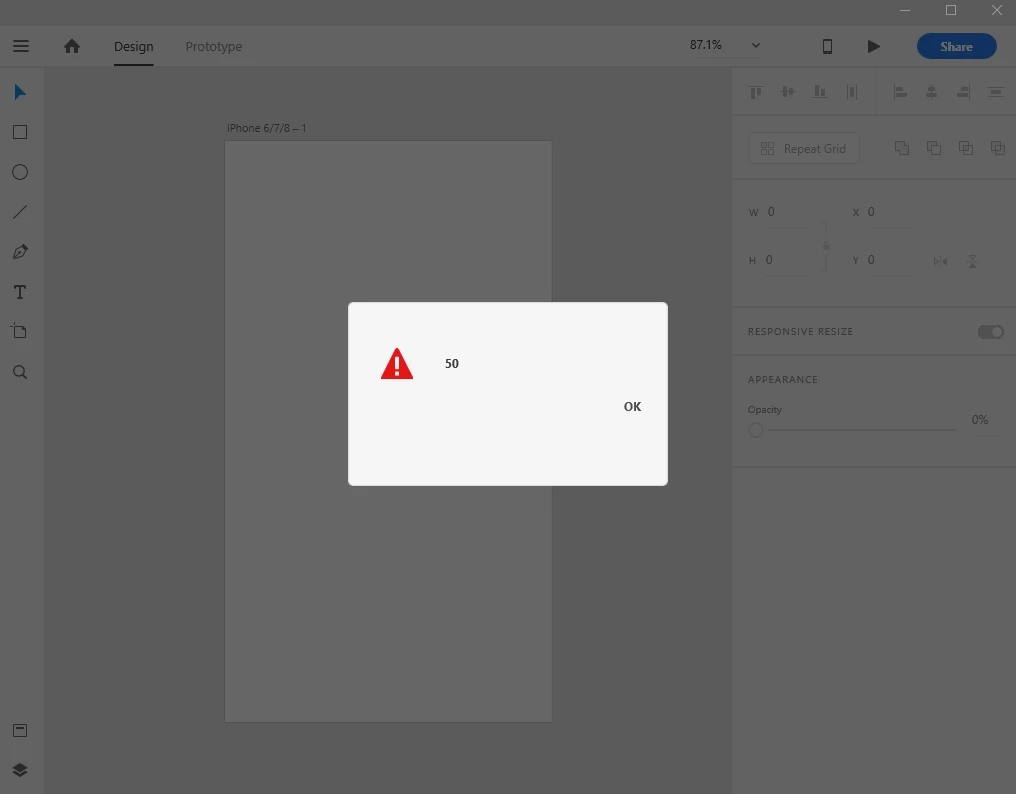
 AdChoices