


Participant
June 10, 2020
Answered
Applying shadow to element makes it invisible in publish/share
- June 10, 2020
- 1 reply
- 687 views
Ive created a mobile device mockup with toolbar, navbar, elements on screen, text, etc.
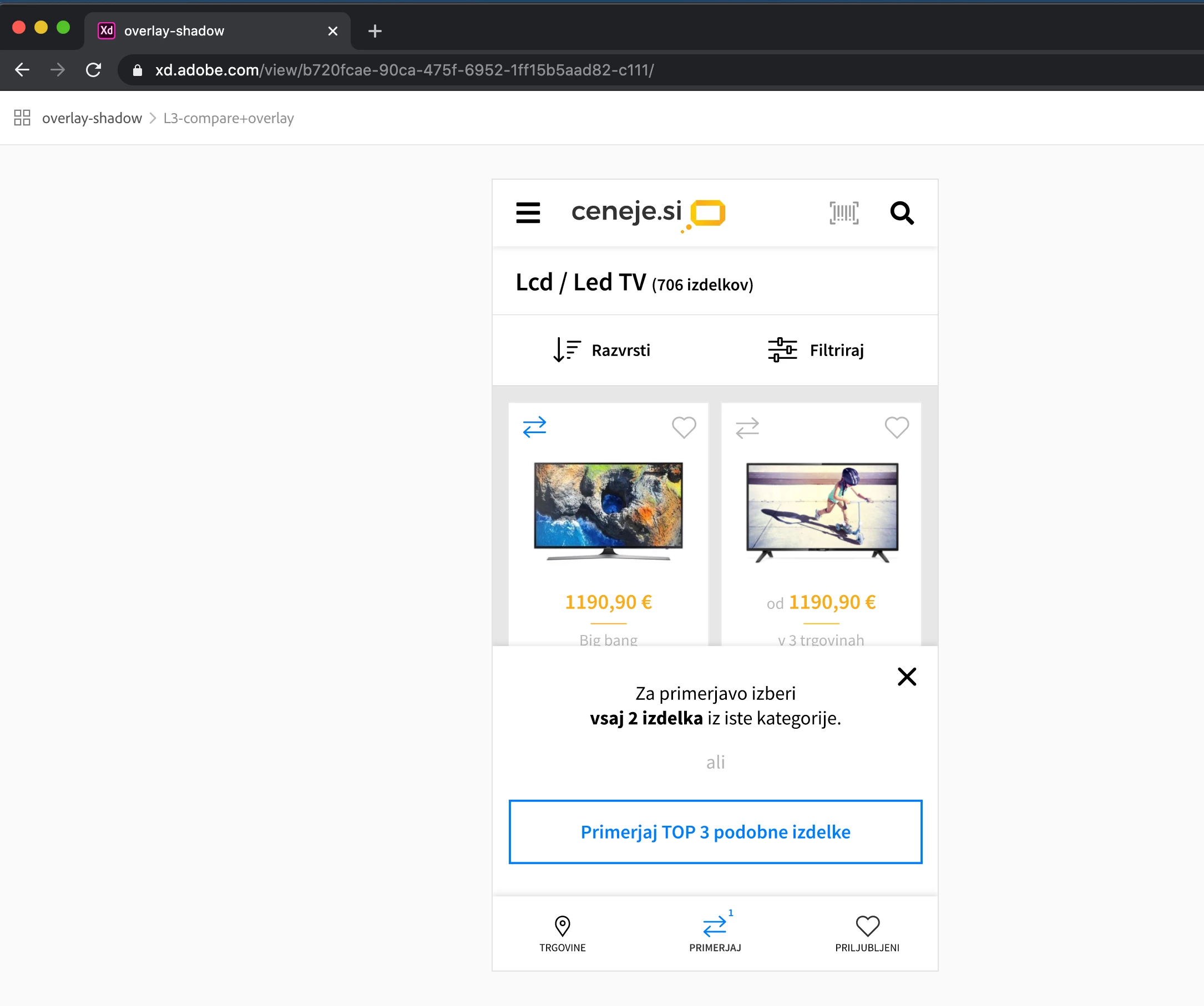
there is a problem with only 1 element: a simply rectangle that has drop shadow applied.
ni design/prototype/share tab this shadow is visible, the element is visible, everything is okey.
but when I create a share link and view this screen, rectangle is missing.
see screenshot for design settings and link to shared file: https://xd.adobe.com/view/b720fcae-90ca-475f-6952-1ff15b5aad82-c111/
anybody have an idea why this is so?
if you remove shadow, rectangle is visible in share.
 AdChoices