


Answered
Can't click the notice buttons
The Adobe notice freezes the application window, so I can't drag it, and now I can't click the buttons. I must force quit this... See below.
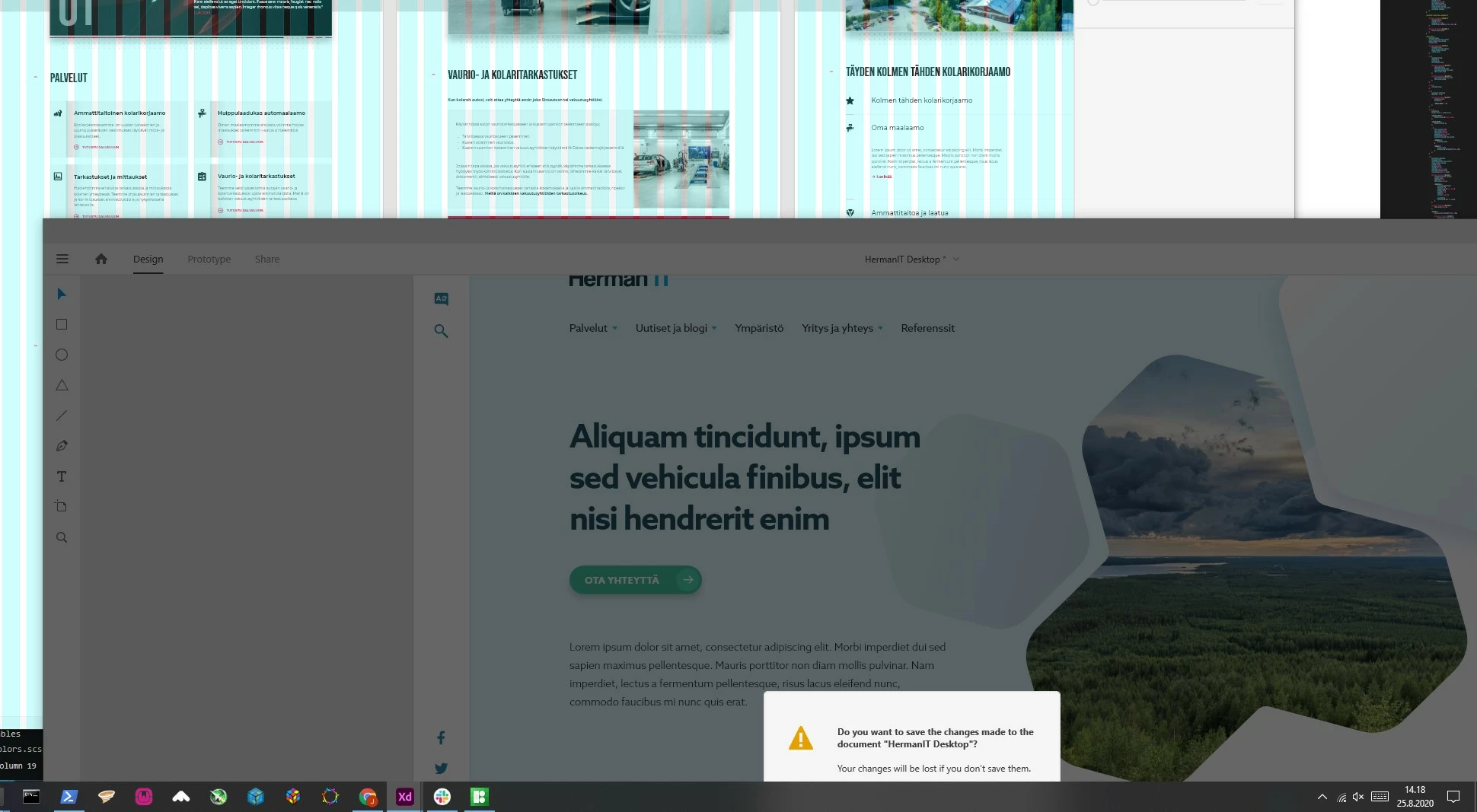

The Adobe notice freezes the application window, so I can't drag it, and now I can't click the buttons. I must force quit this... See below.
I have to force quit the program before I can continue to work. It seems you didn't understand the problem here. Please see the attached images.
And this happens on Windows platform. Drag the XD-window way up or down. Then close a local file, that is not saved yet. XD gives a warning and it freezes (can't drag) the window in the process (dark gray). When the warning message is hidden, I can't do anything but to force quit.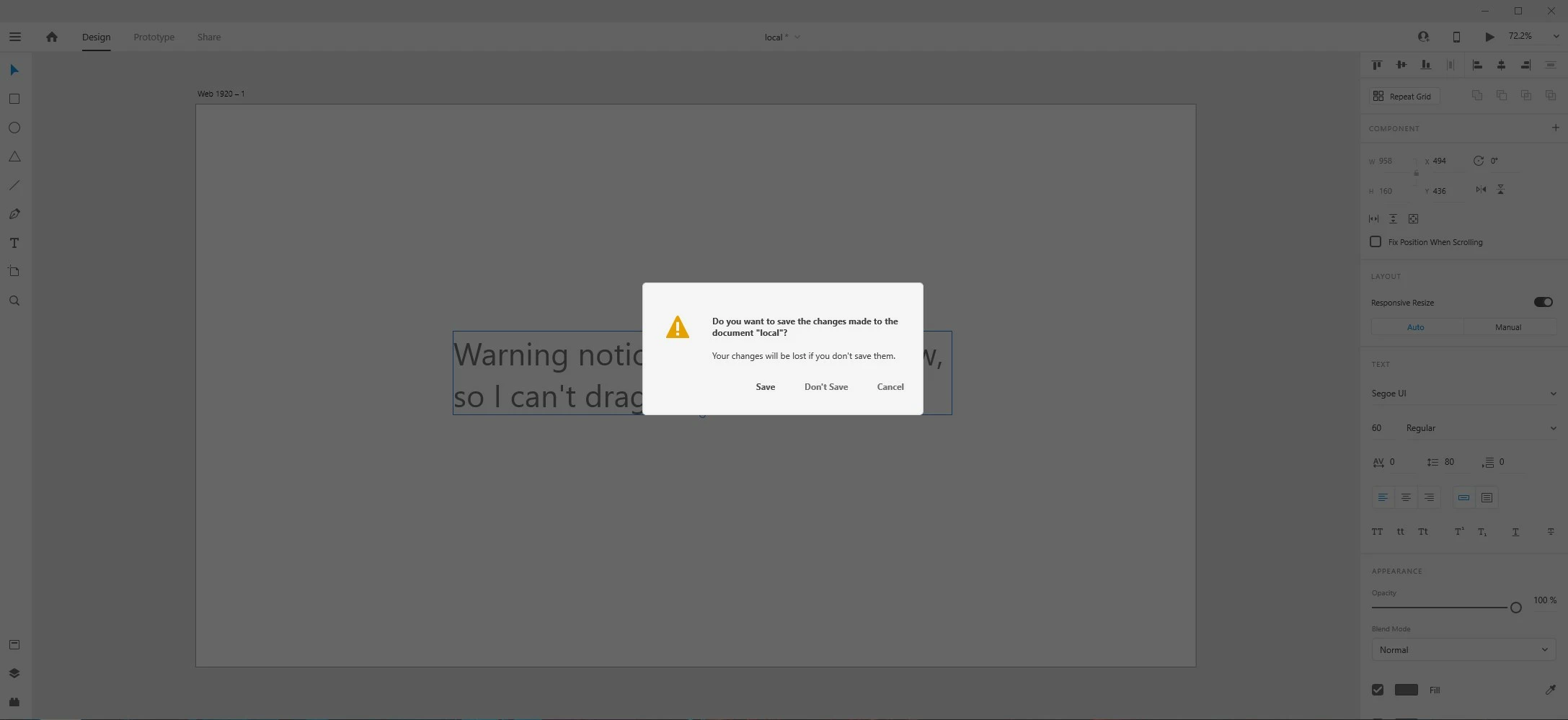

Make sure your mouse cursor is somewhere around here, and you'll be able to drag the window. Otherwise it doesn't seem to drag it properly. You also seem to be able to click on the maximize button.
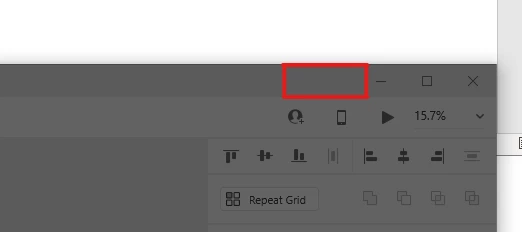
Other than that, you can use Tab. "Save" is selected by default. If you press Tab once, you will select "Don't Save", on the second press, you will have selected "Cancel". And then back to "Save" again.
It's just bad design, as other programs will "spawn" the confirmation box visibly somewhere, outside the actual application window. It's possibly a limitation of the UWP apps, which Xd is, unfortunately.
Already have an account? Login
Enter your E-mail address. We'll send you an e-mail with instructions to reset your password.
 AdChoices