


Cannot find 'browse plugins' option - Adobe XD 55 for Windows
Dear Community,
Thank you for your time.
I'm trying to install the 'Web Export' plugin for Adobe XD 55 on my Windows computer, however it appears that it is not possible to install any plugins. I've tried the 'troubleshooting plugins' doc, but I don't see any errors, the option to get plugins is simply not there.
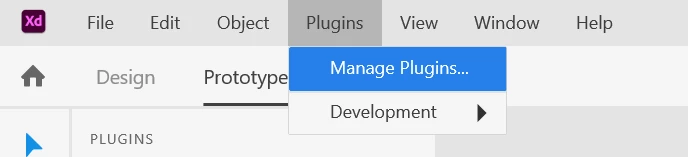
For example, when I go to 'Plugins', all I see is 'Manage Plugins', and 'Development'. I don't see the 'browse plugins' option at all:
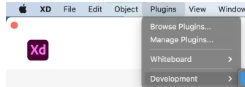
I think below is what it is meant to look like this when I click 'Plugins', but it doesn't look like that for me as there is no 'browse plugins':
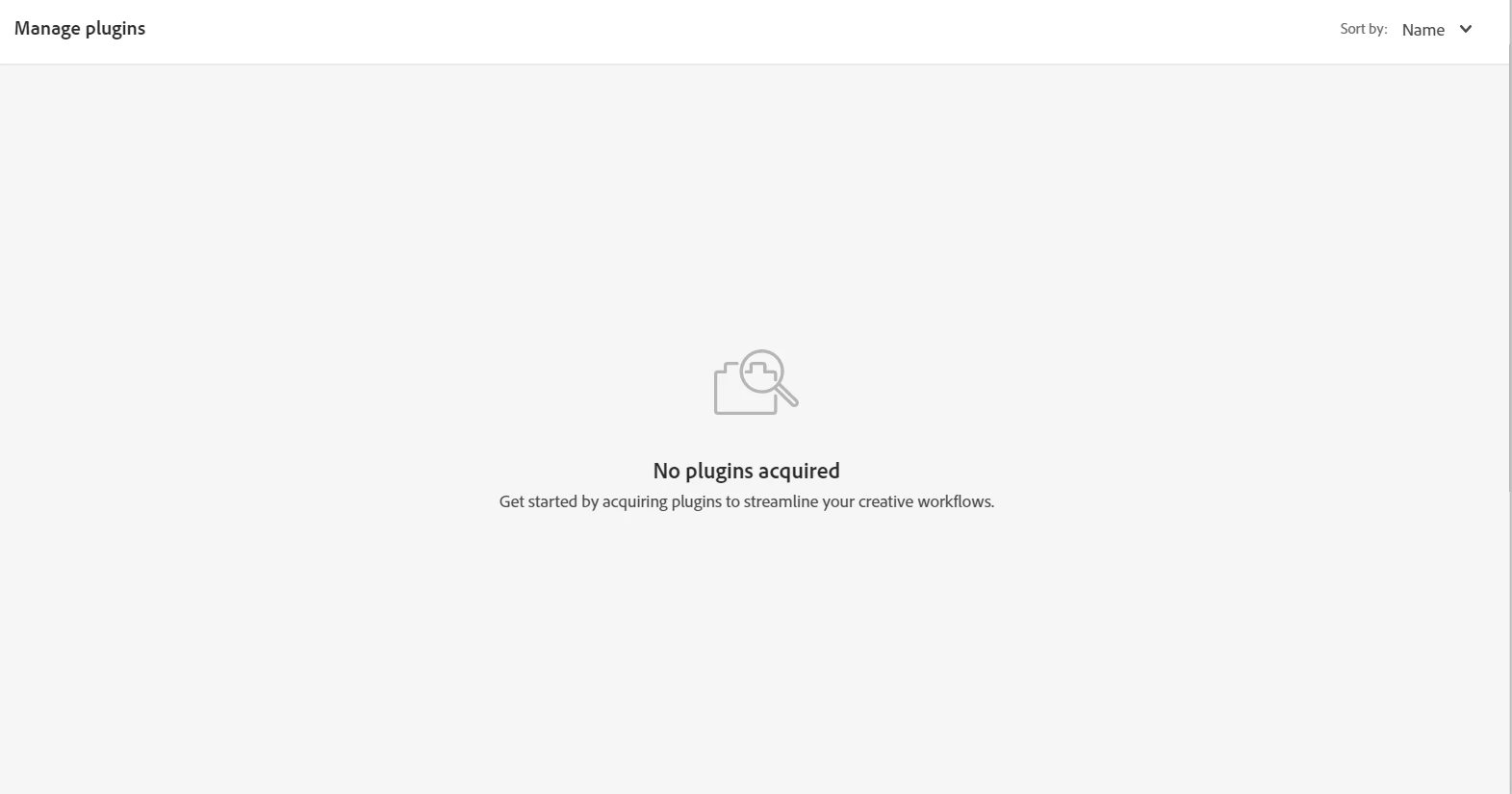
Clicking on 'Manage Plugins' just brings me to a page where it reminds me I have no plugins, as does not offer a way to install any.
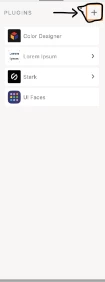
Additonally, I tryed to install plugins the alternate way, through the plugins panel. However, in the plugins panel, I see no plus button (+) as shown in the Adobe Docs to install any plugins:
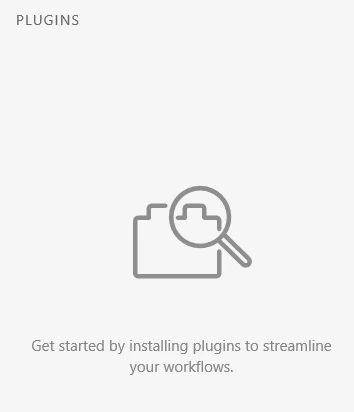
I think it is meant to look like below, but I doesn't for me as there is no plus button (I have highlighted the plus button which doesn't appear for me in the photo):
I do not see at all how to get plugins, it appears like every possible way to get them is disabled.
Please help.
Thank you for your time!
Info:
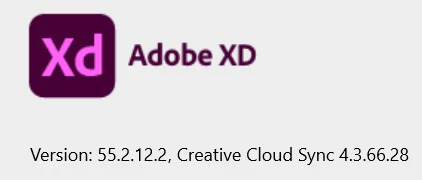
My XD Version:
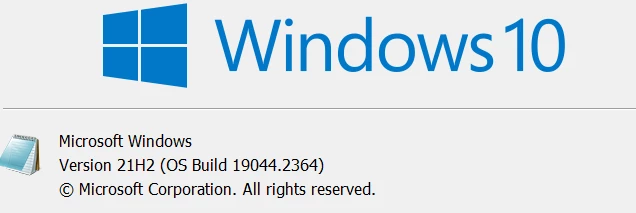
My Windows Version:
 AdChoices