



Customized components revert to their default state after updating library.
Hi,
I've decided to change opacity of buttons' disabled state. Now all customized buttons in my design reverted to their default template state from cloud document. I have a lot of buttons in my design, so manually fixing them one by one is not an option. Is there any way to fix this? Or at least is there any guide on how should I use linked components so that they don't revert to their original state?
This is a very urgent question, because my work is totally ruined now.
Update: I've tried to capture this issue step by step with a new document with new lincked assets, but could not replicate exactly the same behavior. Instead I've got another issue which ruined buttons components in my design. Added new video attachment.
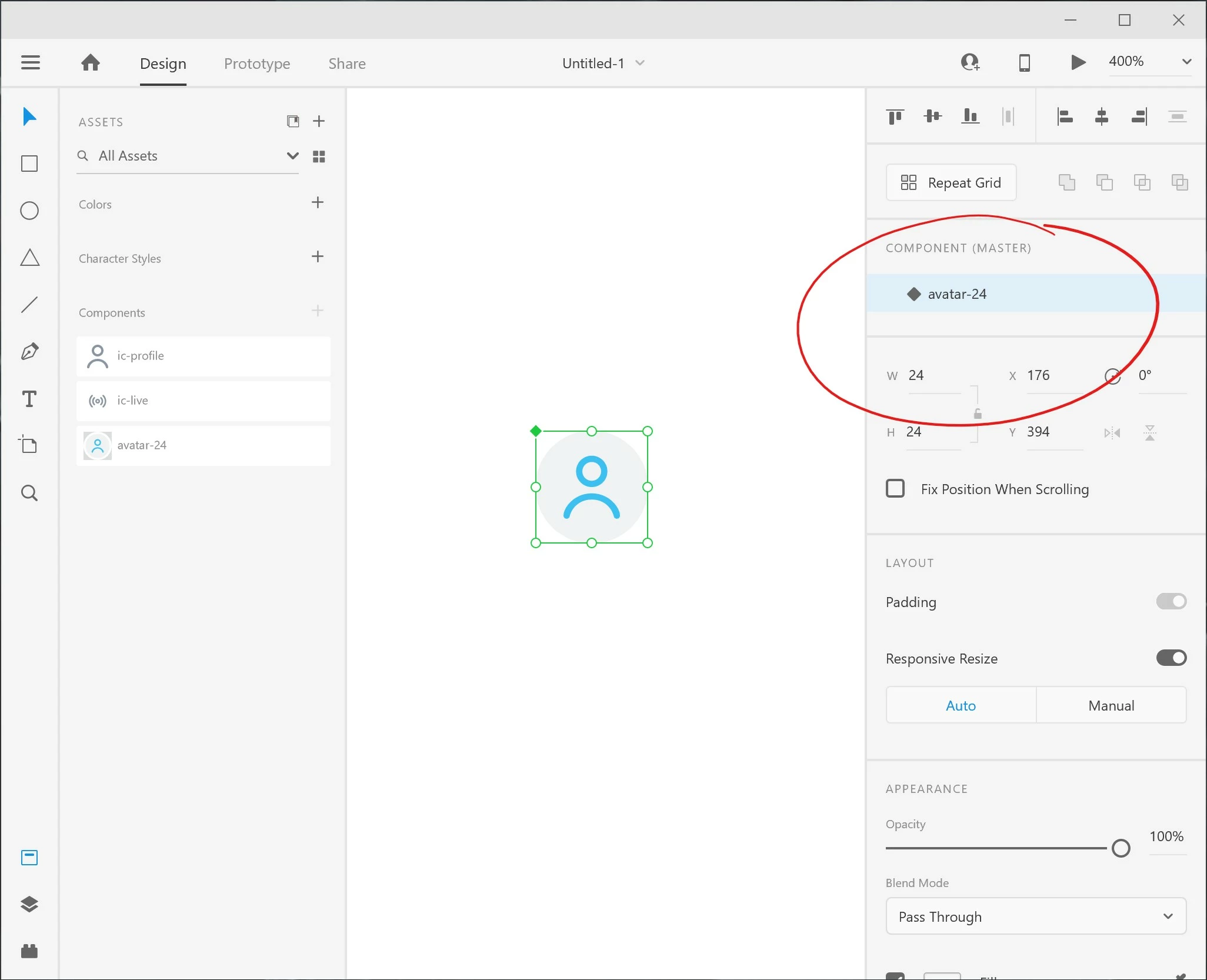
Update 2: I've got a new issue, after making a local component from a linked one it lost it's Default state and the ability to add new states. I can not attach an Adobe XD file here for some reason but here is rhe screenshot.
 AdChoices