


Answered
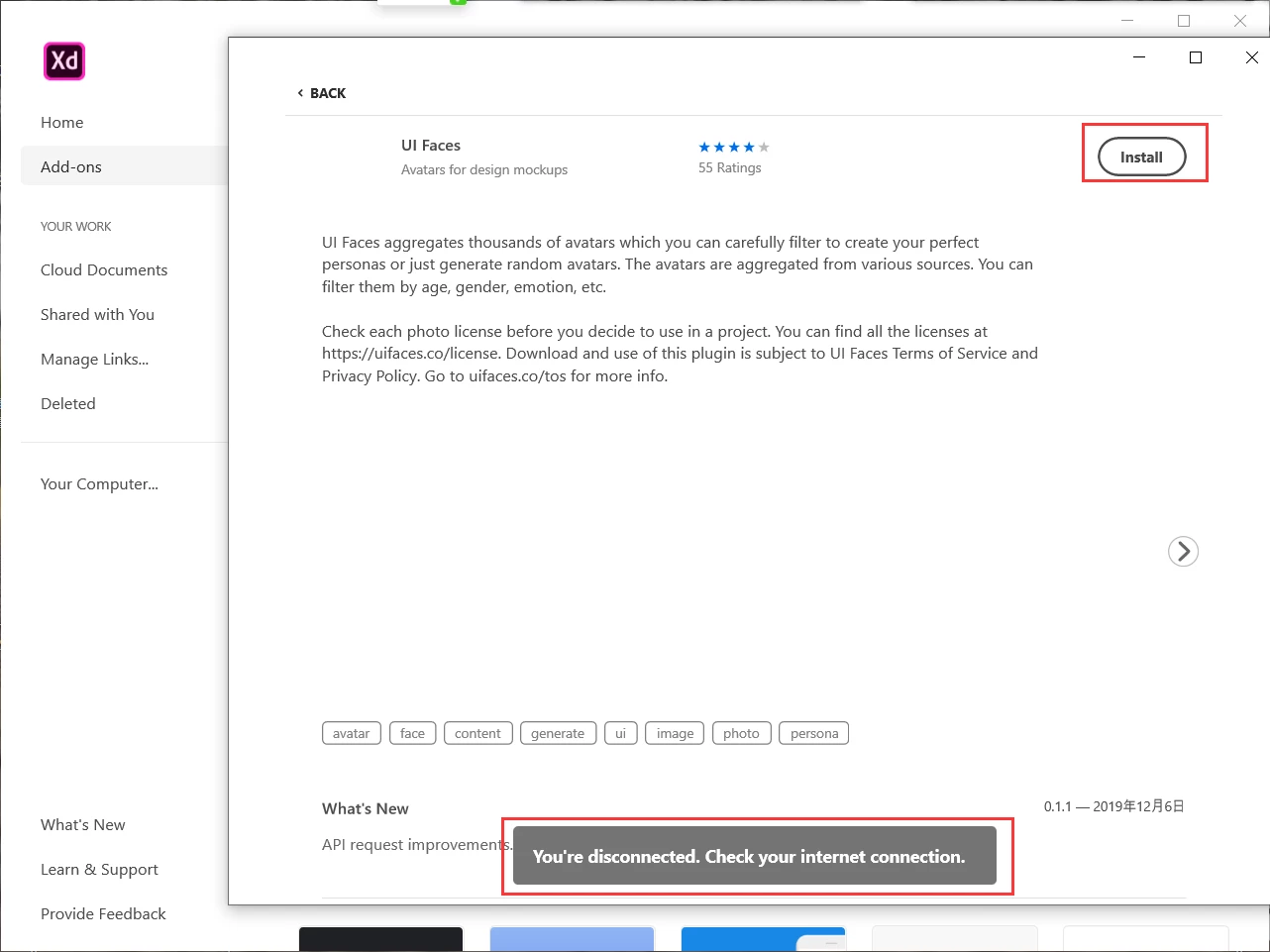
[Extensibility]-While installing plugin in XD it gives error "You're disconnected"
XD installation application plugin tips:
You're disconnected. Check your internet connetion.
<The Title was renamed by moderator>

XD installation application plugin tips:
You're disconnected. Check your internet connetion.
<The Title was renamed by moderator>
The device I use is Windows 10. I solved this problem yesterday.
solution:
I opened the Internet options, reset the settings to "Advanced", and then after the computer restarted, the Adobe XD plugin was installed normally.
Thank you.
😀
Already have an account? Login
Enter your E-mail address. We'll send you an e-mail with instructions to reset your password.
 AdChoices