


Inspiring
August 7, 2019
Answered

How to launch or embed an interactive prototype of XD on Behance?

  • August 7, 2019
  • 5 replies
  • 24368 views

Hi guys

saw lately on Behance that people uploading interactive prototype created with xd.

looks like that:
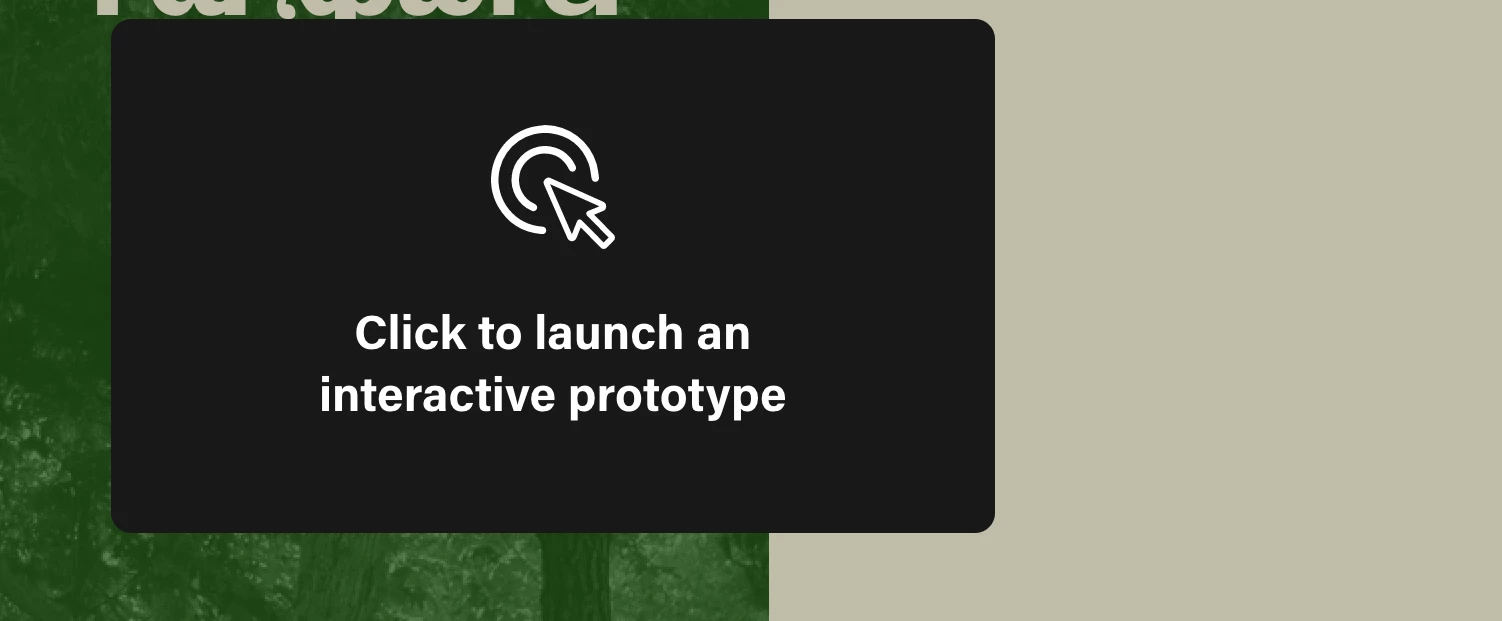


I want to upload one myself but couldn't understand how... didn't find anything online


<The Title was renamed by moderator>

This topic has been closed for replies.
Correct answer HARSHIKA_VERMA

Hi,

Thank you for reaching out. Based on what you said, it looks like you're trying to upload the prototype on Behance. We would request you to please check out this article: Web & Mobile - Adobe XD - Interactive Prototypes. on Behance.

When you share your prototype, select the “embed” tab in the sharing pop-up. You can copy and paste that link directly into Behance to embed your prototype.

Here’s a quick GIF to show you how to do it: Elaine Chao on Twitter: "#adobexd #protip Embed your prototype on @behance with an easy copy and paste. Share to grab th…

Please let us know if that helps. We'd be happy to help.

Thanks,

Harshika

5 replies

Participant
May 23, 2020

Hello.

I have an issue with embeded code from Adobe XD on Behance. 
When I insert the embeded code for my interactive prototype its size fits perfectcly with my project.

However, when I try to preview my project before saving it, and click to launch the interactive prototype in the preview mode, the prototype opens in the new window and is cropped so that I compelled to scroll down to see the rest of it. 


This is how it looks.


Thank you.

Participant
January 4, 2023

Have you guys found a solution to this? the same thing is happening to me.

Participant
April 26, 2023

Did you find a solution to this? I tried everything, it didn't work

Participant
May 5, 2020

I was searching this and I don't have the option that an old tweet show

HARSHIKA_VERMA
Community Manager
Community Manager
May 5, 2020

Hi Catalinaher,


Thank you for reaching out. We had a similar discussion regarding this here: https://community.adobe.com/t5/adobe-xd/launch-an-interactive-prototype-on-behance/td-p/10575942?page=1.


Could you please check if the suggestion mentioned in the post helps you?


We wil try our best to help.


Thanks,

Harshika

Participant
April 24, 2020

Hello Guys,


Is there a way to embed adobe xd animation directly to Behance project and be presented as it is, not to be as an interactive prototype. 

I want to share Adobe Xd animation directly without showing this message.

So that I would be able to see animated content in a  higher quality than being a GIF. 


HARSHIKA_VERMA
Community Manager
Community Manager
April 24, 2020

Hi Anas,


Thank you for reaching out. If I heard you right, we had a similar kind of discussion in the past: https://community.adobe.com/t5/adobe-xd/launch-an-interactive-prototype-on-behance/td-p/10575942?page=1 Could you please check out this post?


Let us know if that helps.


Thanks,

Harshika

Participant
April 24, 2020

Hi Harshika, 


I know that I can add embed code to Behance. I just wanted the animated prototype to be visible in my project so anyone reviewing it doesn't have "to click to launch" the prototype. 

I wanted it to be as if it's a GIF, but not a GIF of course. 


Thanks, 

Participant
February 25, 2020

Hello!


I was not able to find the embed code option in Adobe XD. Is it available only in the premium version?


Thanks, 

Sanidhi Paun


HARSHIKA_VERMA
Community Manager
Community Manager
February 27, 2020

Hi Sanidhi,


Thank you for reaching out. As the UI  for embed code has change. You may find it under share tab as shown in the screenshot belwo.


Let us know if you are unable to find the option. We will try our best to help.


Thanks,

Harshika

HARSHIKA_VERMA
Community Manager
HARSHIKA_VERMACommunity ManagerCorrect answer
Community Manager
August 7, 2019

Hi,

Thank you for reaching out. Based on what you said, it looks like you're trying to upload the prototype on Behance. We would request you to please check out this article: Web & Mobile - Adobe XD - Interactive Prototypes. on Behance.

When you share your prototype, select the “embed” tab in the sharing pop-up. You can copy and paste that link directly into Behance to embed your prototype.

Here’s a quick GIF to show you how to do it: Elaine Chao on Twitter: "#adobexd #protip Embed your prototype on @behance with an easy copy and paste. Share to grab th…

Please let us know if that helps. We'd be happy to help.

Thanks,

Harshika

Inspiring
August 7, 2019

Wow thanks a lot!!

HARSHIKA_VERMA
Community Manager
Community Manager
August 8, 2019

Awesome. Please feel free to reach out to us in the future for any query related to Adobe XD. We'd be happy to help.

Thanks,

Harshika