


Question
iOS UI Kit on Windows 10 - Icons for Back, Tab buttons, Other navigation buttons are not visible
I'm using Adobe XD latest version on a Windows 10 PC.
I recently installed iOS UI Kits from the official Apple Designer resources.
When I open the .xd files from the package in Adobe Xd, the icons for Back, Information, Tab etc. are not visible and simple rectangles are displayed in their place. Please see attached images.
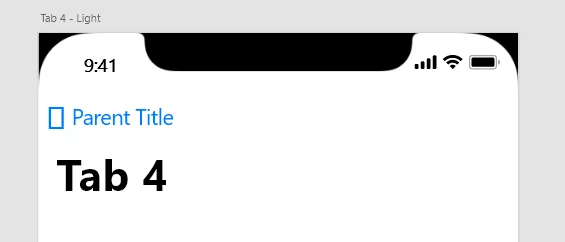
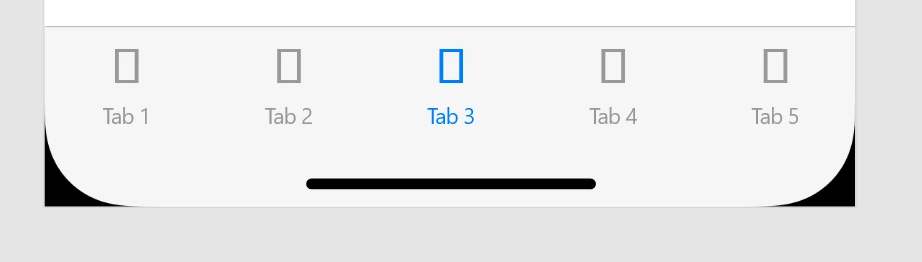

I tried going into object properties, but could not find much help there.
This happens on iOS 13 & iOS 14 Beta both versions, and on two different computers.
I'm very new to Adobe Xd, so I might be missing something here.
Is there a procedure to load the actual icons here?
 AdChoices