


Is there a way to connect multiple component states with eachother without overriding the original?
Hi
I'm new to Adobe XD but I'm trying to create an interactive map using component states. I have several toggles set up as simple component states that I want to interact both indepenently and with one another.
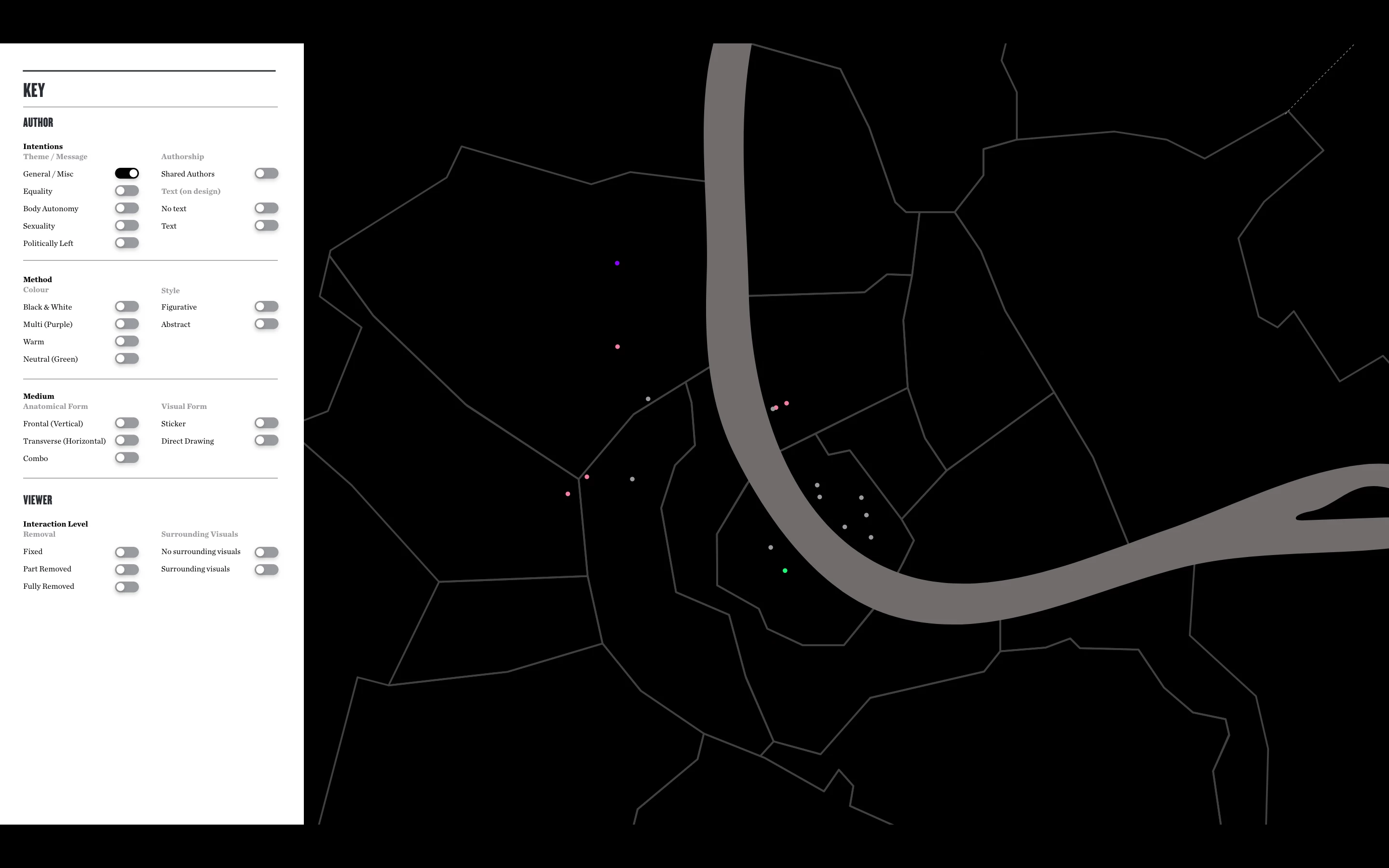
So for example Image 1 below shows the 'General / Misc' toggle on...
while Image 2 below shows the 'No text' toggle on.
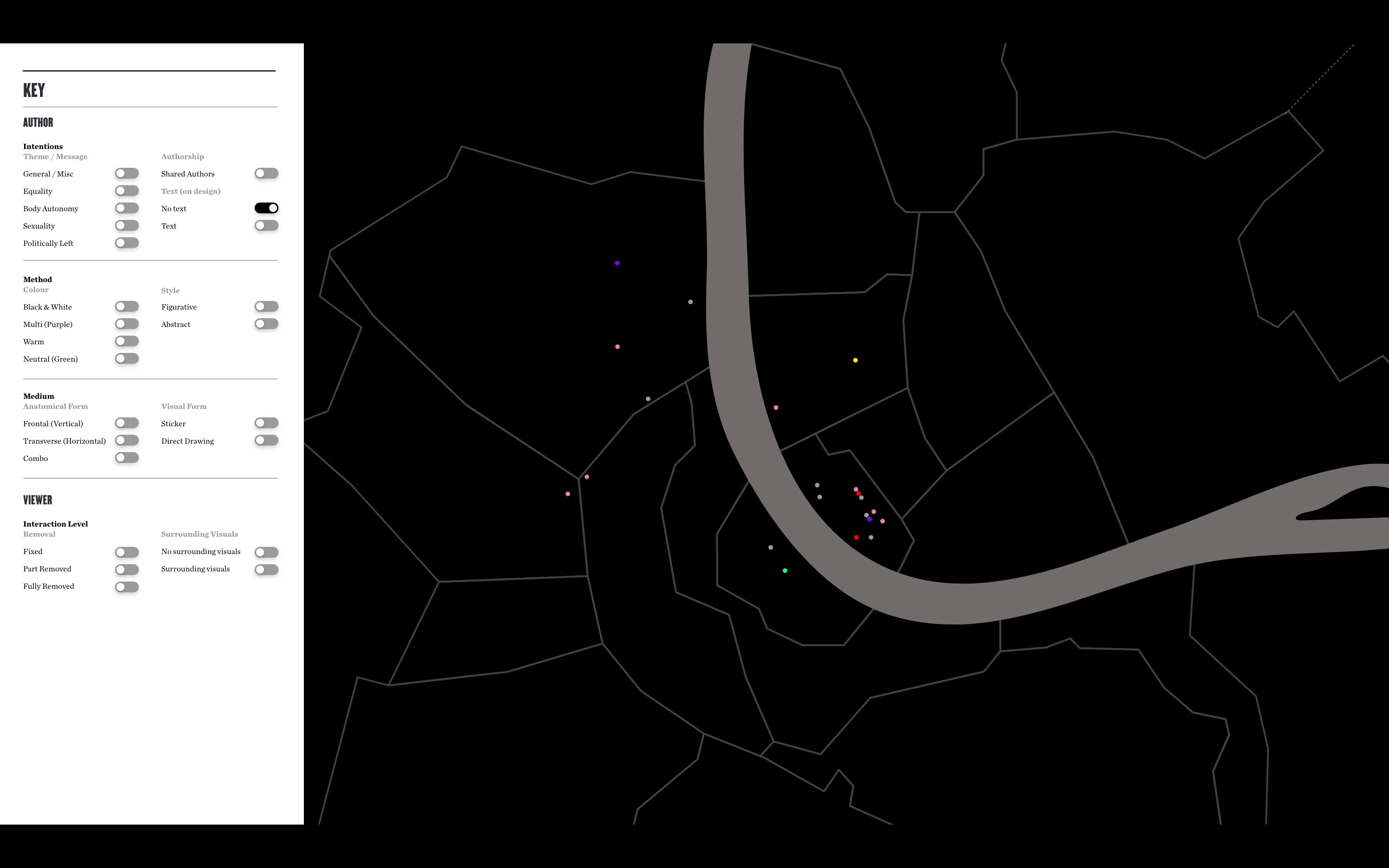
Image 3 below shows both of these toggles on.
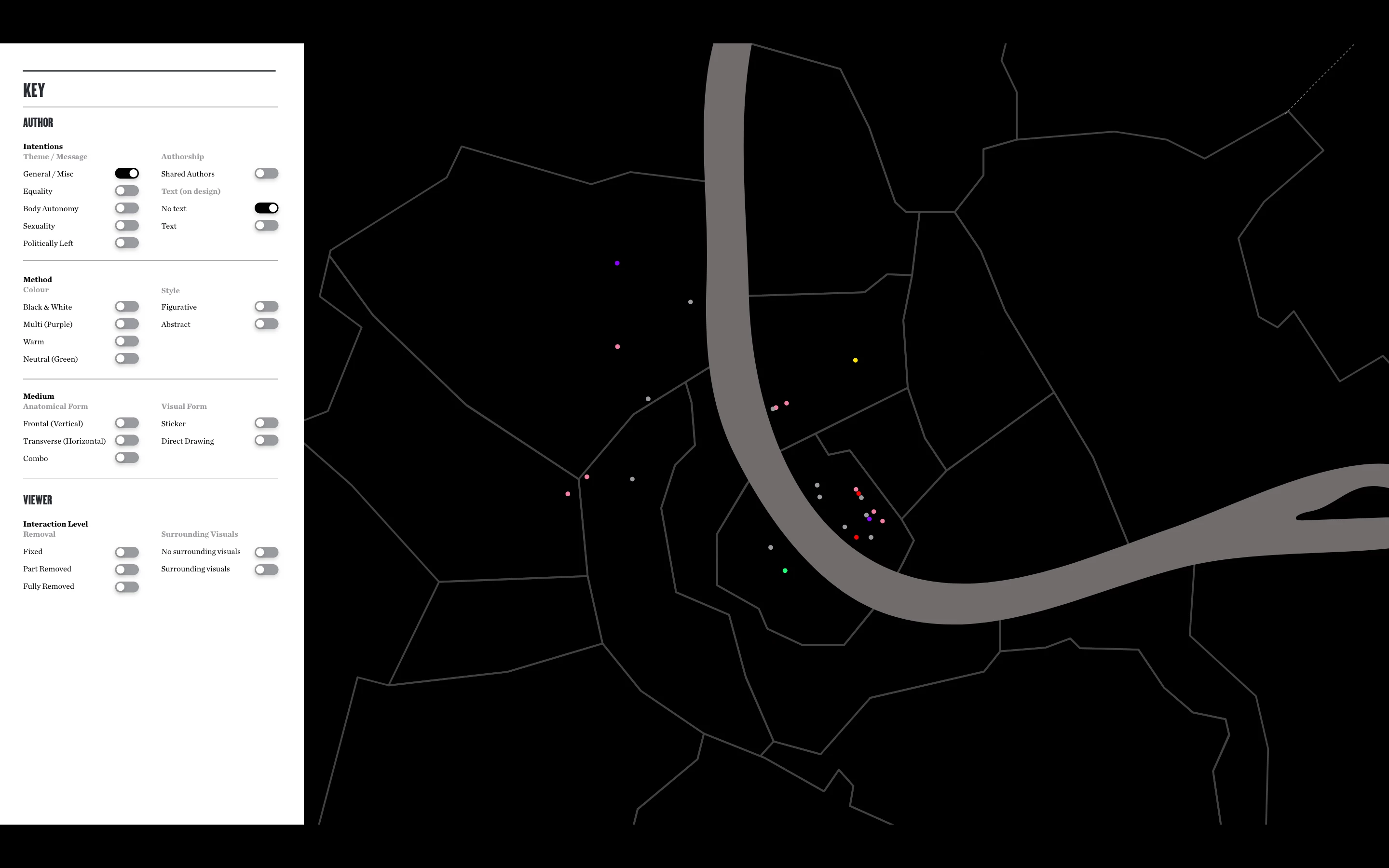
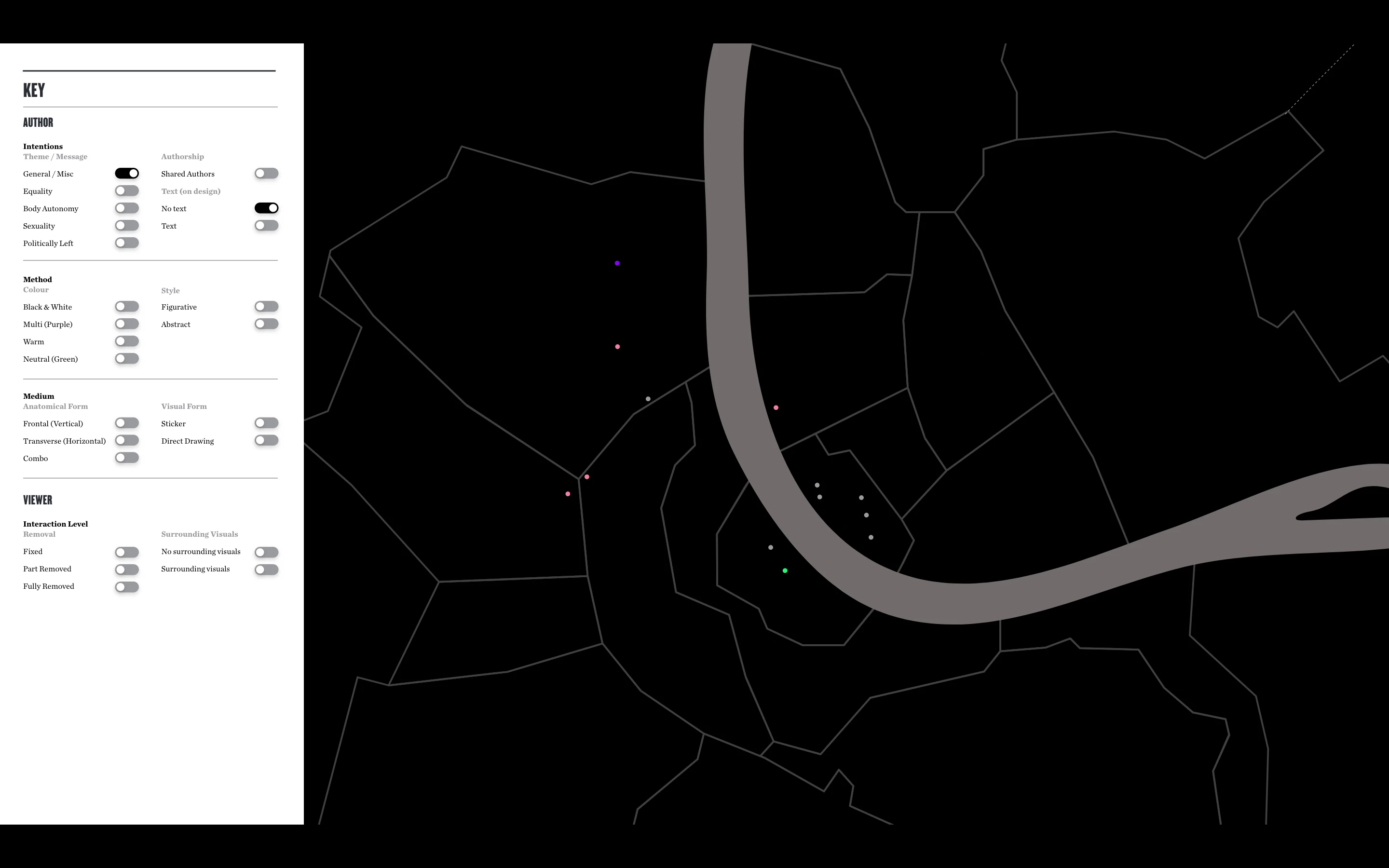
But ideally I would like Image 3 to ONLY show the examples in relation to the first toggle pressed. So for example if I first press 'General / Misc' then 'No text' the map would ONLY show the General / Misc examples that have no text. So ideally it would look something like this (I did this manually with the eye tool)
I know I can change the component state for 'No text' to simulate this, but then it over-rides the toggle working independently, and doesn't logically work if I first pressed another option aside from 'General / Misc'.
I hope that makes sense. Basically I'm wondering if there is a way to connect multiple component states with one another without overriding the original component state.
Thanks in advance - any suggestions on how to get around this would be really appreciated!
<Title was renamed by moderator?
 AdChoices