


New Participant
September 25, 2020
Answered

Jira cloud plugin well installed but not working

  • September 25, 2020
  • 2 replies
  • 907 views

Hi all,
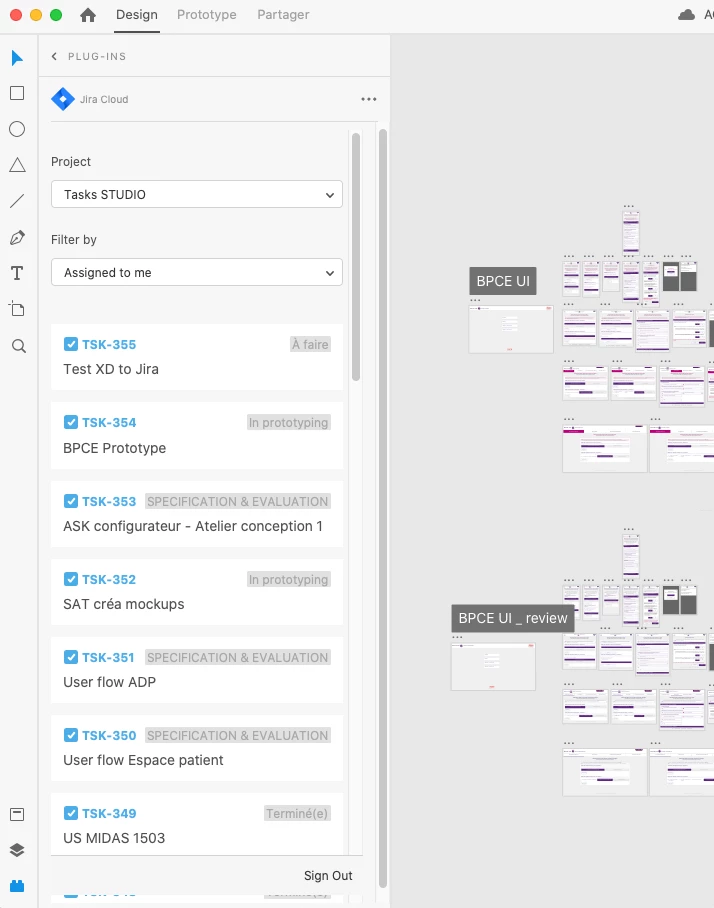
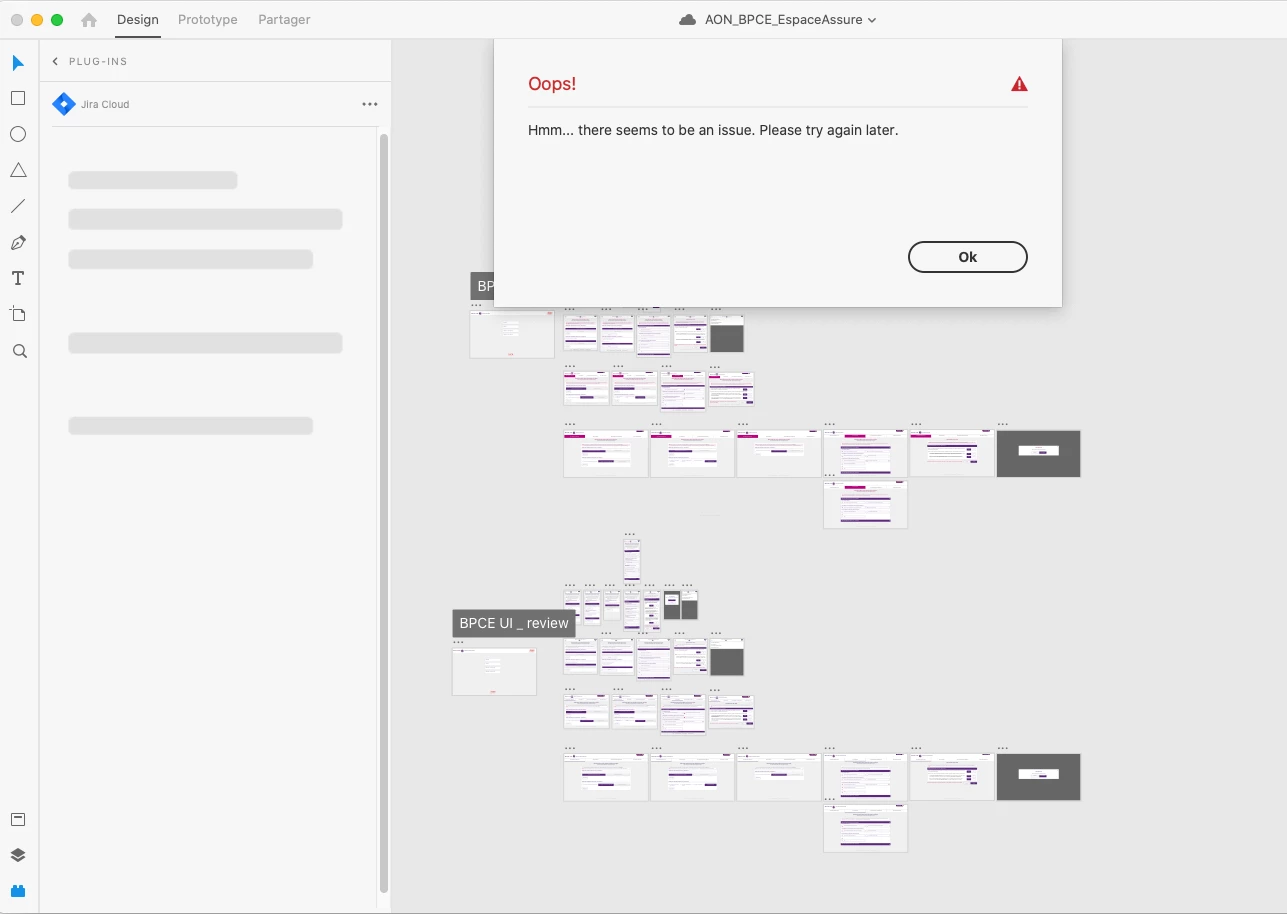
I downloaded the Jira plugin and installed Adobe Xd on Jira. On XD I manage to display my projects and jira tickets but if I click on a ticket I get an error message. Any Ideas ?
Thank you !

    This topic has been closed for replies.
    Correct answer Rishabh_Tiwari

    Hi Celine,


    Sorry to hear about the trouble. It looks more like a plugin issue, so if you have tried basic troubleshooting like re-installing the plugin, I'd recommend contacting the plugin support directly. To contact them, please right-click on the plugin name in the panel and then click support.


    Let us know if you need any further assistance, we'll try our best to help you with it.


    Regards

    Rishabh

    2 replies

    New Participant
    August 26, 2021

    Hi Adobe team,
    Same problem... and the support doesn't work guys!
    If that plugins is not anymore active for Adobe XD why still there on the library?
    They dont take care about our complaint they said you need to figure out with Adobe...

    So what is the solution?
    A bit tired to play Ping-Pong between Atlassian support vs Adobe Support.
    Thanks for your understanding!
    AV.

    Rishabh_Tiwari
    Community Manager
    Rishabh_TiwariCommunity ManagerCorrect answer
    Community Manager
    September 25, 2020

    Hi Celine,


    Sorry to hear about the trouble. It looks more like a plugin issue, so if you have tried basic troubleshooting like re-installing the plugin, I'd recommend contacting the plugin support directly. To contact them, please right-click on the plugin name in the panel and then click support.


    Let us know if you need any further assistance, we'll try our best to help you with it.


    Regards

    Rishabh

    New Participant
    July 1, 2021

    I have the same problem, and plugin support is not active. Any solution? 

    Rishabh_Tiwari
    Community Manager
    Community Manager
    July 4, 2021

    Hi there,


    Sorry to hear about the trouble. To contact plugin support please click on the plugin name in the plugin panel >  right-click to manage plugins > Select the plugin > Get Support. Let us know if you need any further assistance.

    Regards

    Rishabh