


Mobile Preview - unable to zoom in
Hi - I'm trying to set up a focus group test using a prototype I've made, but no matter what I try I can't zoom into the prototype on phone (using a shared link). Our users are going to open a shared link (preferably using the 'User Testing' view setting), and it's vital that they're able to zoom for it to fit their phone screen size, since the shared link doesn't automatically detect their screen size.
All I want is for some way to pinch and zoom into the prototype - that's all I'm asking for. Having to go into the browser accessibility settings and enable 'Force Zoom' is nowhere near good enough; for a user test, we can't waste any time trying to get people to do this, and it means that the prototype gets blurry when you zoom in.
I had a look through the XD guides and it seems like I should be seeing this menu:
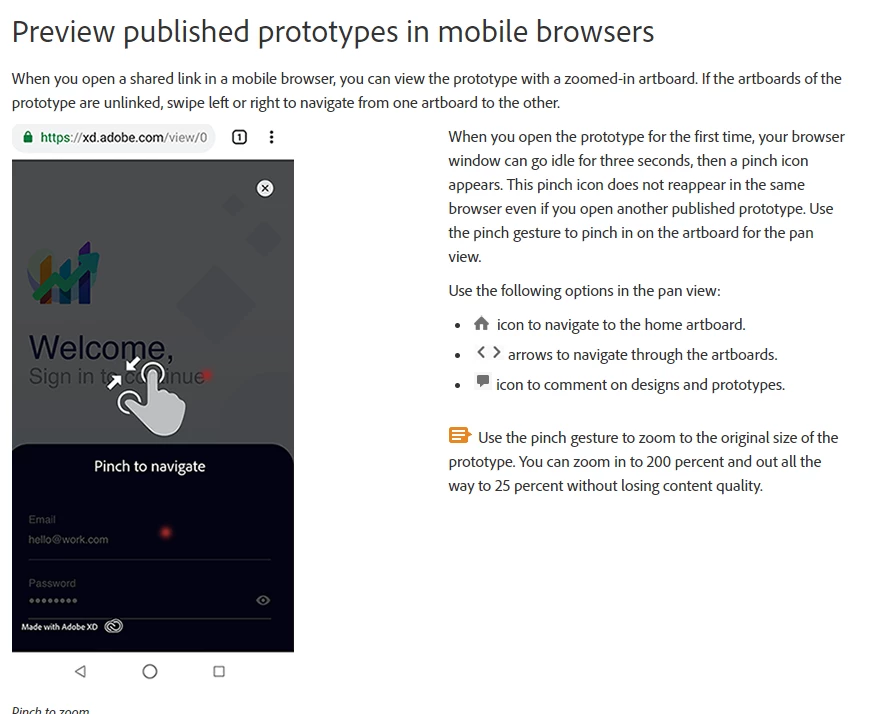
Why can't I see this on Google Chrome / how do I get pinch to zoom working for shared links? Thanks!
 AdChoices