Participating Frequently
June 4, 2023
Question

Need help with hamburger dropdown in XD

  • June 4, 2023
  • 1 reply
  • 773 views

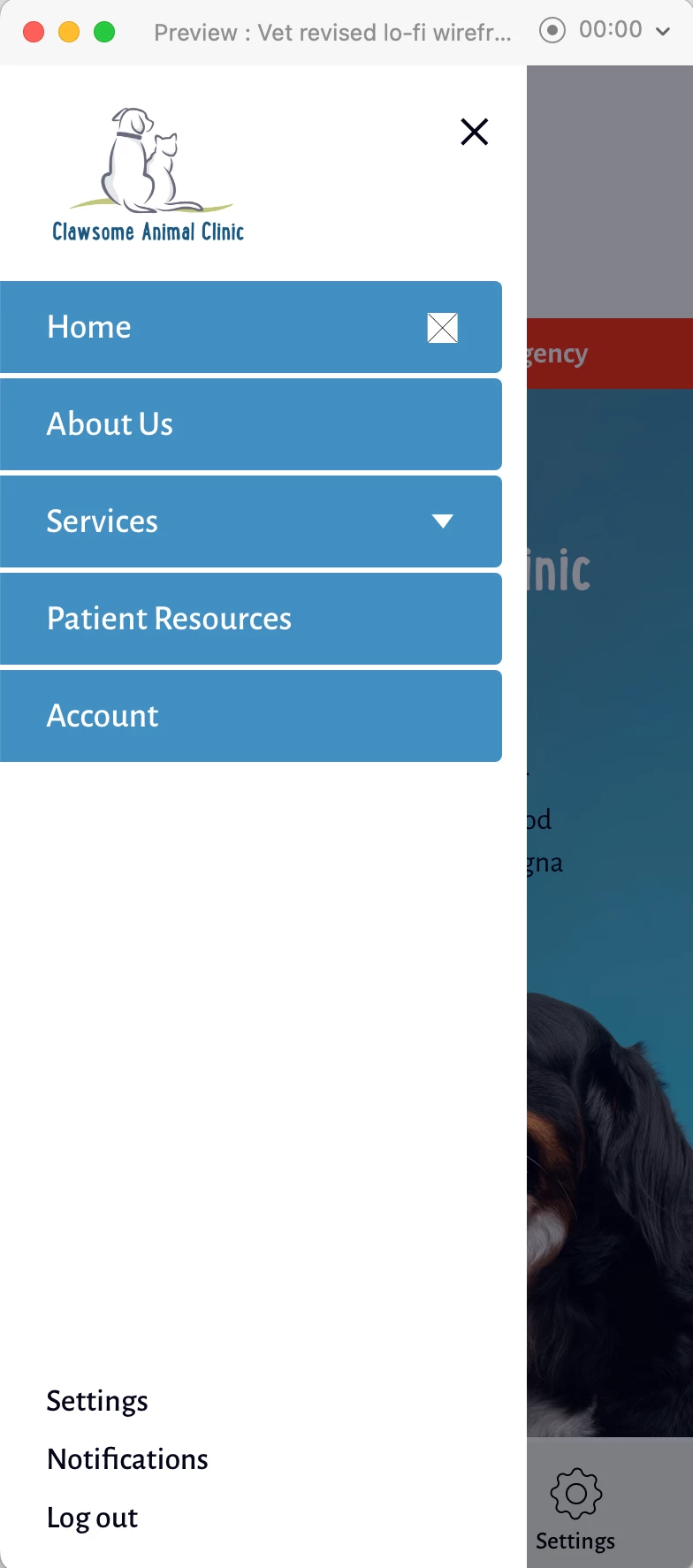
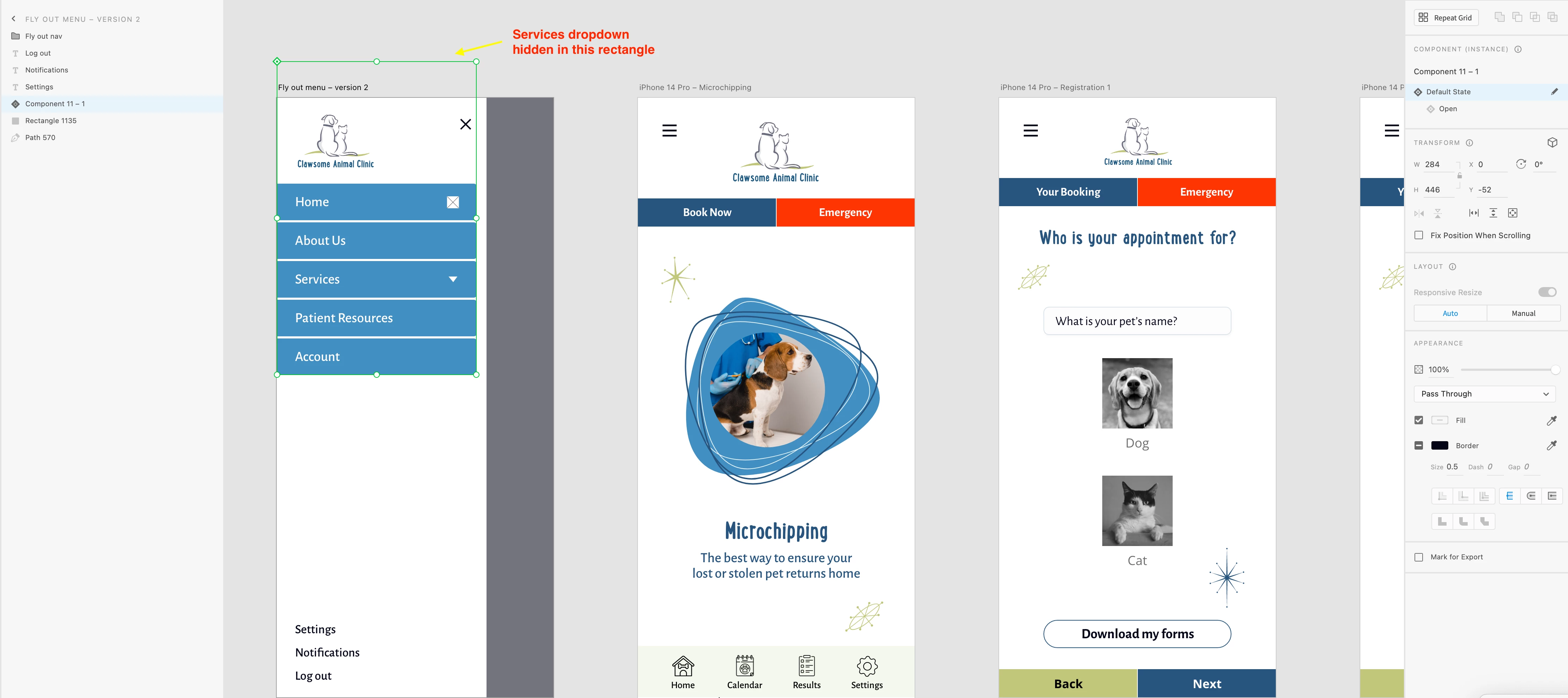
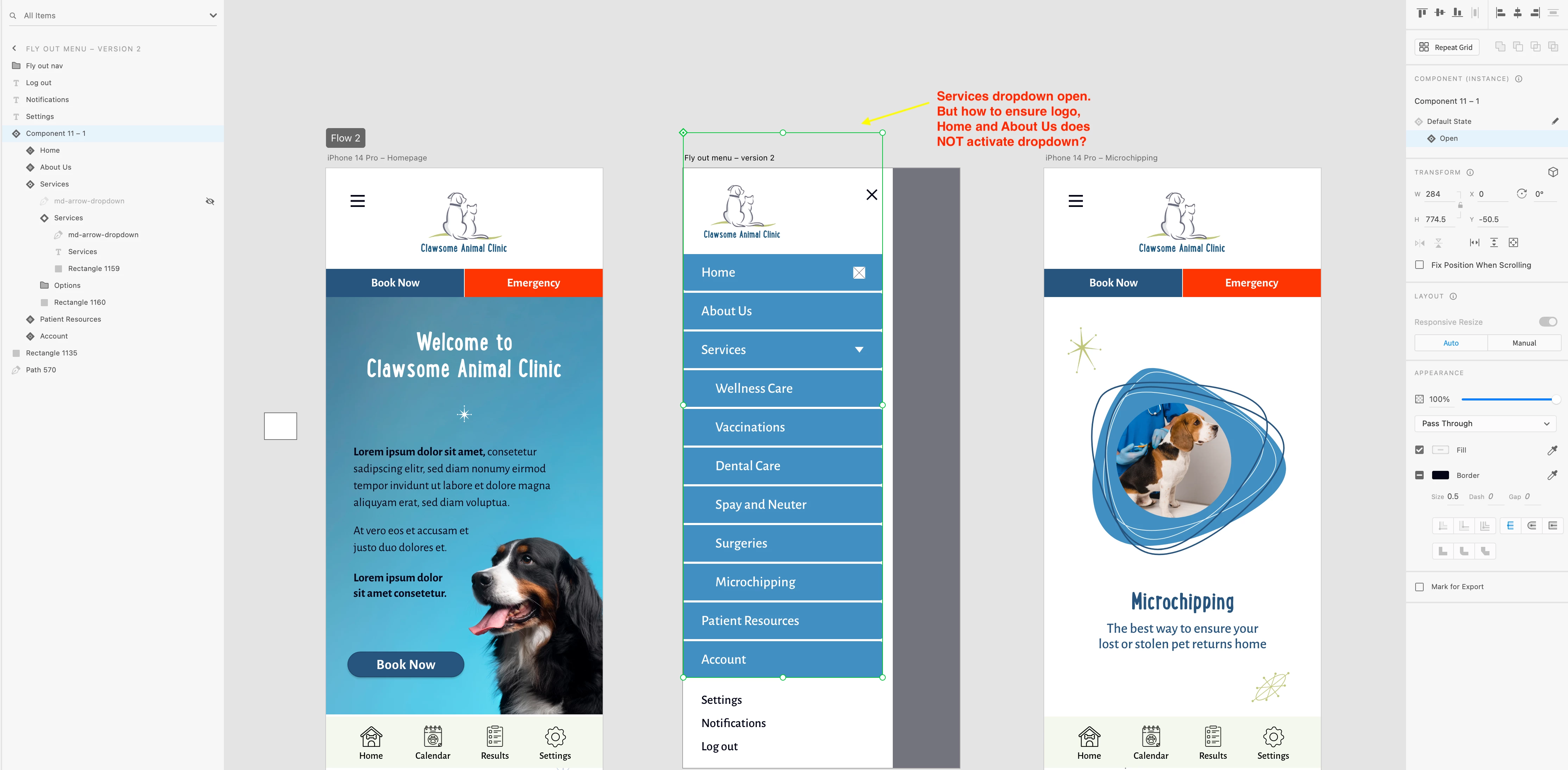
Hello, all. I'm trying to create my first hamburger dropdown in XD. I've hidden the Services section behind the sections above it (nav, Home, and About Us sections.)


Only Services should be active as dropdown on click, however, when dropdown is hidden, because of its length I think, clicking on the logo, Home, and About Us triggers the dropdown, which I don’t want.


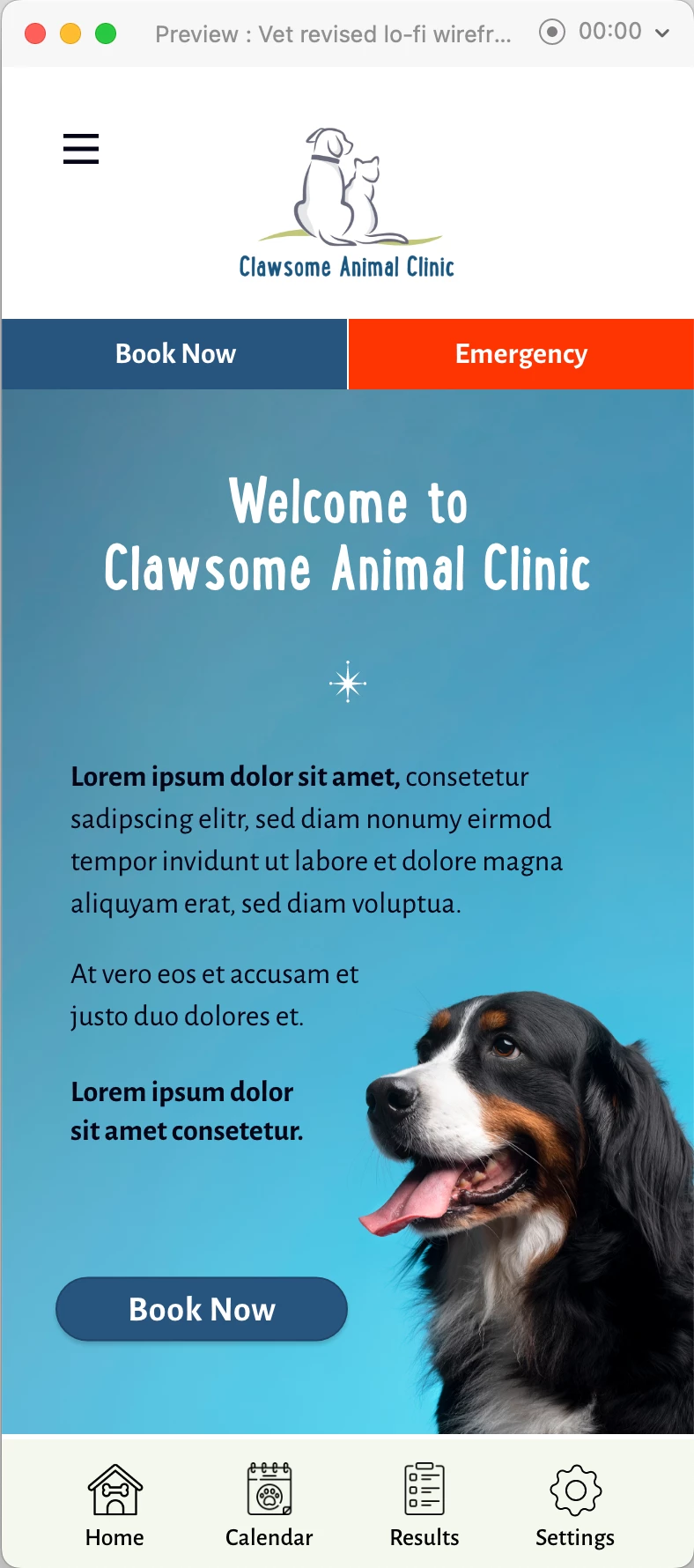
Any ideas how I can prevent this? I'm including screenshots of Home screen, overlay, and the specific screens in XD with states. Thank you!
 

    This topic has been closed for replies.

    1 reply

    AkinGn
    Community Expert
    June 7, 2023

    Hi @sig.raJo, if I'm not missing something, I think I managed to do that by:

    1- Creating the menu component

    2- Creating a "toggle" state

    3- Pasting the dropdown menu to be opened in toggle state

    4- Going to prototype mode

    5- selecting the menu item that needs to trigger the dropdownand selecting the tap interaction adn selecting destination as toggle state

    6- Since the problem is also the whole menu component is set to trigger the toggle state by default, while still in prototype mode, selecting its tap interaction and selecting "none" as its destination (that way we disable the dropdown to be opened whenever we click somewhere else than menu item that has dropdown)


    I hope I managed to explain it, here's the sample file: https://www.dropbox.com/s/fzohlry7lv1drqg/dropdown-test.xd?dl=0

    and prototype link: https://xd.adobe.com/view/36fcbcd1-33c1-4ad2-a26f-a49ad860d8ee-63af/

    Hope this helps!

    sig.raJoAuthor
    Participating Frequently
    June 17, 2023

    I also have sections below the dropdown section; will they automatically move up and down when the toggle state is triggered on the item above them?

    Thank you!

    sig.raJoAuthor
    Participating Frequently
    June 18, 2023

    Hi @sig.raJo, I did that by creating a copy of the button below the button with the dropdown and pasting it into the dropdown state, that way regrdless of dropdown being open or closed, a copy of the button will be visible, here's the file: https://www.dropbox.com/s/fzohlry7lv1drqg/dropdown-test.xd?dl=0 and the prototype link: https://xd.adobe.com/view/36fcbcd1-33c1-4ad2-a26f-a49ad860d8ee-63af/ Hope this helps!


    Oh that is great! Exactly what I am hoping to do. Going to try it out now with my file; when I tried to do it using the original file, it didn't work, I must have done something wrong.

    Thank you.