


New Participant
May 31, 2018
Answered

Prototype page in different language

  • May 31, 2018
  • 1 reply
  • 2034 views

Hello!

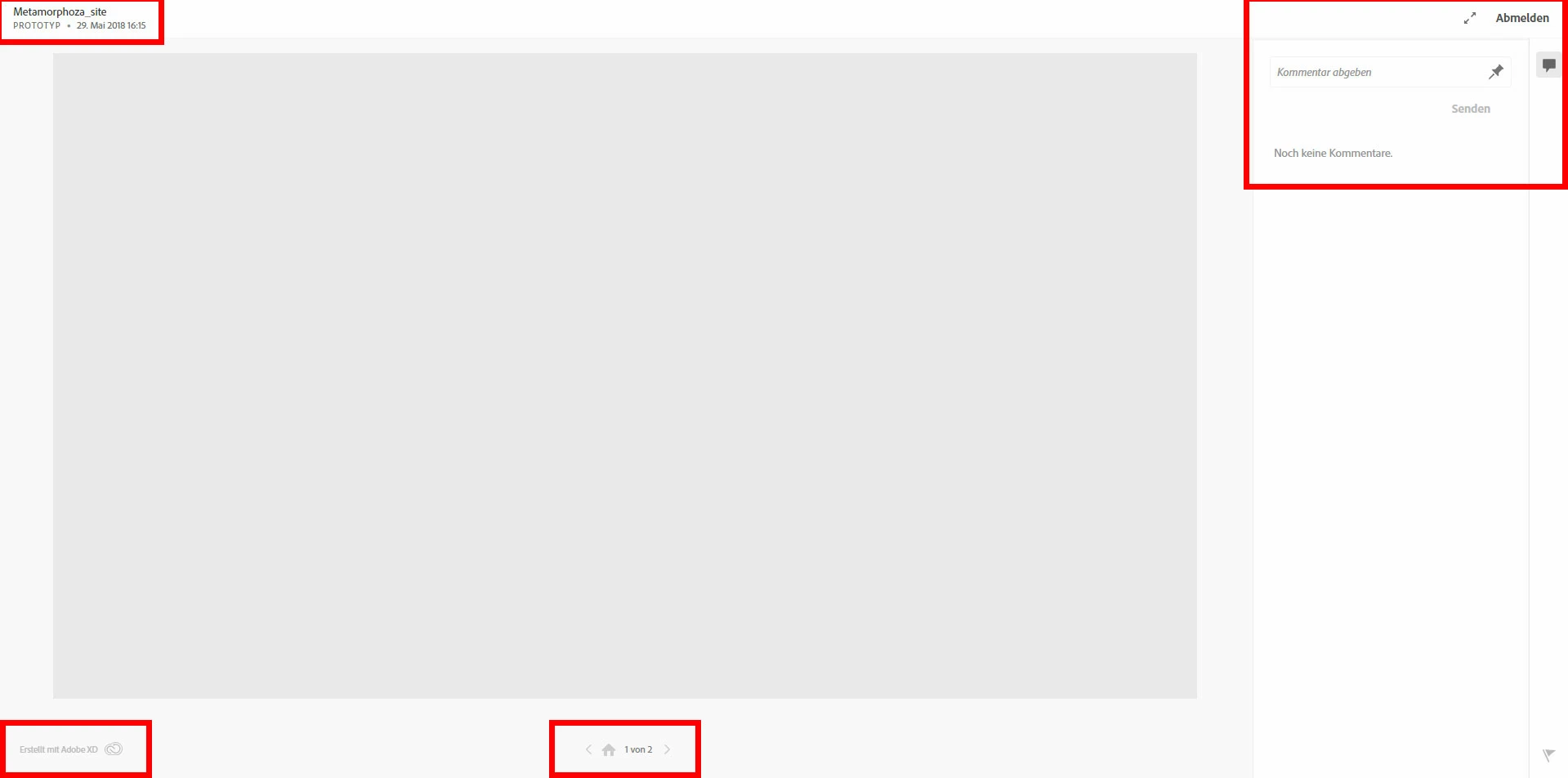
I`m using the adobe XD in english language. When i publish prototype, and then hit "Manage published links", the site is also in english, but the prototype page, for presentation is in German language. The same is if I hit directly "Open link" in the App. When someone send me a link to prototype, the situation is the same. I just watch it in German. I don't speak German! How to change this language of the prototype page? Can't see options about that!

This topic has been closed for replies.
Correct answer stuart__k

xd.adobe.com uses the language preference set in the browser. Here's a guide for how to change it on most browsers: 5 Ways to Change Your Browser's Language - wikiHow 

Hopefully that helps!

1 reply

elainecc
Community Manager
Community Manager
May 31, 2018

Sounds like your web presence got set to German for some reason. Go to assets.adobe.com and select the profile icon in the upper right corner. Select Language, which should be the second from the bottom in the drop down. There should be a pop-up selector then that allows you to change the language.

Hope that helps!

New Participant
May 31, 2018

I tryed, but nothing happened. There i have option for only one language. I tryed for the test with Russian, because in the list my first language "Bulgarian" is missing. The page assets.adobe.com turned in Russian. Then again open the prototype, but the German is stil there! In my profile language settings, the 1st lang is Bulgarian and the 2nd is English. I can't understand how the German appeared...

stuart__kCorrect answer
Adobe Employee
May 31, 2018

xd.adobe.com uses the language preference set in the browser. Here's a guide for how to change it on most browsers: 5 Ways to Change Your Browser's Language - wikiHow 

Hopefully that helps!