

Answered
Unable to open Adobe XD file
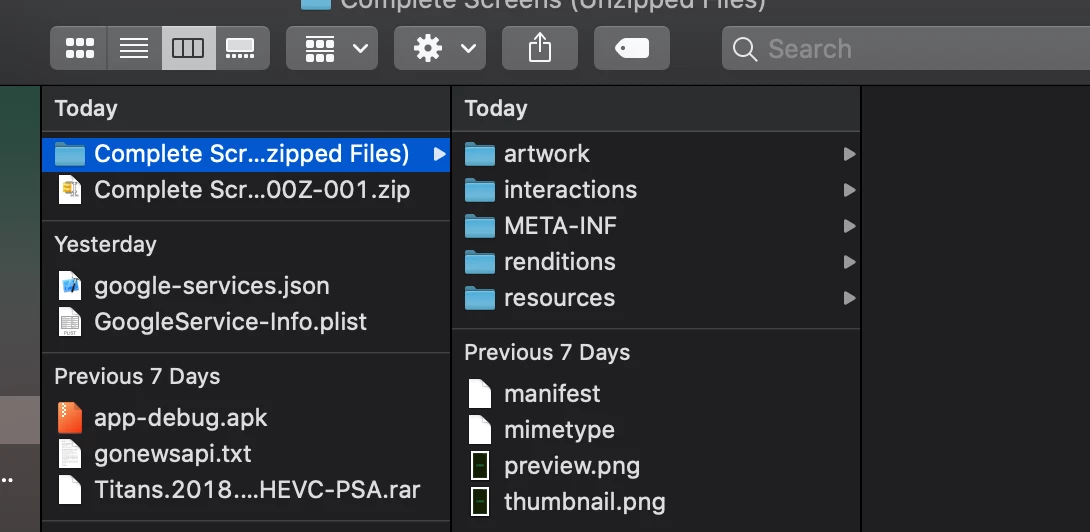
Unable to view the Adobe XD file, when I download. How do I open the following file in Adobe XD with artwork, interactions, META-INF etc??
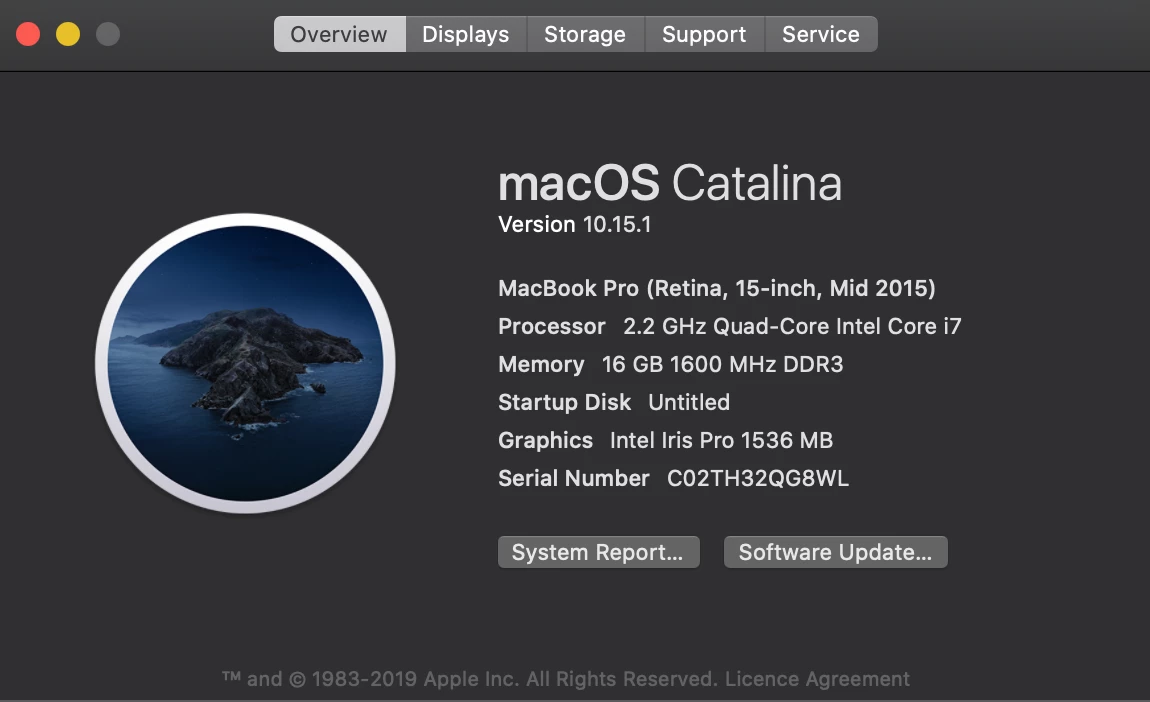
About device -

Unable to view the Adobe XD file, when I download. How do I open the following file in Adobe XD with artwork, interactions, META-INF etc??
About device -
Hello AlphaGamer,
We are sorry to hear you're facing trouble. I think some problem with the unzipping. Please rename the file with the .xd eg: complete_scr.xd.
If this does not solve your problem please forward me the file so we can investigate.
Regards,
Arpitha,
Adobe XD
Already have an account? Login
Enter your E-mail address. We'll send you an e-mail with instructions to reset your password.
 AdChoices