Participant
February 15, 2022
Question

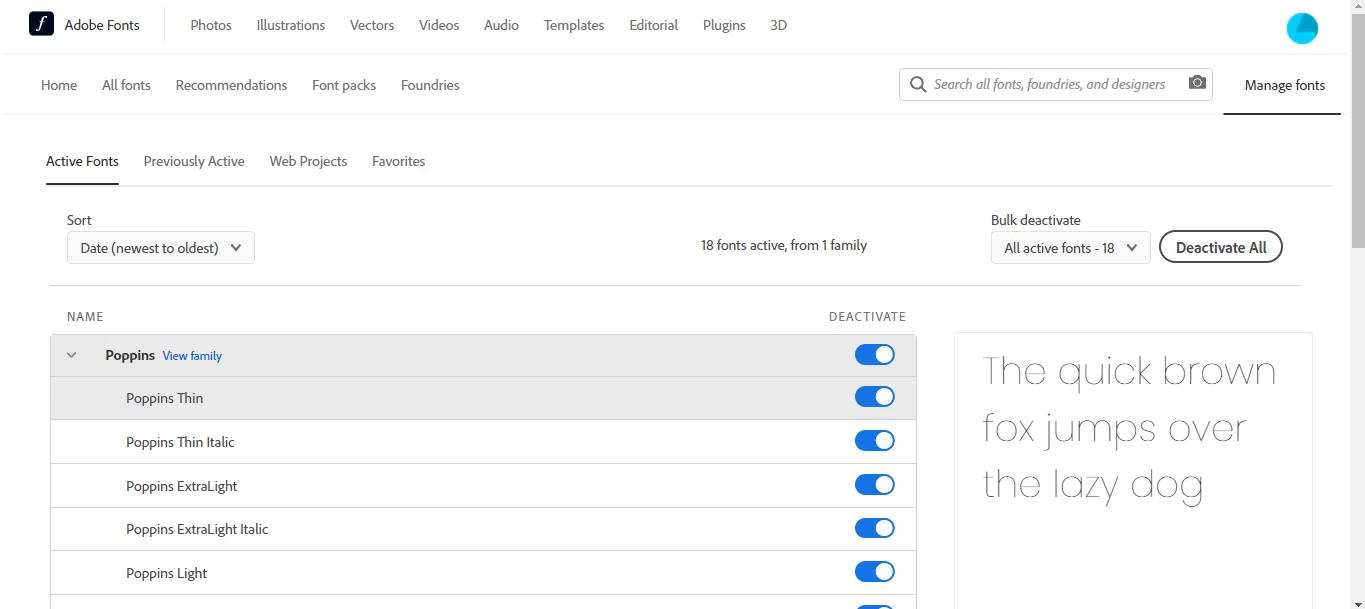
Unable to see activated fonts in adobe xd
  • February 15, 2022
  • 1 reply
  • 985 views


in adobe xd, I search for it, but it does not appear


{Renamed By MOD}

This topic has been closed for replies.

1 reply

Community Manager
February 16, 2022

Hi there,


hope you are doing well and thanks for reaching out to us. Could you please try signing out and signing in on Adobe Creative Cloud desktop app and reboot the computer and check again. if you are still facing the same please share below details.


  1. The version of XD and the details of your operating system.
  2. Does that happen with all files or with a specific file?


Thanks,

Madhumati

Participant
February 16, 2022

I already tried sign out and restart my pc, but it didn't work.

My version: adobe xd 48.0.12
Windows 11 Updated

And this happens with all files.

Participant
February 18, 2022

Hi isaac,

Sorry for the trouble caused, In addition to the above replies . I would like to add some points here,
1.Check for the core sync[File sync] in the Creative cloud desktop , if not wait for it to sync completely
2. Then Activate the fonts from Adobe fonts( wait for sometime to sync to XD)

Hope it helps,
Regards,

Ashwini


I did that and it didn't work. But thanks for the help, I ended up having to use a different font that was already in adobe xd 😞