



Betterun
New Participant
April 20, 2022
Answered

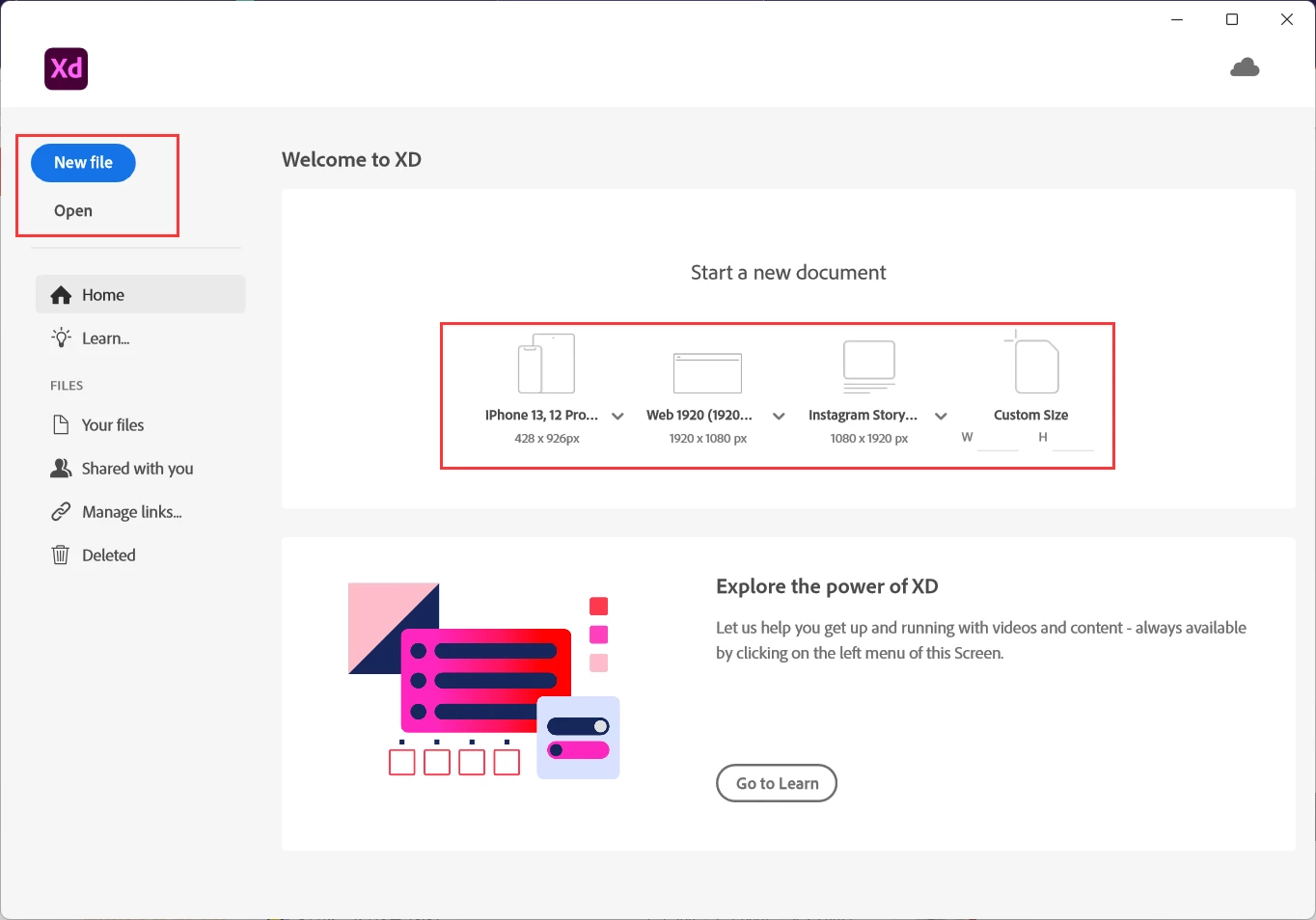
When I create a new file or open a file, I cannot do anything with XD.

  • April 20, 2022
  • 3 replies
  • 998 views

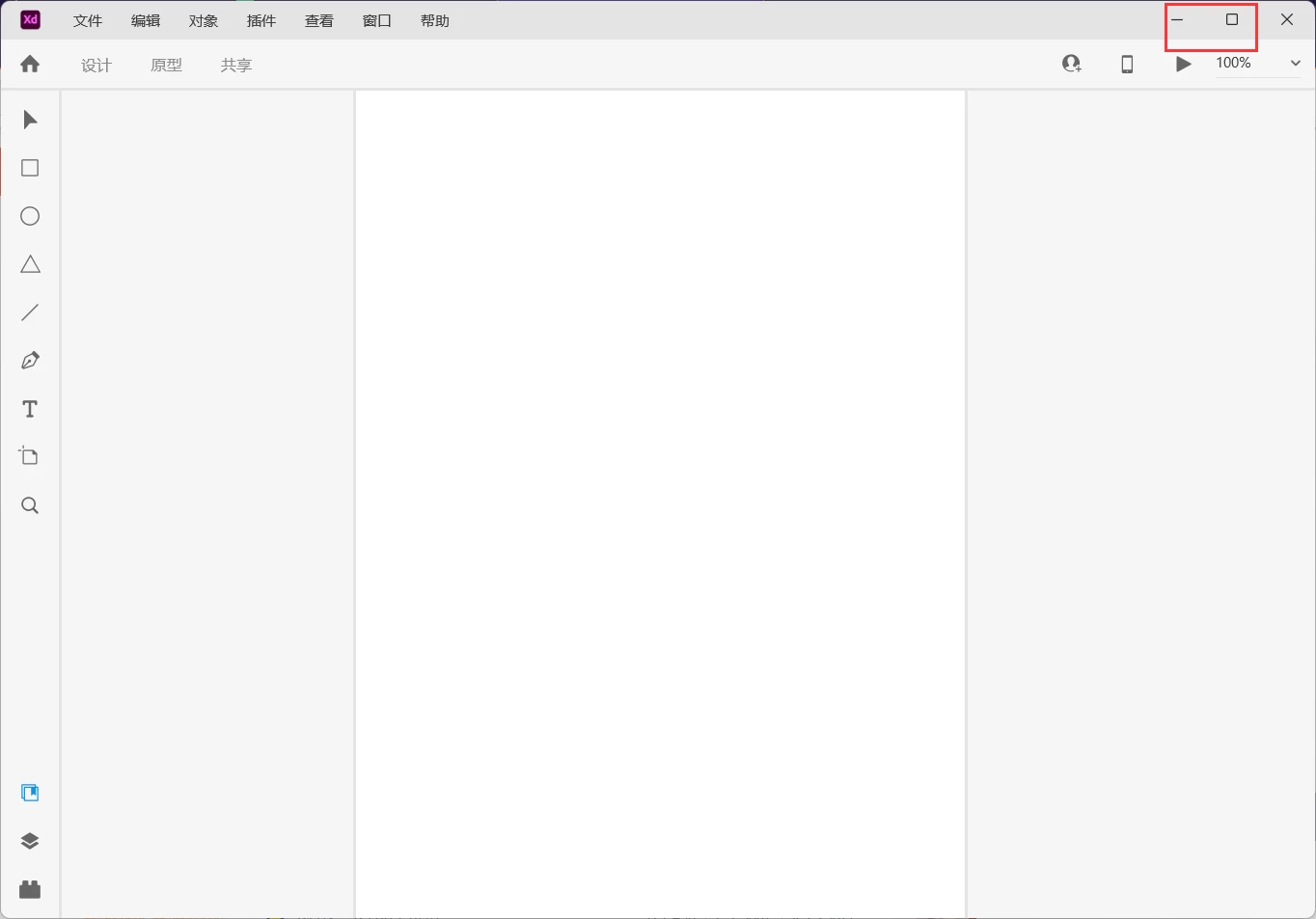
I can open the latest XD v50, but whatever I create a new file or open a file, it just show the A4-like blank page. Then I can do nothing but minimize and maximize. All the menu cannot be clicked, even the close button. I have to use task manager to kill the process.

I wonder why and how to resolve this problem.

I recoveried Window 10 & 11 to reinstall XD, but all the same.


This topic has been closed for replies.
Correct answer Betterun

I think I solve the problem.
I disabled windows defender firewall and reinstalled the CC & XD.
Then I can normally use the XD as usual!


When I install XD from internet, the windows defender firewall maybe blocked some files that causes failure to start XD properly.

3 replies

New Participant
December 2, 2022


@Betterun wrote:

I can open the latest XD v50, but whatever I create a new file or open a file, it just show the A4-like blank page. Then I can do nothing but minimize and maximize. All the menu cannot be clicked, even the close button. I have to use task manager to kill the process.

I wonder why and how to resolve this problem.

I recoveried Window 10 & 11 to reinstall XD, but all the same.


Sala56054@hotmail.com


Betterun
BetterunAuthorCorrect answer
New Participant
April 20, 2022

I think I solve the problem.
I disabled windows defender firewall and reinstalled the CC & XD.
Then I can normally use the XD as usual!


When I install XD from internet, the windows defender firewall maybe blocked some files that causes failure to start XD properly.

Community Manager
April 21, 2022

Hi Betterun,

Glad that issue has been resolved! Happy XD..


Regards,

Ashwini

Community Manager
April 20, 2022

Hi Betterun,

Sorry to hear about the trouble. Please try the steps shared below:
  1. Sign out of XD and CC Desktop app.
  2. Close CoreSync and all Adobe-related processes from the Task Manager.
  3. Reboot the computer.
  4. Sign back in on the CC Desktop app and launch XD from there and check again.
If that doesn't work either, please collect and share system logs the logs  

from Log Collector tool to help us troubleshoot any issues you are facing with your Creative Cloud apps.
Hope it helps,

Regards,

Ashwini


Betterun
BetterunAuthor
New Participant
April 20, 2022

Thank you for reply. I tried the steps but still nothing happened.

So I uploaded the system log file, pls check it and help me. THX

(Pls change the filename extension to .zxp)

Betterun
BetterunAuthor
New Participant
April 20, 2022

The following file has been uploaded on Adobe LogCollector Portal:

File: AdobeLogs_20220420_072430_772-win-GS.zxp


Thank you