New Participant
December 6, 2022
Answered

Why is my component enlarging randomly?

  • December 6, 2022
  • 1 reply
  • 627 views

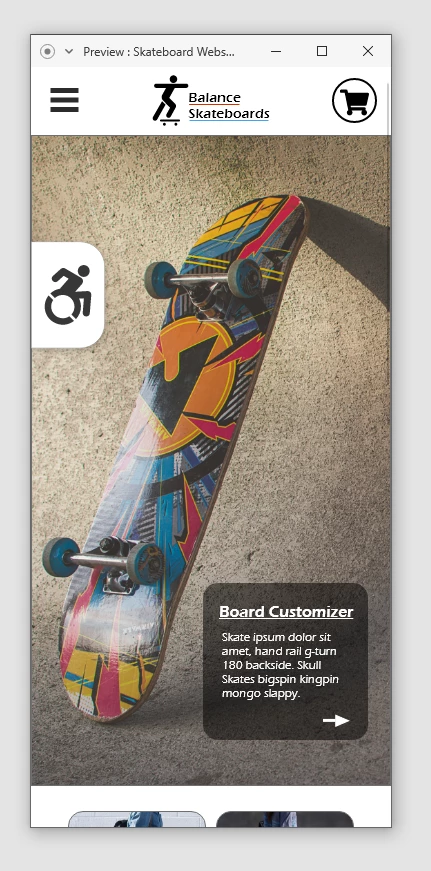
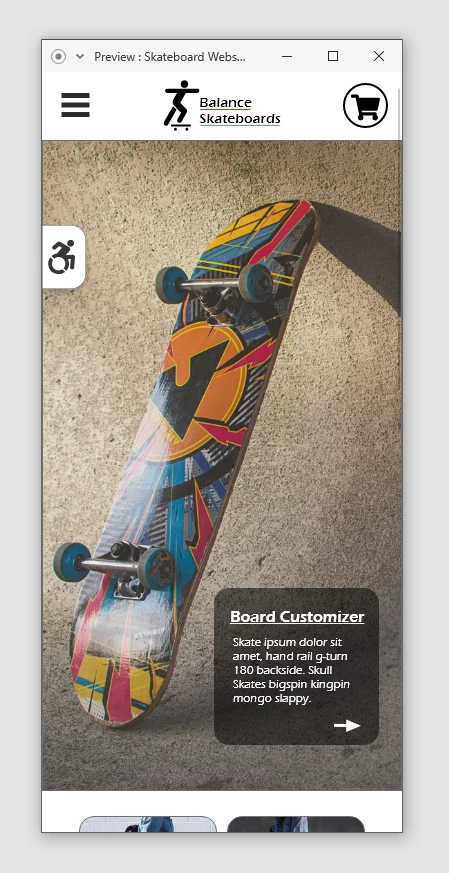
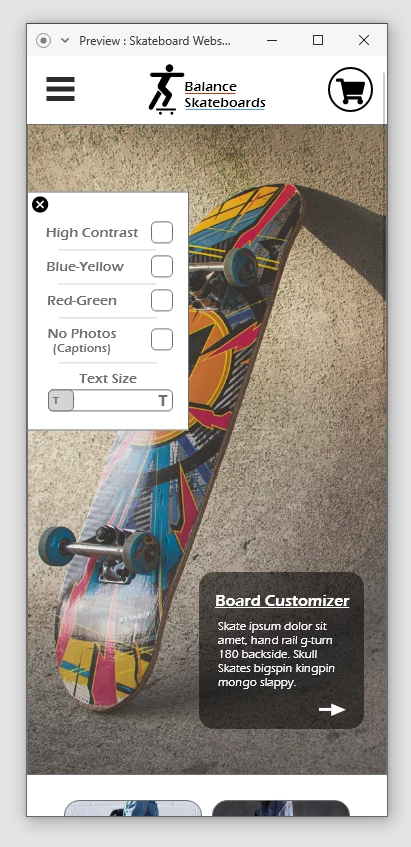
So, this is the main component and for whatever reason, when I try to preview it, it looks fine at first, but when the menu is opened and then closed, it becomes bigger and stays that way after subsequent open/closes. There's no version of the component on this flow that is that size, but I do also have a tablet and desktop version of the site I'm mocking up in the same file and it's larger on those, but I made them separate components (Each size has their own main component on their respective home pages) so I don't know if that matters. I've tried to search multiple combinations of words to figure out how to fix it, and I've not had any luck. Please help! Thank you!!
    This topic has been closed for replies.
    Correct answer AkinGn

    Hi @Lynn42, hmm I see, interesting, never had that problem in any component but there are millions of unique component/flow combinations so it might be possible. Thinking what I'd do, after a few tries (as I see it you've already tried to fix it) I'd take an instance of that component, ungroup it and make it another seperate component (I know you're using already a seperate component for this resolution but sometimes it can be much harder to find the source of a problem so) Clearly there's some kind of connection etc in the flow that causes the problem. So I'd create the component and the states from the scratch, based on the example/original component, it looks like that's the quickest solution to the problem. Please update us after trying it, since I'm also curious about it. If it behaves similar after trying that, it means there's an inner element/component causing the problem. Hope this helps!

    1 reply

    AkinGn
    AkinGnCorrect answer
    Inspiring
    December 8, 2022

    Hi @Lynn42, hmm I see, interesting, never had that problem in any component but there are millions of unique component/flow combinations so it might be possible. Thinking what I'd do, after a few tries (as I see it you've already tried to fix it) I'd take an instance of that component, ungroup it and make it another seperate component (I know you're using already a seperate component for this resolution but sometimes it can be much harder to find the source of a problem so) Clearly there's some kind of connection etc in the flow that causes the problem. So I'd create the component and the states from the scratch, based on the example/original component, it looks like that's the quickest solution to the problem. Please update us after trying it, since I'm also curious about it. If it behaves similar after trying that, it means there's an inner element/component causing the problem. Hope this helps!

    Lynn42Author
    New Participant
    December 11, 2022

    Thank you so much! I had re-made the component a few times while trying to fix it but I realized while messing with it today that when I had copied over the toggle state, it became it's own component within the component. I had to ungroup the component I was copying from and remake it that way. This had me frustrated for a bit, so thank you again!!!!

    AkinGn
    Inspiring
    December 11, 2022

    Oh, glad you resolved the issue, happy designing!