


Participant
September 24, 2019
Question

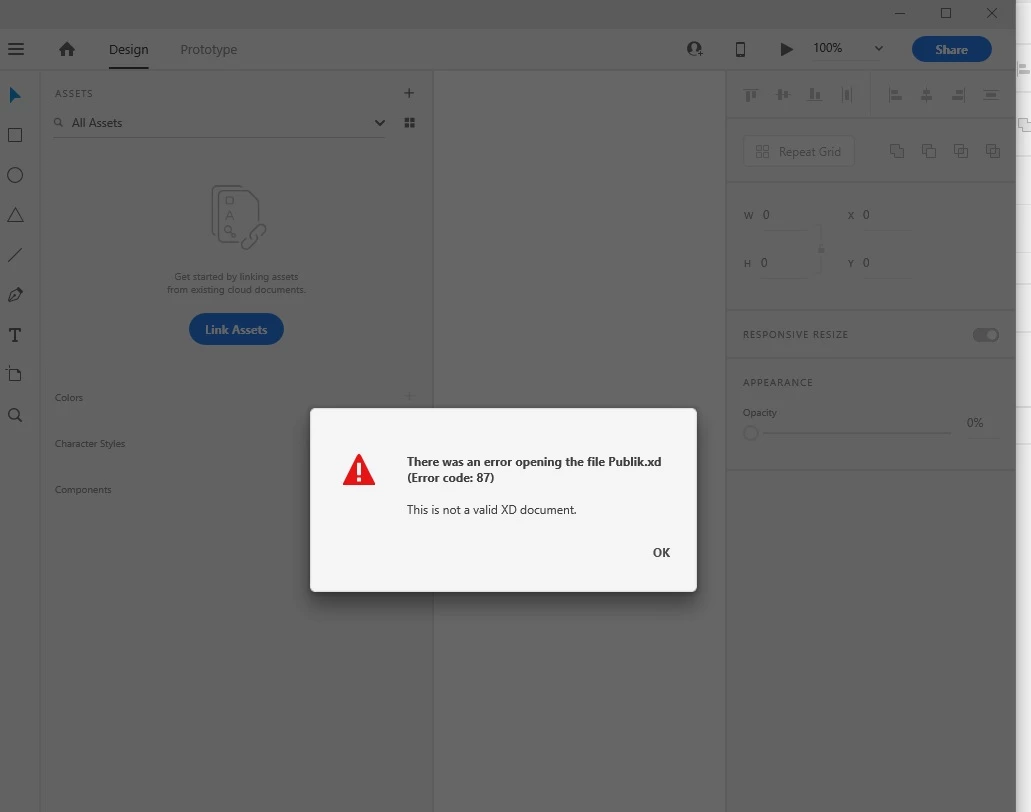
[Crash/Load]-Cannot open file"Error 87 this is not a valid XD document".

  • September 24, 2019
  • 3 replies
  • 8279 views

Could you please, advise how may I open it or if possible your Team to provide me a backup file. Please, find the screenshot below:
 

<The Title was renamed by moderator>

3 replies

Participant
May 3, 2020

Hello,


Can you please help me. I have an urgent project and my file is not opening. I keep getting the error as attached. I tried installing XD and then uninstalling. Didn't work. I also tried sending it to friends / or opening it on another device with another adobe account. also did not work


please help!

thank you

Participant
May 3, 2020

Here is the link to the files:

https://drive.google.com/drive/folders/1chTnZIoXg2OFc5kmqdnRPlcVawDOo4_y?usp=sharing


I hope you can help me. My deadline is tomorrow! 

HARSHIKA_VERMA
Community Manager
Community Manager
May 7, 2020

Hi there,


We are sorry to hear you are having trouble opening the XD file. Would you mind telling us if it's a cloud document or a local document? If cloud, please try to open the file from assets.adobe.com and see if you can download the file and open it. What is the OS and XD version of your machine? 


Please try to restart the machine and see if that helps.


We will try our best to help.


Thanks,

Harshika

Participant
September 24, 2019

After update and restart received another error:

It seems that syncing has stopped at 3,52%.

Preran
Community Manager
Community Manager
September 24, 2019
Can you try opening the file from https://assets.adobe.com/cloud-documents# ?
italosan
Community Expert
Community Expert
September 24, 2019

Hi, try updating the Creative Cloud app and syncing enabled.

Participant
September 24, 2019
I updated it and restart the computer.