



Question
33 New Presets for Numbers, Shapes, & more
Hi everyone,
We’re excited to announce the addition of 33 new presets in the 24.5.0.40 build of After Effects (Beta), designed to streamline your creative projects. From infographics and numbers to transitions and textures, these presets are designed to simplify what you need to create while adding quick production value to your compositions. These presets aim to give you a strong starting point for commonly used elements while also providing the control you need to customize them to the needs of your project.
We’re excited to announce the addition of 33 new presets in the 24.5.0.40 build of After Effects (Beta), designed to streamline your creative projects. From infographics and numbers to transitions and textures, these presets are designed to simplify what you need to create while adding quick production value to your compositions. These presets aim to give you a strong starting point for commonly used elements while also providing the control you need to customize them to the needs of your project.
Many of these presets were created by or in collaboration with the wonderful Evan Abrams. Check out www.motiondesignhotline.com weekly for great AE discussions with Evan and Kyle Hamrick.

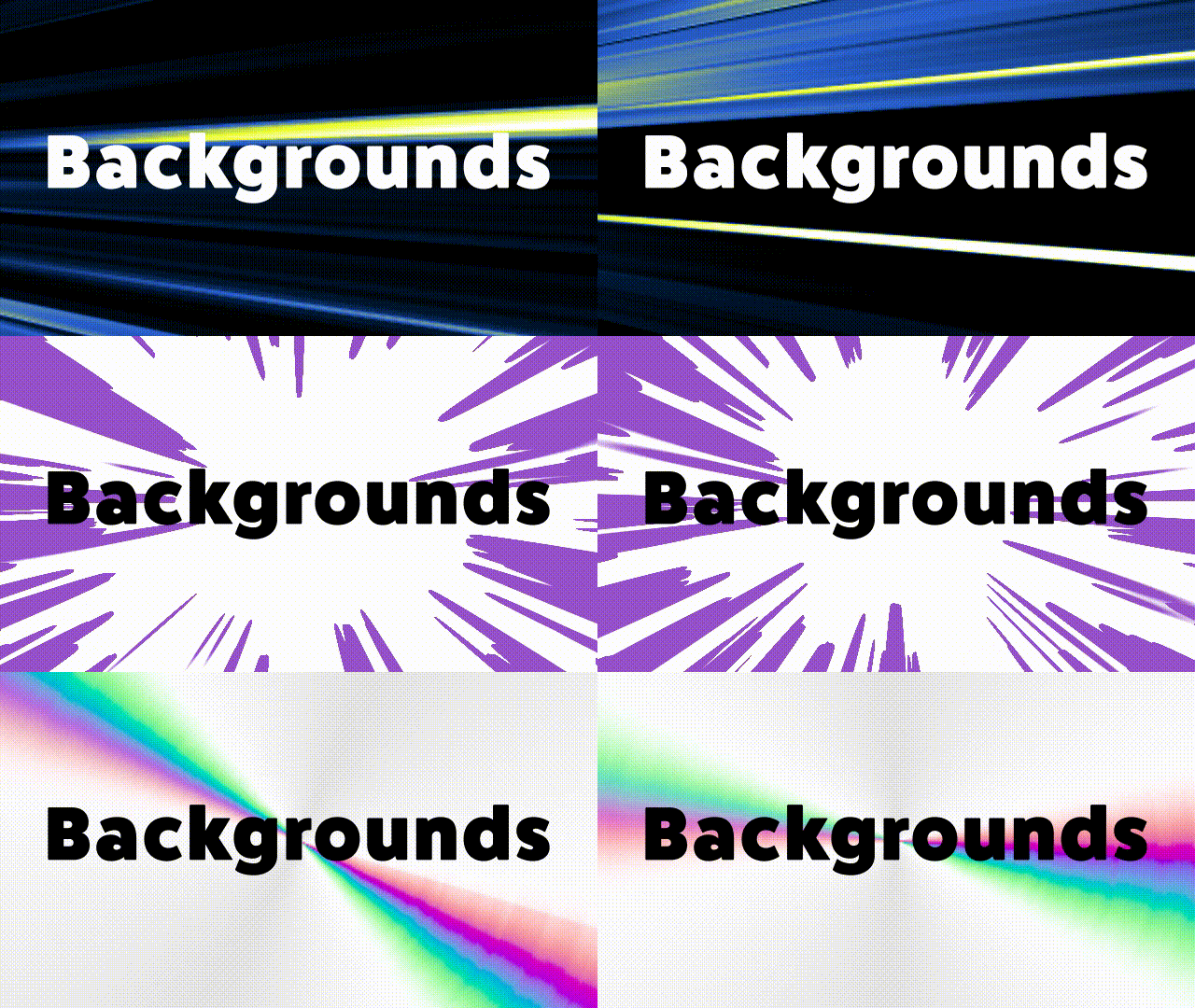
Backgrounds
- Anime Radial – Create anime-inspired radial backgrounds
- Anime Speed Lines – The classic speed lines for bringing energy and momentum
Behaviors
- Random Colors – Creates animated random variations of a selected color
- Random On-Off – Toggle layers Opacity on and off randomly
- Random Whole Numbers – Generate random whole numbers within a custom range
- Wave Value Generator – Quickly creating looping motion driven by sine waves, triangle waves, and more
Dynamic Text Boxes
- 2D Text Box (Shape) – Creates a rigged Shape layer with controls to point at a Text layer for dynamic resizing and animation
- 2D Text Box (Mask & Effects) – Apply directly to a Text layer for the same dynamic Text box using a single layer
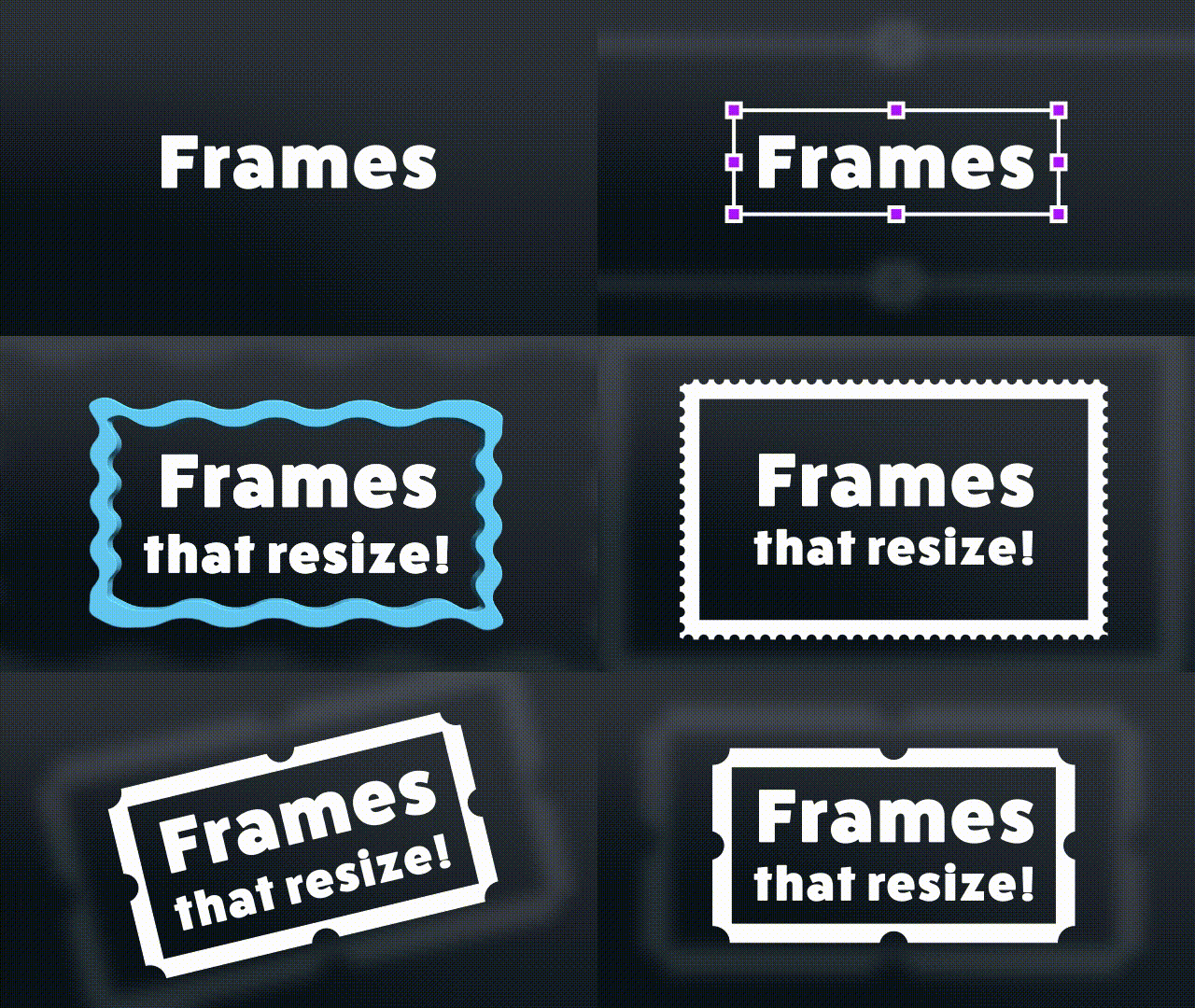
Dynamic Frames
- Bounding Box – Highlight important content within a bounding box
- Crinkle Cut Sticker – Add a crinkle effect to your frames
- Postage Stamp – Frame your content like a postage stamp
- Scalloped Frame – Create elegant scalloped edges for images and videos
Infographics
- Bar Graph – Visualize data with bar graphs, driven by Sliders in the Effect Controls
- Line Graph – Plot data points easily with line graphs
- Radial Graph – Present your data in a circular format, rigged and ready for animation
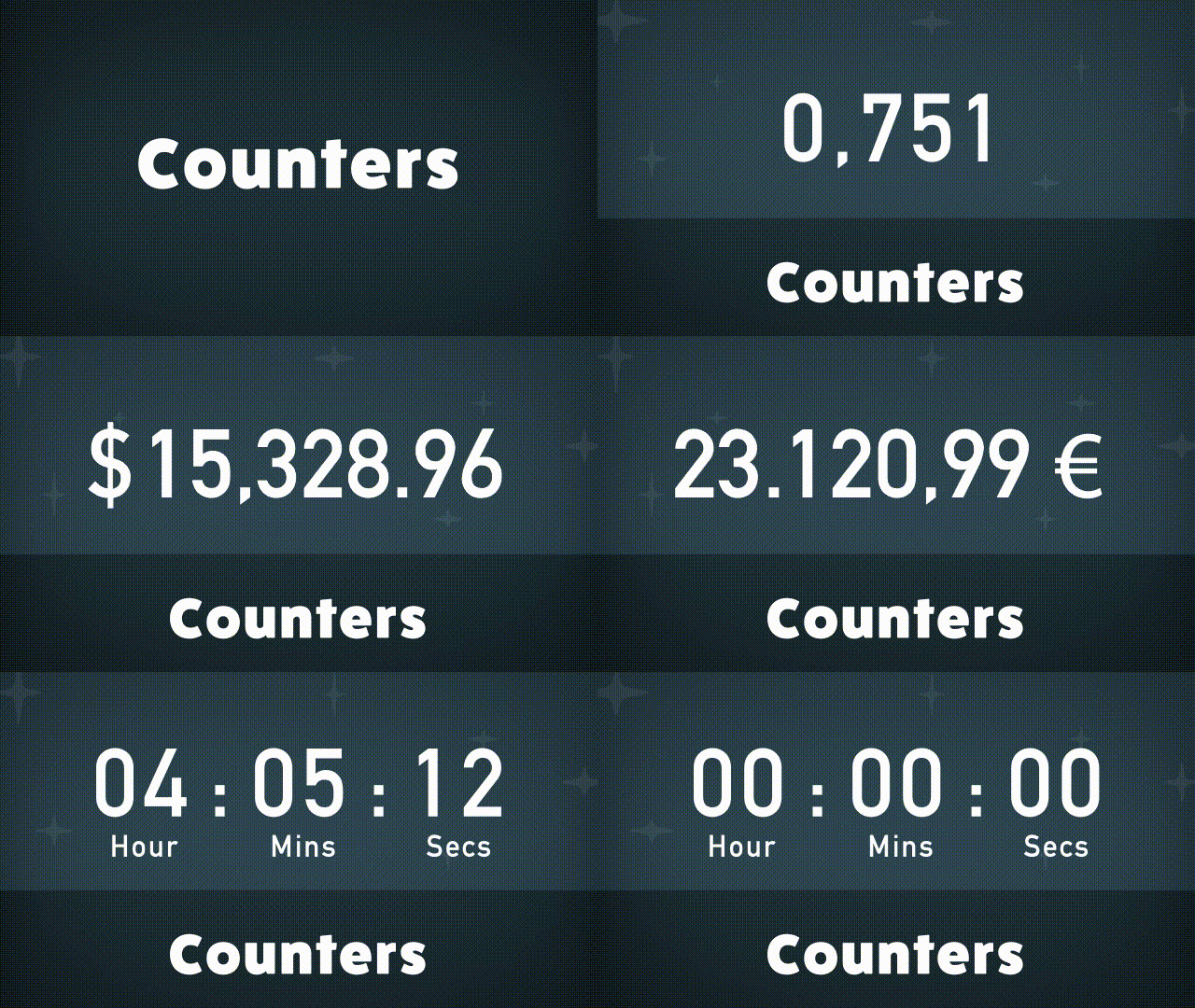
Monospaced Number Counters
- Counter Countdown Monospaced – No more jumpy counters! Works with any typeface. Includes formatting for commas and more
- Currency Counter Monospaced – Animate currency values in standard formats for various currencies
- Percentage Counter Monospaced – Fully formatted percentage values
- Timer Countdown Monospaced – Countdown timers made easy! From minutes up to days
Shape Elements
- Switchable Cursor Element – Extremely useful for mocking up desktop UI interactions
- Vintage Star – Add some retro charm with vintage star shapes
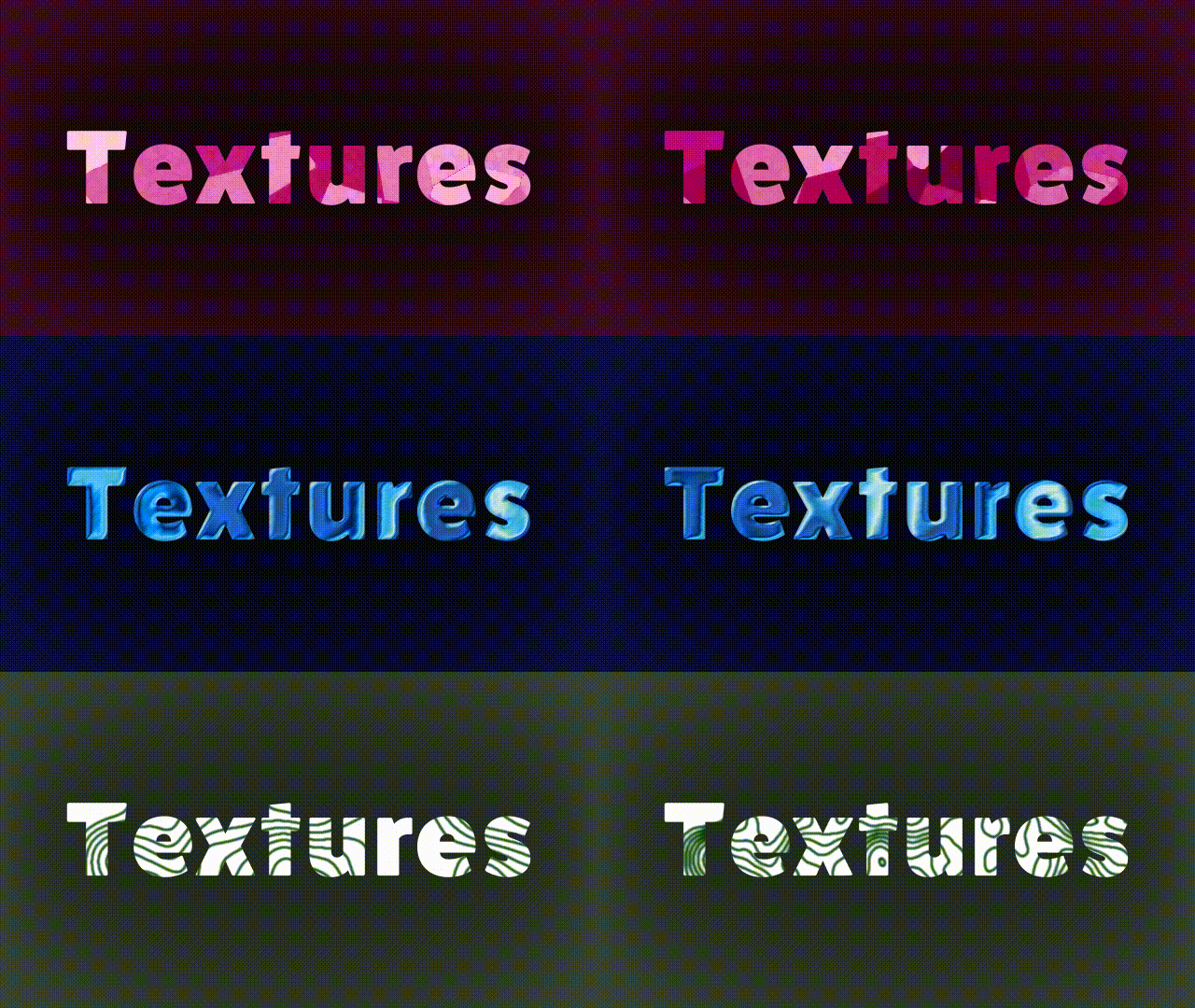
Synthetics
- CD Back – Simulate the look of a CD surface
- Chip Foil – Achieve animated metallic foil textures
- Holographic Foil – Create mesmerizing holographic effects, great for Text layers
- Topographic Lines – Overlay and animate topographic lines
Transitions
- Inky Dissolve – Transition between clips using an inky dissolve
- Inky Iris Wipe – Reveal content using an organic iris wipe
- Inky Linear Wipe – An organic wipe across the frame
- Pixelated Dissolve – Pixelate your footage as it dissolves
- Pixelated Iris Wipe – Combine pixelation and iris wipe
- Pixelated Linear Wipe – Linear wipe with pixelation
Utilities
- Separate XYZ Scale – Independently animate along the X, Y, and Z axes
- Magnify & Preserve Alpha – Keep the existing alpha of any layer while applying the Magnify effect

Feel free to explore these presets to enhance your projects! Let us know what you think, and happy animating!
 AdChoices