Copy link to clipboard
Copied
Hello kindly help me out on this please.
I've tried to do this with multiple tutorials but non of them are not working.
Most tried method:
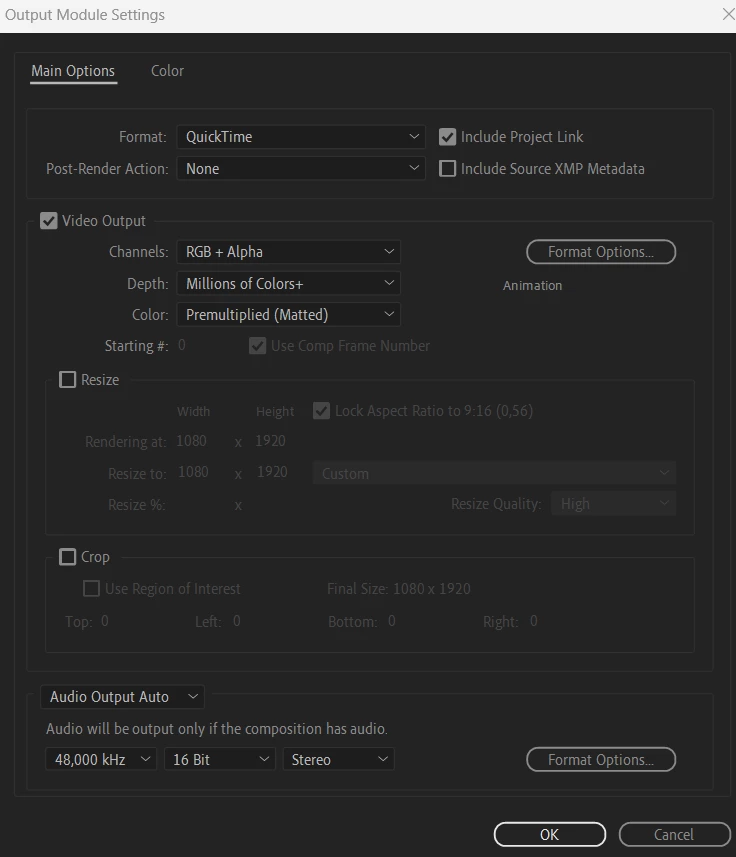
QUICK TIME> RGB&ALPHA> ANIMAITON> RENDER (not working)
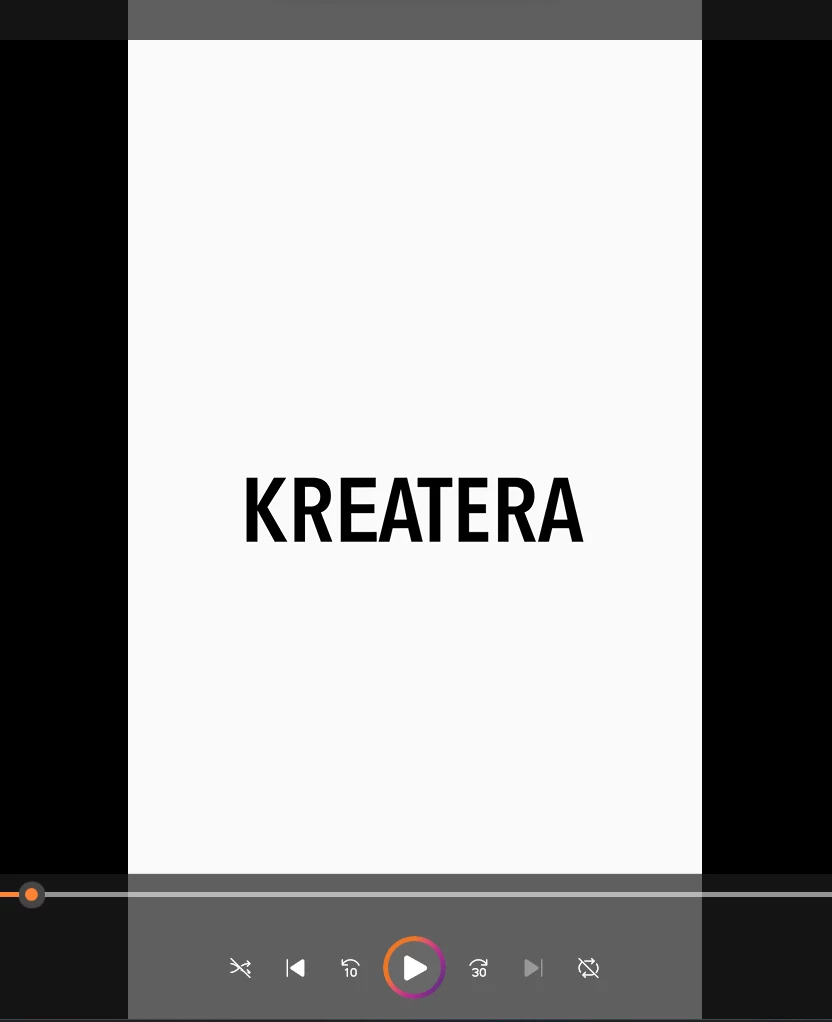
it's text animation. as you can see on pictures video is still with bacground 😞
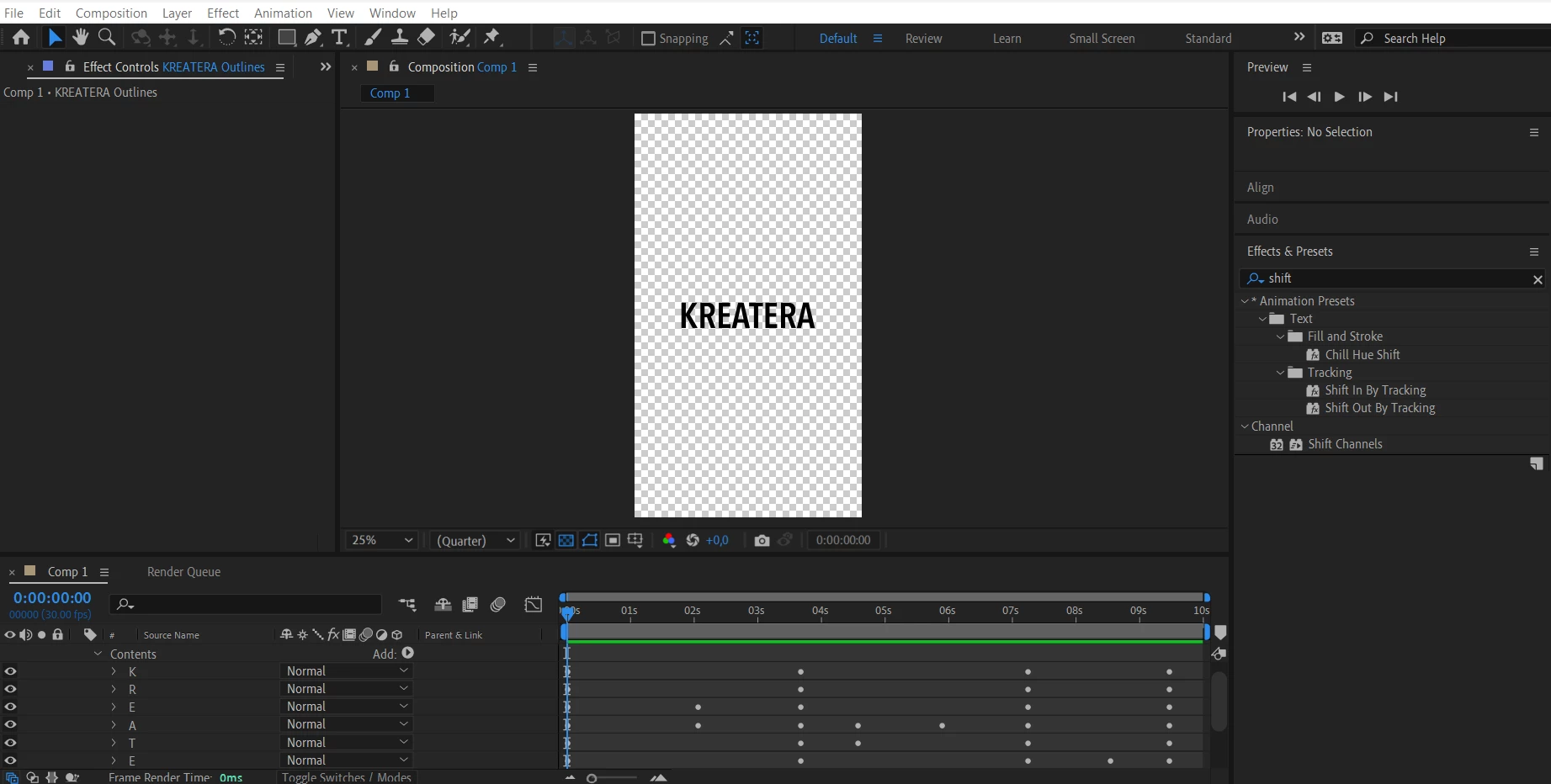
Most video players won't show transparency unless they have a function to do so like Quicktime or something else. If you have transparency when you import the file into After Effects or Premiere, you should be fine. Also you might wanna use the High Quality with Alpha preset instead of using the Animation codec as that has been deprecated significantly.
Copy link to clipboard
Copied
Most video players won't show transparency unless they have a function to do so like Quicktime or something else. If you have transparency when you import the file into After Effects or Premiere, you should be fine. Also you might wanna use the High Quality with Alpha preset instead of using the Animation codec as that has been deprecated significantly.
Copy link to clipboard
Copied
Thaanks! Your answer is correct 🙂
It doesn't work in Canva (my main program for social media), so I just tried another way. And I actually found out minutes after my post, that I can try to import it on Premiere or CapCut where it works.
Also, I will try your recommended high-quality with alpha 🙂
Get ready! An upgraded Adobe Community experience is coming in January.
Learn more