
ACES highlights clipped when using a number of effects
I've been working in each of the ACES OCIO configurations for about a year now, but there are a number of go to effects I usually need to use which unfortunately completely clip the highlights making them unuseable. Most of the effects I've seen with this issue so far are distortion effects but also some noise/grain effects too.
On a current project I really need to warp areas of the plate but mesh warp, liquify and others cause this highlight clipping issue so there are no other effects I can go to for what I need. How can I resolve this or can Adobe please fix?
This is before one of the effects is applied
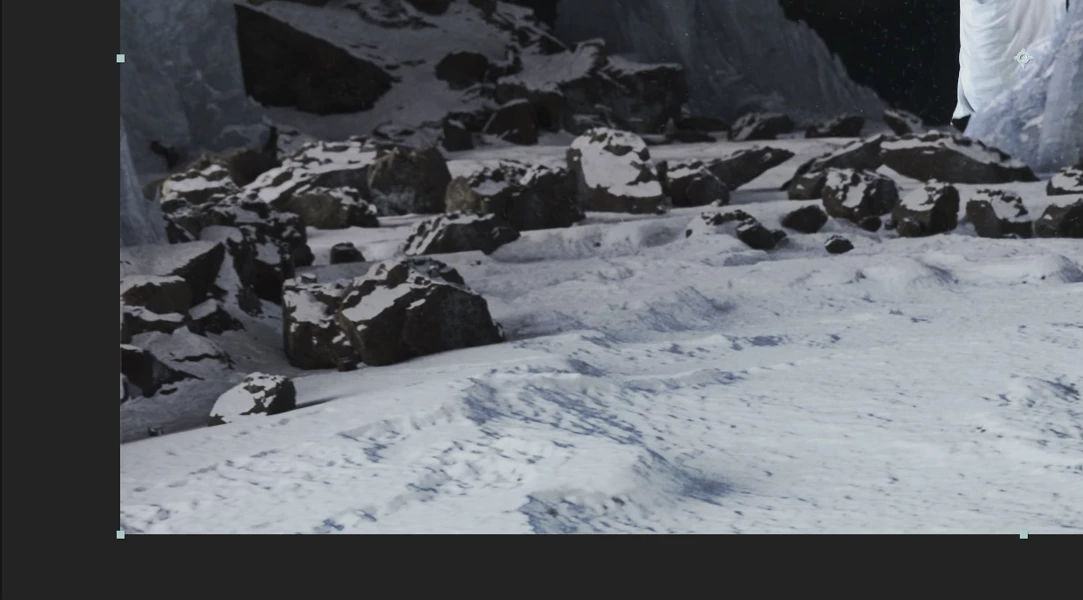
and this is after
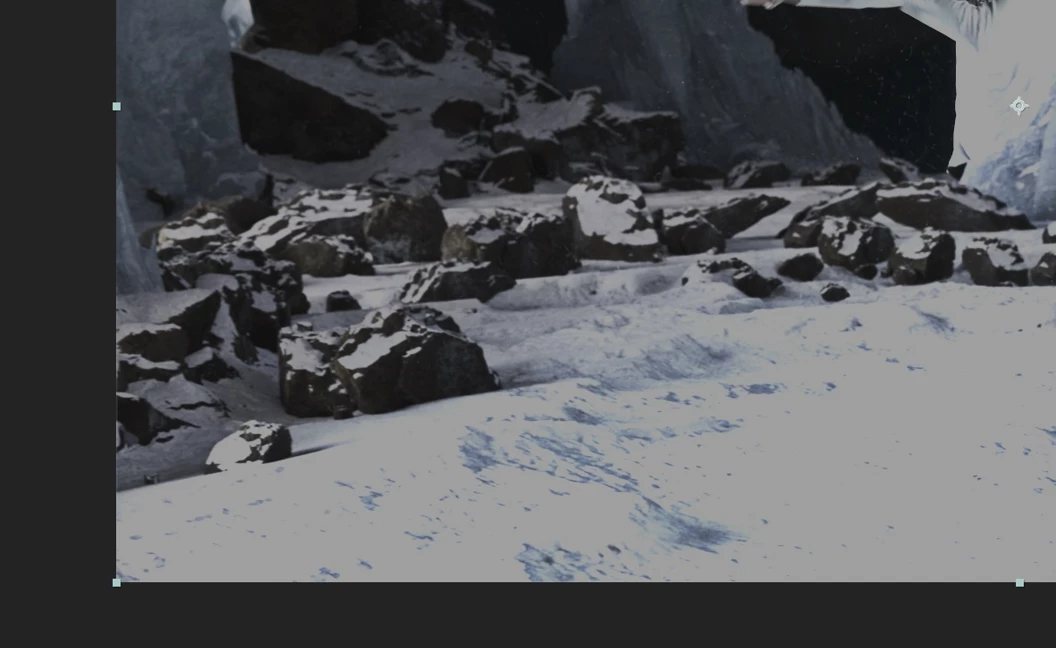
This project is ACES 1.3 Studio v1.0 32 bit, but the issue happens in the other configurations too.
 AdChoices