
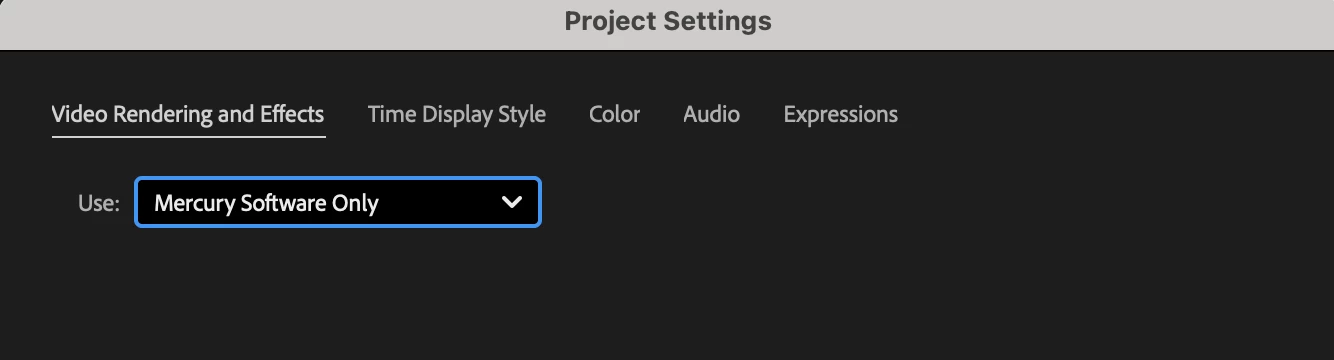
aerender in After Effects 2025 crashes if video rendering is set to "Mercury Software Only"
I have found a bug in command-line aerender in After Effects 2025 (and also the latest Beta), on Mac.
OS: MacOS Sonoma 14.6.1.
AE version: 25.0.1 (Build 2)
If an AEP file has had its rendering set to "Mercury Software Only", rather than GPU Acceleration (Metal), then when I run a command-line render using aerender, it will hang forever, before it starts rendering out frames
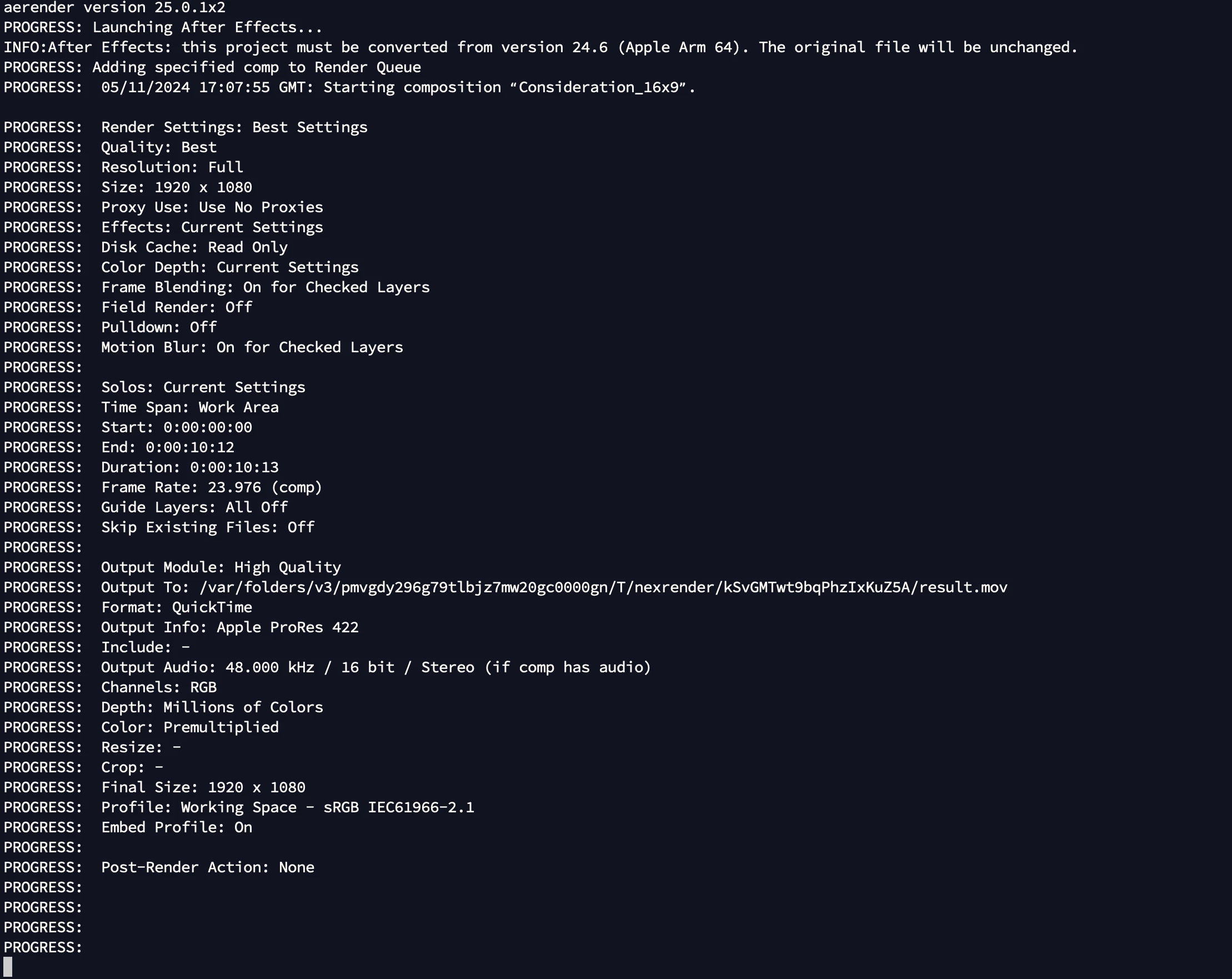
Normally I would expect a file like this to render in a few seconds.
Editing the AEP file and changing it to GPU Acceleration (Metal) and then re-rerunning aerender results in a render.
Rendering in After Effects UI works fine.
I have checked with Adobe After Effects 2024 and it renders just fine using aerender, this is only an issue in 2025 (and the current Beta). There is no additional info in the logs, the program just hangs.
I could write a script to update the GPU settings before each render but that would be tedious; I also assume other people will be affected by this and will need to find a fix.
I cannot upload the affected AEP file to a public forum as it is commercially sensitive but am happy to send privately if your engineering team needs a closer look at it.
 AdChoices