
Participating Frequently
October 6, 2024

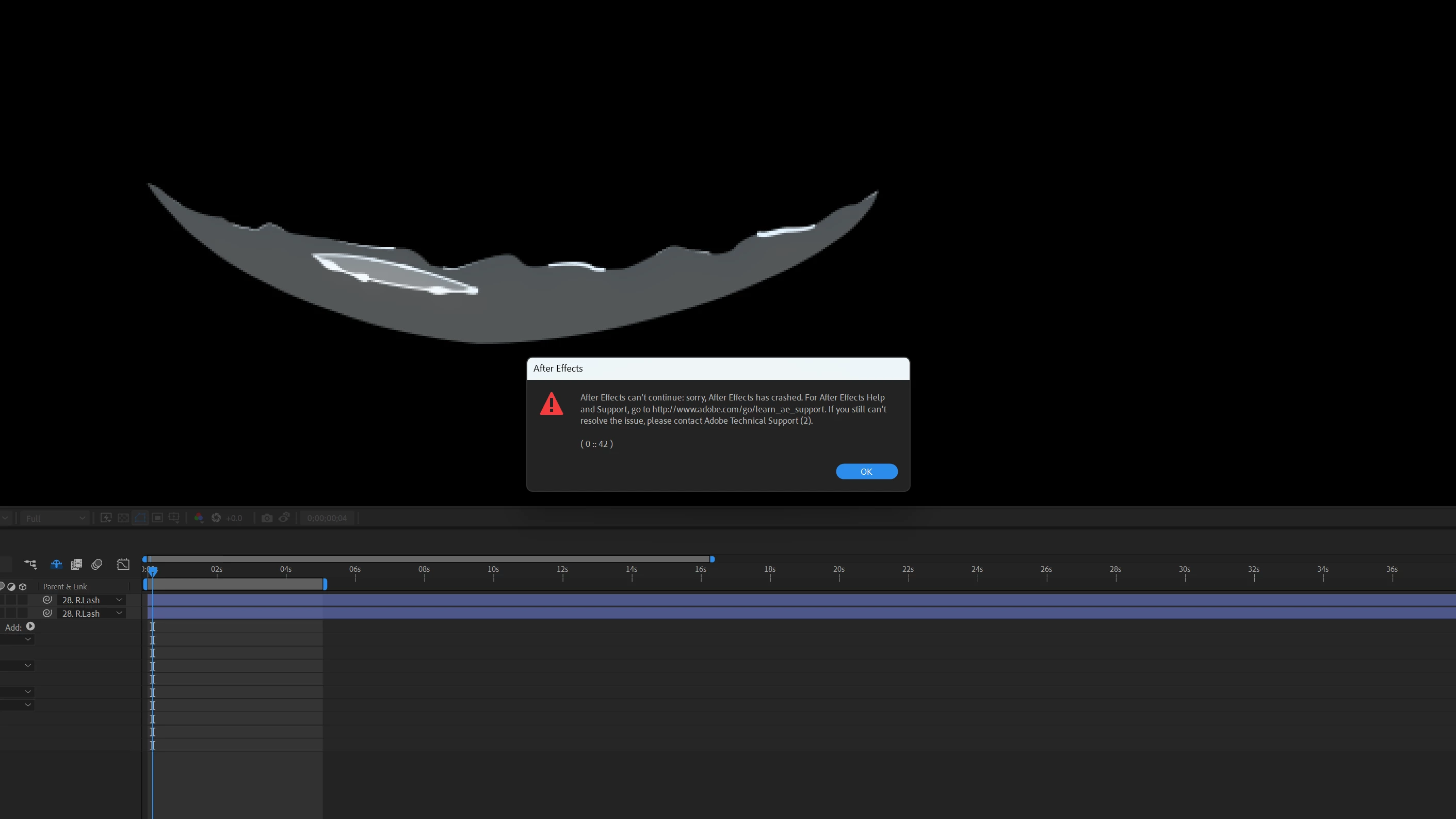
Error 0::42 After Effects can't continue. I tried following steps provided in this forum to no avail

  • October 6, 2024
  • 2 replies
  • 330 views

Hello,

AE version 24.5 (can't up/downgrade since I've many work-in-progress projects)

Machine specs

intel core i7 12400 12 cores, 24 threads

64 gb ram

1tb storage nvme

windows 11 pro


Need urgent help, I searched this forum for the same issue and followed the steps for people who successfully fixed it, none worked (including booting the project from the original file location)


Here's the project file.


P.S I'm utilizing Joysticks and sliders plug in. My other projects that use the same plug-in setup boot up perfectly. It seems to be a problem with how AE handles this file specifically.


This topic has been closed for replies.

2 replies

Participating Frequently
October 8, 2024

Unfortunately cant find a crash log. However I deleted the newly vreated recover file and the original seems to work till now

Jenkmeister
October 7, 2024

Is there a Crash Reporter dialog that appears after this one? If so, can you make sure to put your email address in and submit the report? 


It may also help us if you can collect a log file.


1. Open AE

2. Go to Help -> Enable Logging

3. Restart AE

4. Reproduce the Crash

5. Restart AE

6. Go to Help -> Reveal Logging Files...

7. Find the "After Effects Log (last).txt" file and post the contents back here.