

Question
Glitches (holes) appearing on imported Illustrator file with gradient stroke
Problem Description:
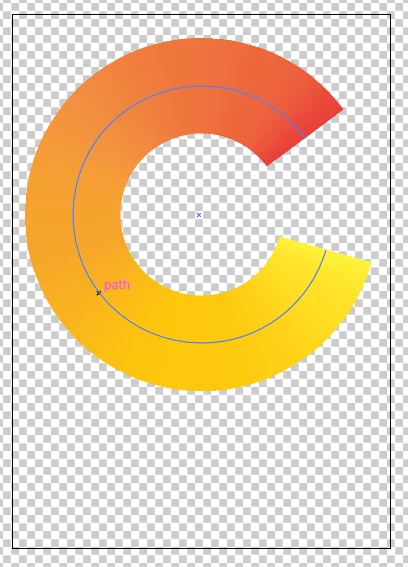
- I create a very simple path with a gradient stroke along it in Illustrator:
- I save it as Illustrator 2020 format, then import that file as a comp in AE.
- I open the comp, set the (only) layer to continuously rasterise, and then scale the layer up or down:
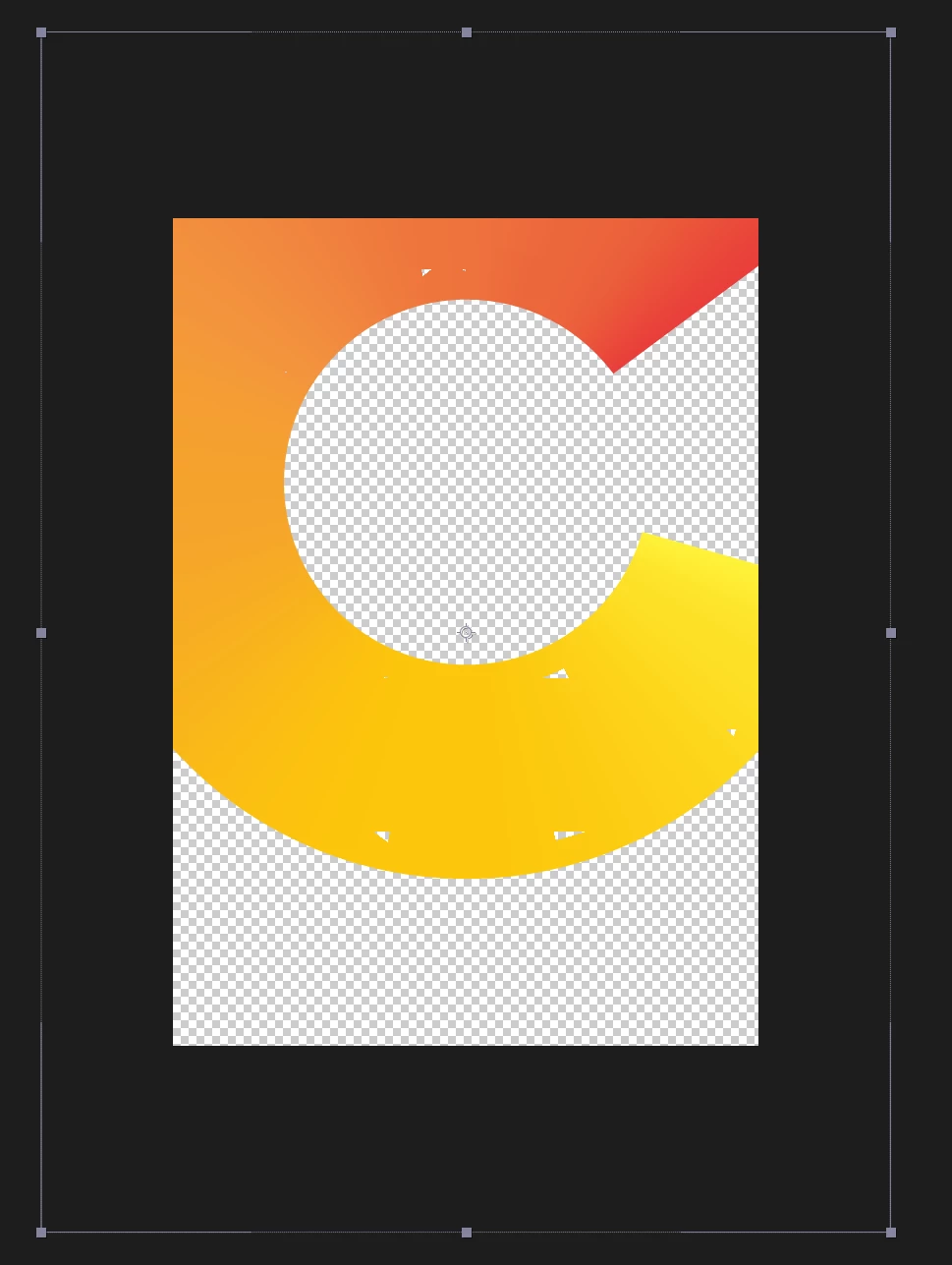
- Random holes appear!
Workarounds:
Either: Turn off continuous rasterisation (which defeats the whole object of a vector workflow)
...or...
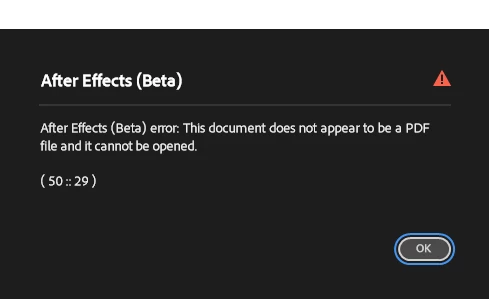
Save the file - attached to this post - in Illustrator as version 8 (I didn't test other version numbers; I chose v8 because C4D - and Maya maybe? - used to like v8, so I guess Adobe changed something in the file structure after v8) and reload it in AE. AE will compain, but it seems safe to ignore this message:
I've tried this on a Mac and PC, on v.24 (beta) and v.23 (on the Mac). The results are the same. I have the latest Nvidia drivers installed.


 AdChoices