Exit
  • Global community
    • Language:
      • Deutsch
      • English
      • Español
      • Français
      • Português
  • 日本語コミュニティ
  • 한국 커뮤니티
2

(IN PROGRESS) After Effects 2024 has ruined my project - THE FONTS problem

Advocate ,
Oct 17, 2023 Oct 17, 2023

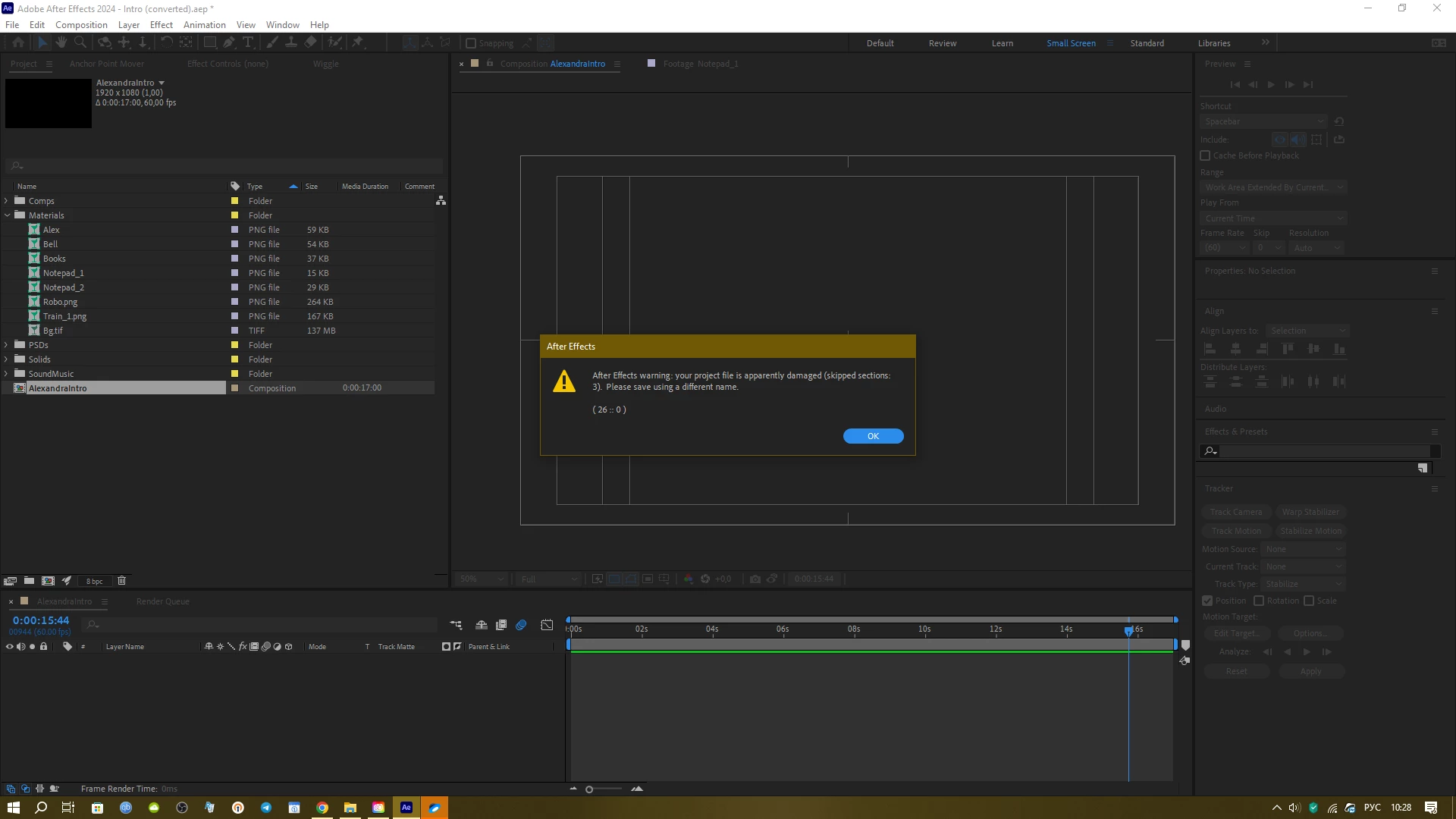
I have a project which I started in Ae 2023.6. When Ae 2024 came out I worked at the project there, having converted it into a 2024 project version. I finished the project, sent it to the client and yesterday I got a note for some corrections to make in it. So I open up the project in Ae 2024 and get this:
2023-10-17_10-28-41.png


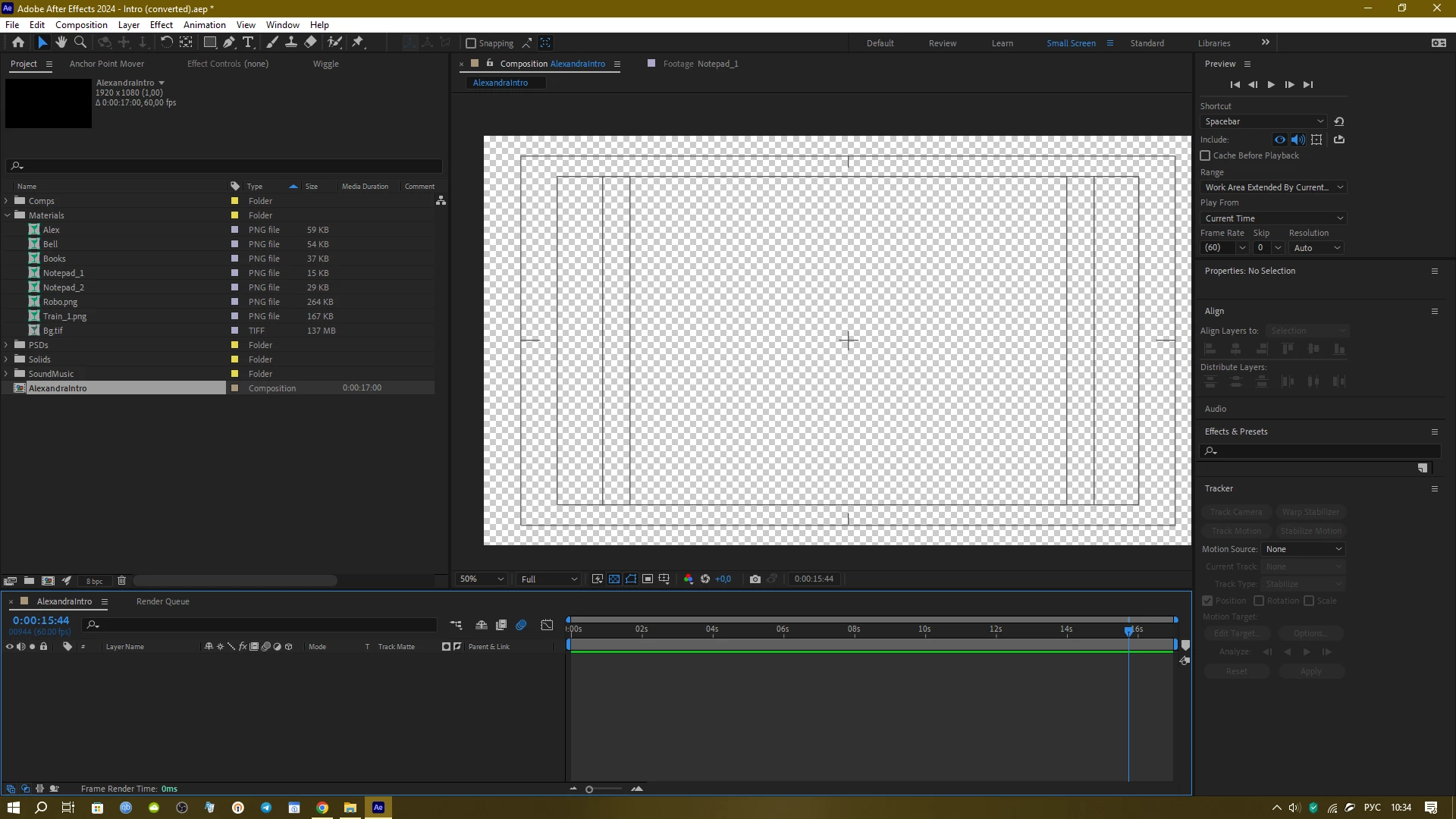
I hit OK and get this:

2023-10-17_10-28-46.png


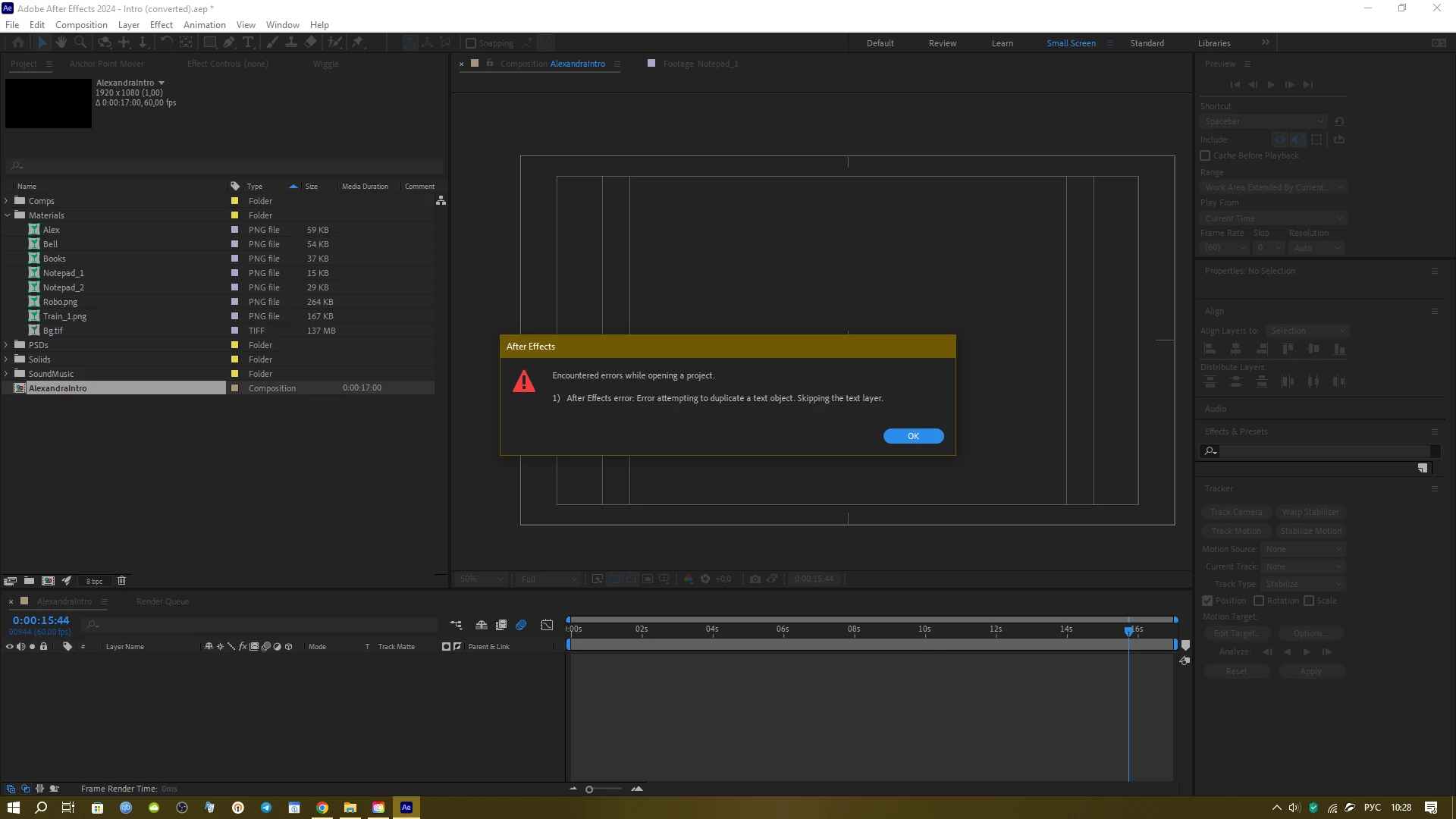
I hit OK and get an empty timeline:

2023-10-17_10-34-11.png


I have tried saving the project in 2023 version and opening it in Ae 2023 and I get the same empty project there. And yes I tried "saving under a different name".

What am I to do? I am about to lose my client, Adobe...

Bug Investigating
TOPICS
Crash , Performance , Troubleshooting
3.9K
Translate
Report
Community guidelines
Be kind and respectful, give credit to the original source of content, and search for duplicates before posting. Learn more
community guidelines

correct answers 1 Correct answer

Advocate , Oct 17, 2023 Oct 17, 2023

Ok, the problem was in the Adobe - not the Windows! - FONTS. As soon as I deleted all of them in the Creative cloud the project opened up and even all the fonts used in it were in their places. Adobe products somehow duplicate the fonts installed in the windows system and thus go in conflict with them which leads to an error. I did not touch the windows fonts at all - I have some piculiar fonts installed and they are used in my project and work fine. But it seems when I chose the fonts within Af

...
Translate

correct answers 1 Pinned Reply

Adobe Employee , Oct 17, 2023 Oct 17, 2023

Oh! @AndrewTheGreat

If you could please share a version of the project that has never been opened in 24.0, like one from Auto-Save, that would be so so so so helpful. 


Thank you,


Status Investigating
Translate
9 Comments
Advocate ,
Oct 17, 2023 Oct 17, 2023

Ok, the problem was in the Adobe - not the Windows! - FONTS. As soon as I deleted all of them in the Creative cloud the project opened up and even all the fonts used in it were in their places. Adobe products somehow duplicate the fonts installed in the windows system and thus go in conflict with them which leads to an error. I did not touch the windows fonts at all - I have some piculiar fonts installed and they are used in my project and work fine. But it seems when I chose the fonts within After Effects they here taken from the Creative cloud which led to their being duplicated. Please Adobe see to this. Seems like I am not the only one who had this error.

Translate
Report
Adobe Employee ,
Oct 17, 2023 Oct 17, 2023

Hi @AndrewTheGreat , 


I'm happy to hear that you got back on track after removing the Adobe Fonts. This seems like a really bad error though and I would love to be able to get to the root issue. Can you please share the project and the peculiar fonts you were working with? 


You can share them privately if you'd like to keep the assets private. 


I'm concerned about project corruption. I'm also curious if you were able to retrieve a back-up from your Auto-Save projects or if it was the same project that was corrupt and then got fixed?


Apologies for the heart attacks, 

Dacia

- Dacia Saenz, AE & PR Engineering Teams
Translate
Report
Adobe Employee ,
Oct 17, 2023 Oct 17, 2023

Oh! @AndrewTheGreat

If you could please share a version of the project that has never been opened in 24.0, like one from Auto-Save, that would be so so so so helpful. 


Thank you,


- Dacia Saenz, AE & PR Engineering Teams
Status Investigating
Translate
Report
Advocate ,
Oct 18, 2023 Oct 18, 2023

Hi, Dacia, unfortunatelly I have changed the project since I posted here too much. But let us suppose the 10 of october version of an autosave is one of the culprits, so check it out: https://drive.google.com/file/d/19S_G7gJ-e-x474YzWt4j92ZtJ_ET2r-_/view?usp=share_link

Translate
Report
Adobe Employee ,
Oct 18, 2023 Oct 18, 2023

Awesome! Thank you so much @AndrewTheGreat!


Can you tell me which fonts you have that you identified as "peculiar" and where you downloaded them from so I can emulate your system? 
If it's no problem to add them to the google drive folder that would be great too. 

One of the biggest issues with Adobe Font syncing working or causing issues has to do with the font environment on the system itself. 


I appreciate you!

- Dacia Saenz, AE & PR Engineering Teams
Translate
Report
Advocate ,
Oct 18, 2023 Oct 18, 2023

Most of them were downloaded via Creative cloud from here: fonts.adobe.com, few others were present in my system

The approximate list of fonts is:

MrChalk

Roboto

Bowlby One SC

CCMeanwhile

CCSmashOpen

Monotype Corsiva

Impact

Bad Script

Times New Roman

Kapelka New

Bebas Neue

DoUbLeBaSs

////////////////

Damn it. I've got the same error again

5E17_0-1697645599702.png


I had not added any fonts since my last message and the project opened fine. I'm looking at the CC font section and see the fonts installed there again - does CC install fonts autimatically?

Here's the last version of the project in which the error appeared:

https://drive.google.com/file/d/1D0QZwLS7FeOuTZlfN-FpaGgfSuA8khk0/view?usp=share_link

Again I purged the Installed fonts in CC and the project started

Translate
Report
Adobe Employee ,
Oct 27, 2023 Oct 27, 2023

Thank you for sending me this project @AndrewTheGreat,

Let me see what I can find out. 

- Dacia Saenz, AE & PR Engineering Teams
Translate
Report
Community Beginner ,
Nov 16, 2023 Nov 16, 2023

Any progress on this? I just got the same error on one of my AE projects. All the autosaves have the same error. This really sucks.

Translate
Report
Advocate ,
Nov 18, 2023 Nov 18, 2023
LATEST

When I removed all the fonts from CC this issue was fixed. Ae seems to only work with the fonts installed on your system and not those in CC.

Translate
Report