Unable to import FLA files into After effect, Importing error in AE
"An error occurred while importing this file. Please try again"
Animate cc23.0.1 and AE version 23.0, Operating system win 11,
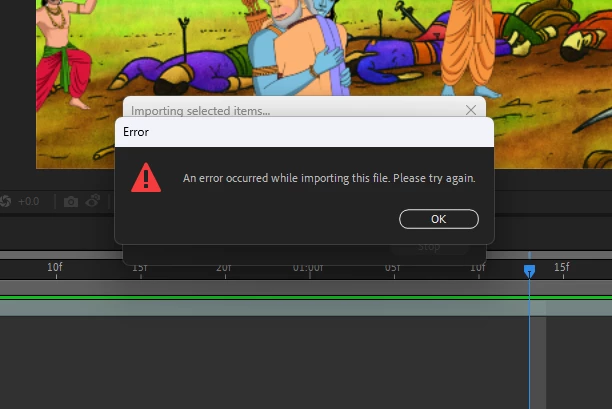

"An error occurred while importing this file. Please try again"
Animate cc23.0.1 and AE version 23.0, Operating system win 11,
Already have an account? Login
Enter your E-mail address. We'll send you an e-mail with instructions to reset your password.
 AdChoices