Participant
February 3, 2024
Answered

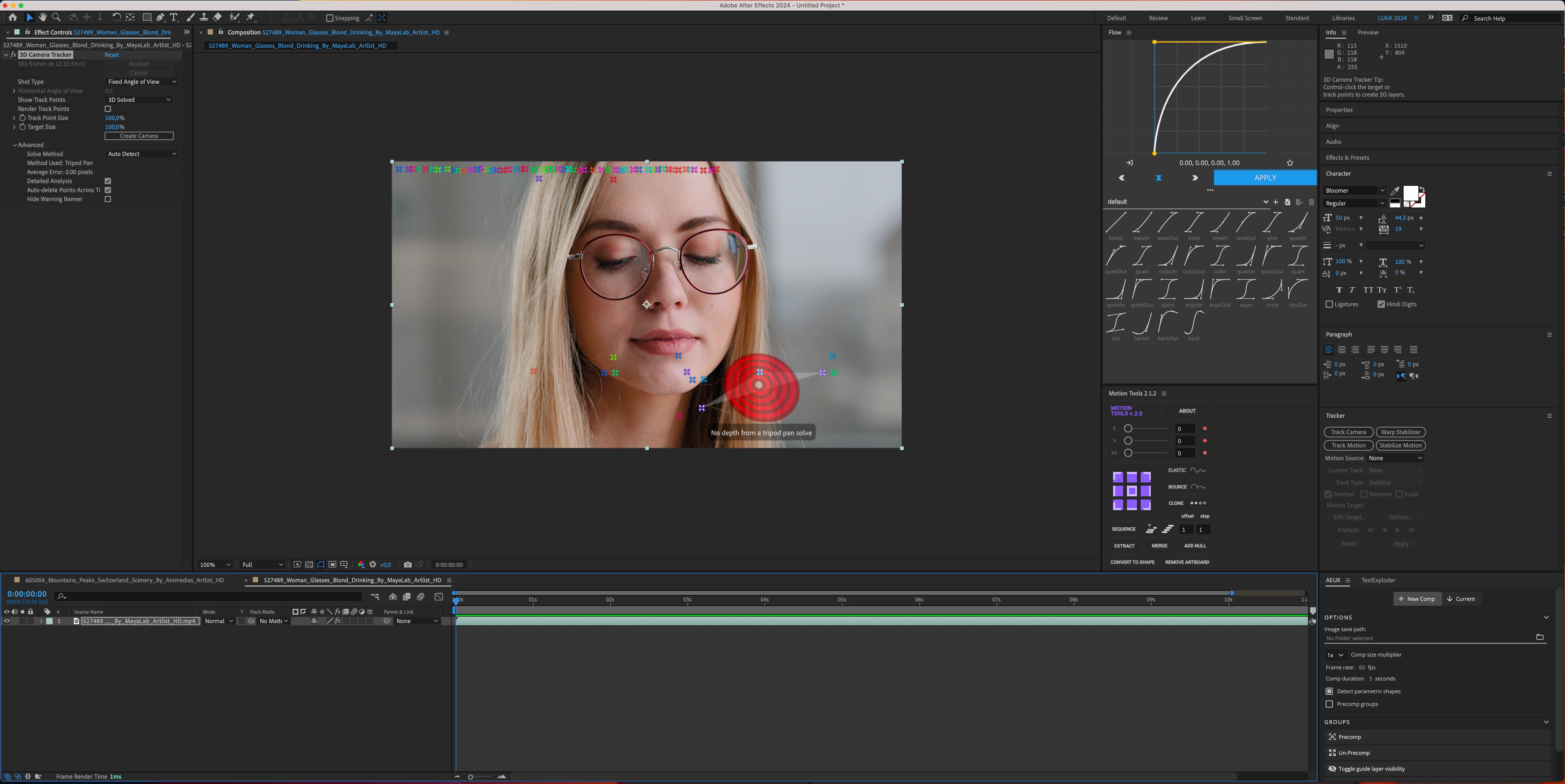
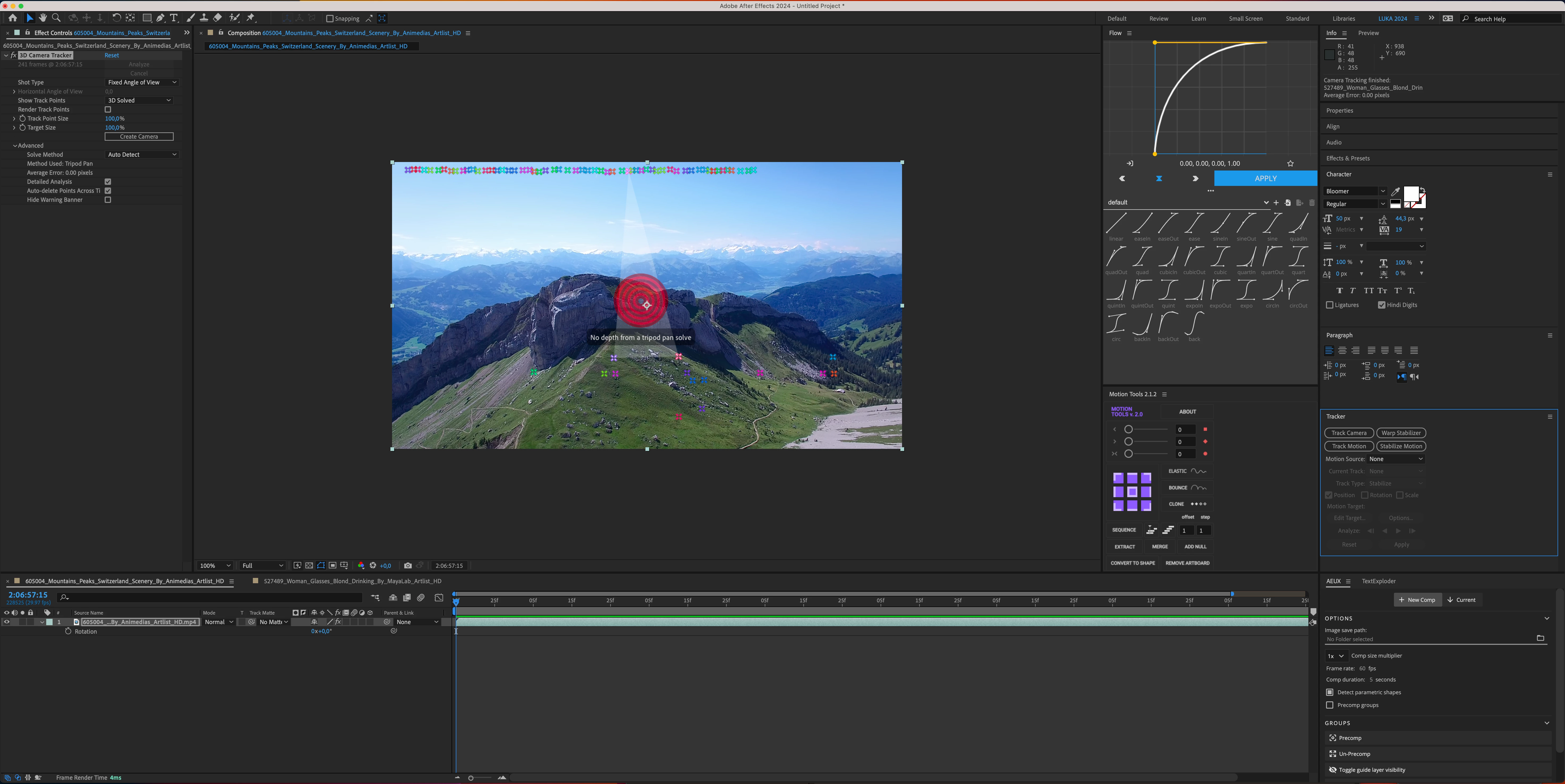
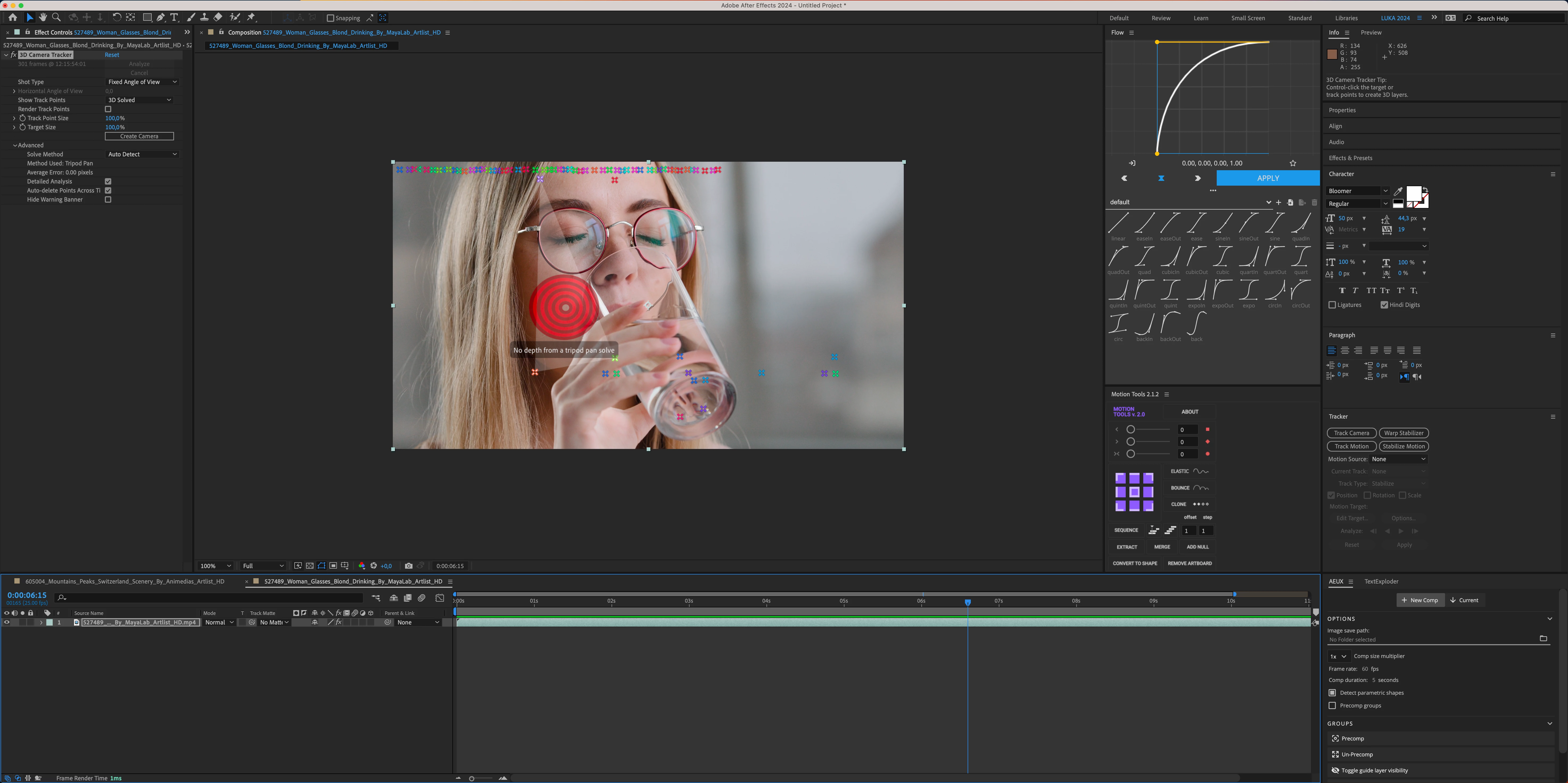
3D Camera Tracker Bug — Regardless of the footage, track always show same result.

  • February 3, 2024
  • 2 replies
  • 435 views

Hello everyone,

I have very annoying 3D Camera Tracker problem, regardless of the footage I always get same result. But result dosent reflect the footage at all, its "hard coded" result that applies to every single footage that I try to track. Points stays at exact location regardless of footage and time of it. I've tried restarting laptop, closing AE, clearing cache etc... and problem still exists. Changing Solve method dosent help, changing Shop type dosent have, its always same bugged result. "No Depth From a tripod pan solve" is everything that I get. Video attached.

Specs: MBP 16" 2023, M3 Max, 128GB Ram, Sonoma 14.1 
AfterEffects: Version 24.1.0,. (Build 78)


This topic has been closed for replies.
Correct answer Luka5FCD

SOLUTION:

I found solution in other thread: https://community.adobe.com/t5/after-effects-discussions/major-bug-mystery-with-3d-camera-quot-solve-analysis-failed-quot/m-p/13514790

Had to go to System Settings -> Privacy & Security -> Files and Folders ->Adobe After Effects 2024 -> Check all unchecked folders (as my footage was located in one of those). Everything works fine now 🙂 


2 replies

Luka5FCDAuthorCorrect answer
Participant
February 4, 2024

SOLUTION:

I found solution in other thread: https://community.adobe.com/t5/after-effects-discussions/major-bug-mystery-with-3d-camera-quot-solve-analysis-failed-quot/m-p/13514790

Had to go to System Settings -> Privacy & Security -> Files and Folders ->Adobe After Effects 2024 -> Check all unchecked folders (as my footage was located in one of those). Everything works fine now 🙂 


Community Expert
February 4, 2024

The first two screenshots are not going to give you an accurate camera track because there is no fixed geometry in the shot. After Effects does not have a 3D object tracker. If you need to track the face of the actor or the glass, try Mocha AE.


I see the same target pattern with all shots. If resetting your preferences by holding down Shift + Alt/Option + Ctrl/Cmnd when you boot AE does not fix the problem, you probably need to re-install After Effects or use the Creative Cloud app to roll back a version or install an update.