S_ A
Inspiring
December 17, 2022
Answered

3D rotation is not working properly

  • December 17, 2022
  • 1 reply
  • 1762 views

Hello,


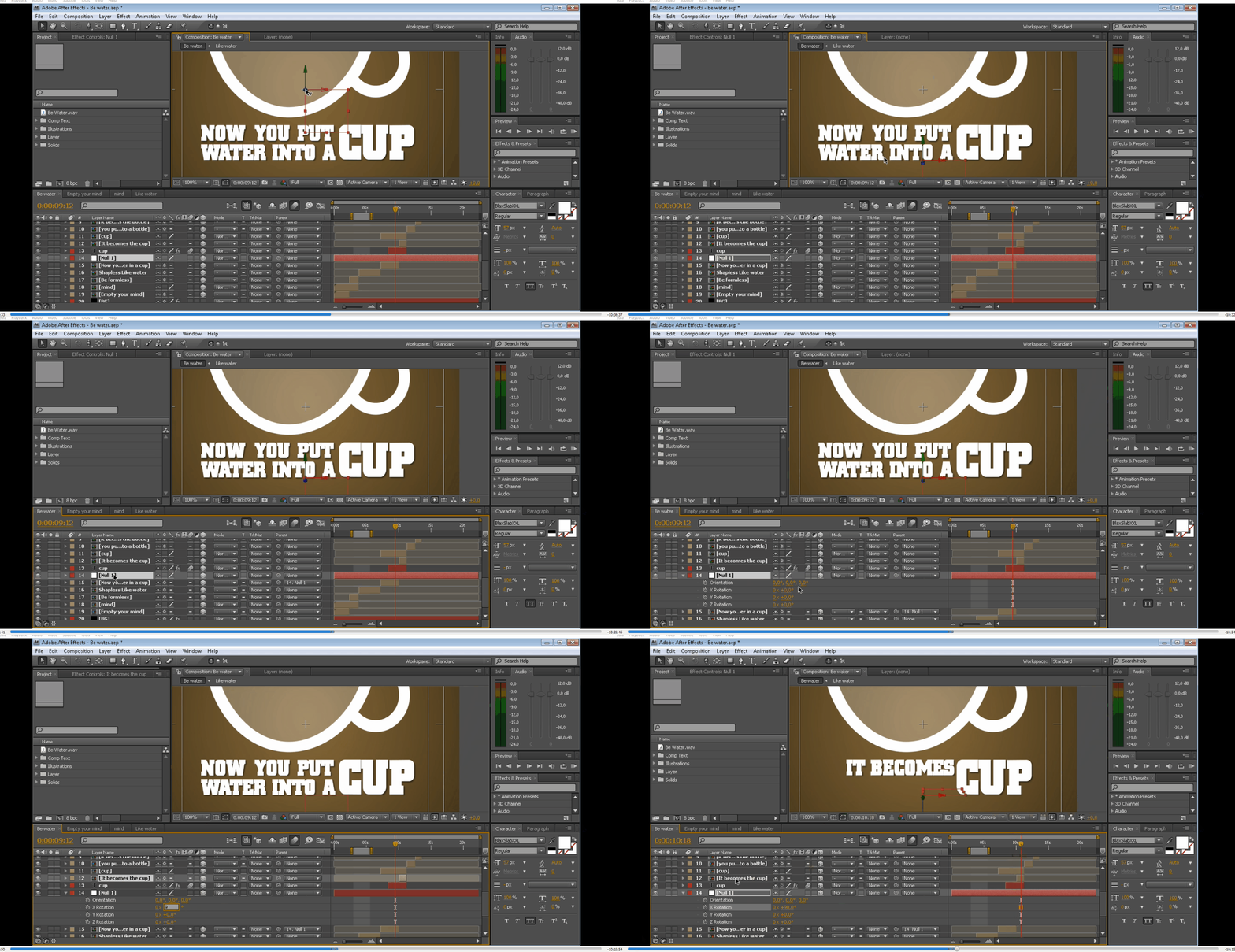
I have been trying to achieve a perfect 90-degree rotation into the X-axis. But the more am trying the more I observed that may be my 3D rotation is slightly slanted. Is it me or AE made in that way I do not know.

Is it me only?


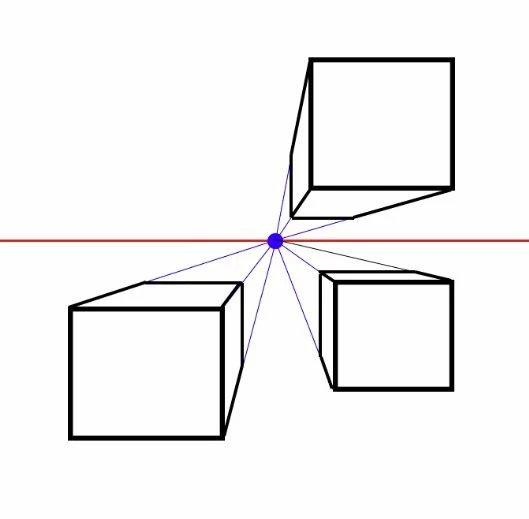
In one point perspective when I rotate something 90 degrees it must vanish in a horizontal line. right? The math says that. It will not vanish if the angle is slanted from your perspective (eye length). So as my 90-degree rotation is not vanishing into the 

x-axis how can I fix this? I need to rotate it 93 degrees to vanish it properly. But I want it to vanish in 90 degree.


Plz help.


This topic has been closed for replies.
Correct answer Mylenium

AE uses a real spherical pinhole camera, not a simplified central projection. That's why it does what it does. Other than in the center of the imaginary "lens" it will always require different values than 90 degrees to make suff "disappear" when it's viewed from the edge. Anyway, since this is is hard to pin down, most people will simply add an ever so tiny fade-in to the animation, be it jusat two or three frames long.


Mylenium

1 reply

Mylenium
MyleniumCorrect answer
Brainiac
December 17, 2022

AE uses a real spherical pinhole camera, not a simplified central projection. That's why it does what it does. Other than in the center of the imaginary "lens" it will always require different values than 90 degrees to make suff "disappear" when it's viewed from the edge. Anyway, since this is is hard to pin down, most people will simply add an ever so tiny fade-in to the animation, be it jusat two or three frames long.


Mylenium

S_ A
S_ AAuthor
Inspiring
December 18, 2022

Thank you so much.