

Question
3D Scene: How do you make images positioned around a circle always face camera while orbiting???
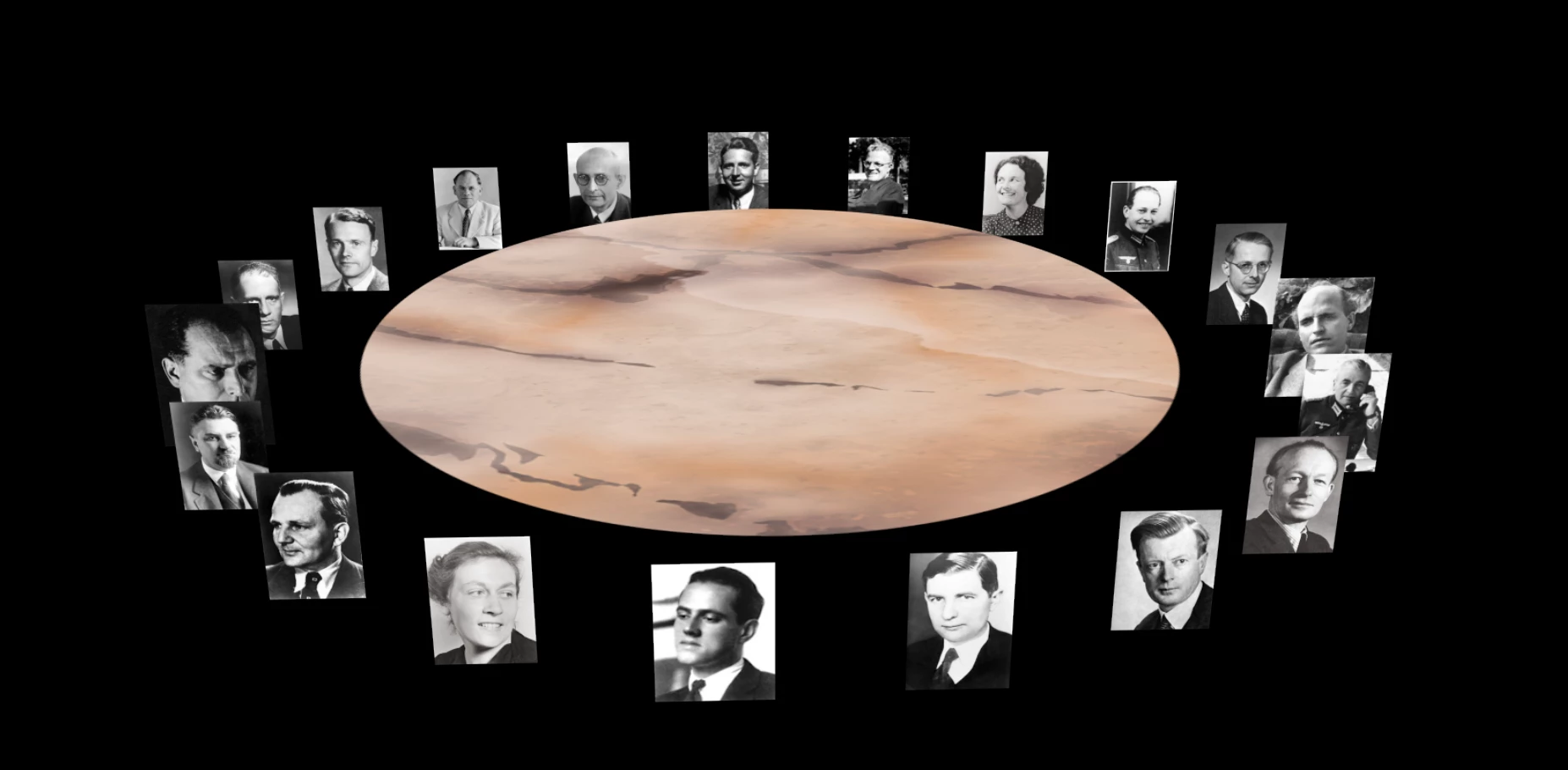
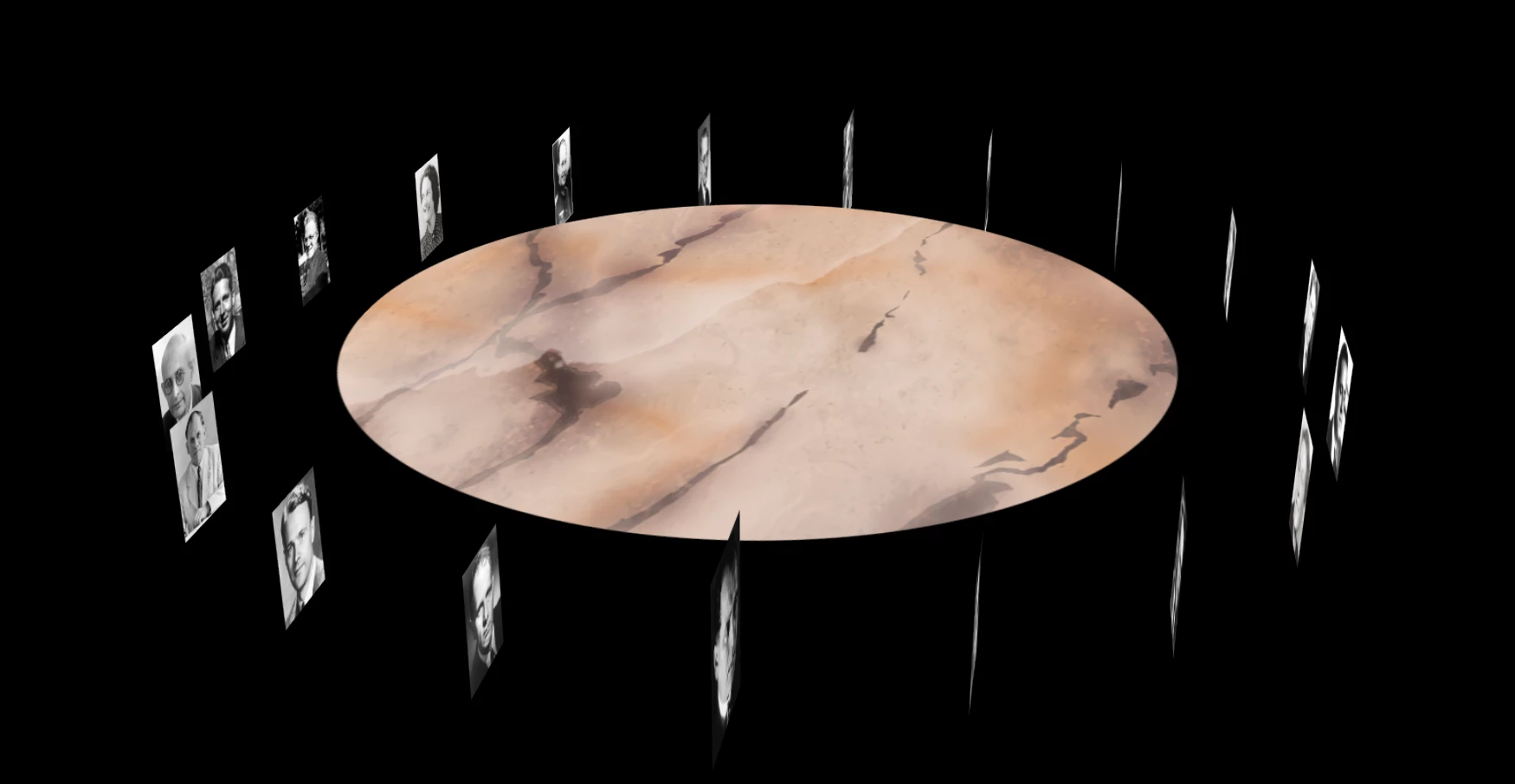
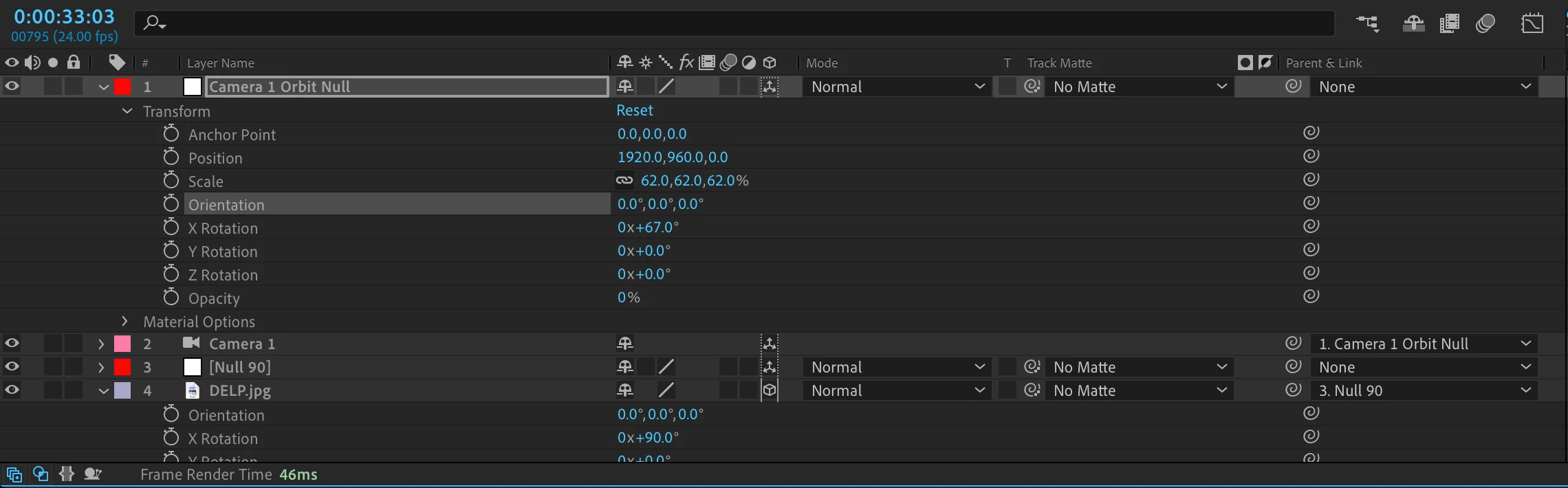 I have a 3d scene in After Effects where 20 photos of people around a table are positioned with X rotation for each photo at 90º. I'm using an orbital null-parented 2 node camera. To animate the scene, I turn the Null's Z orientation to make it look like the camera is orbiting around the table. What I'd like is for the photos to always be facing the camera as I orbit around the table. But the problem is that the photos are not facing the camera as I orbit (see last pic). What setting do I need to adjust to make this happen? Thank you very much in advance for any help with this.
 AdChoices