Participant
May 12, 2018
Answered

4 way mirror effect

  • May 12, 2018
  • 1 reply
  • 6696 views

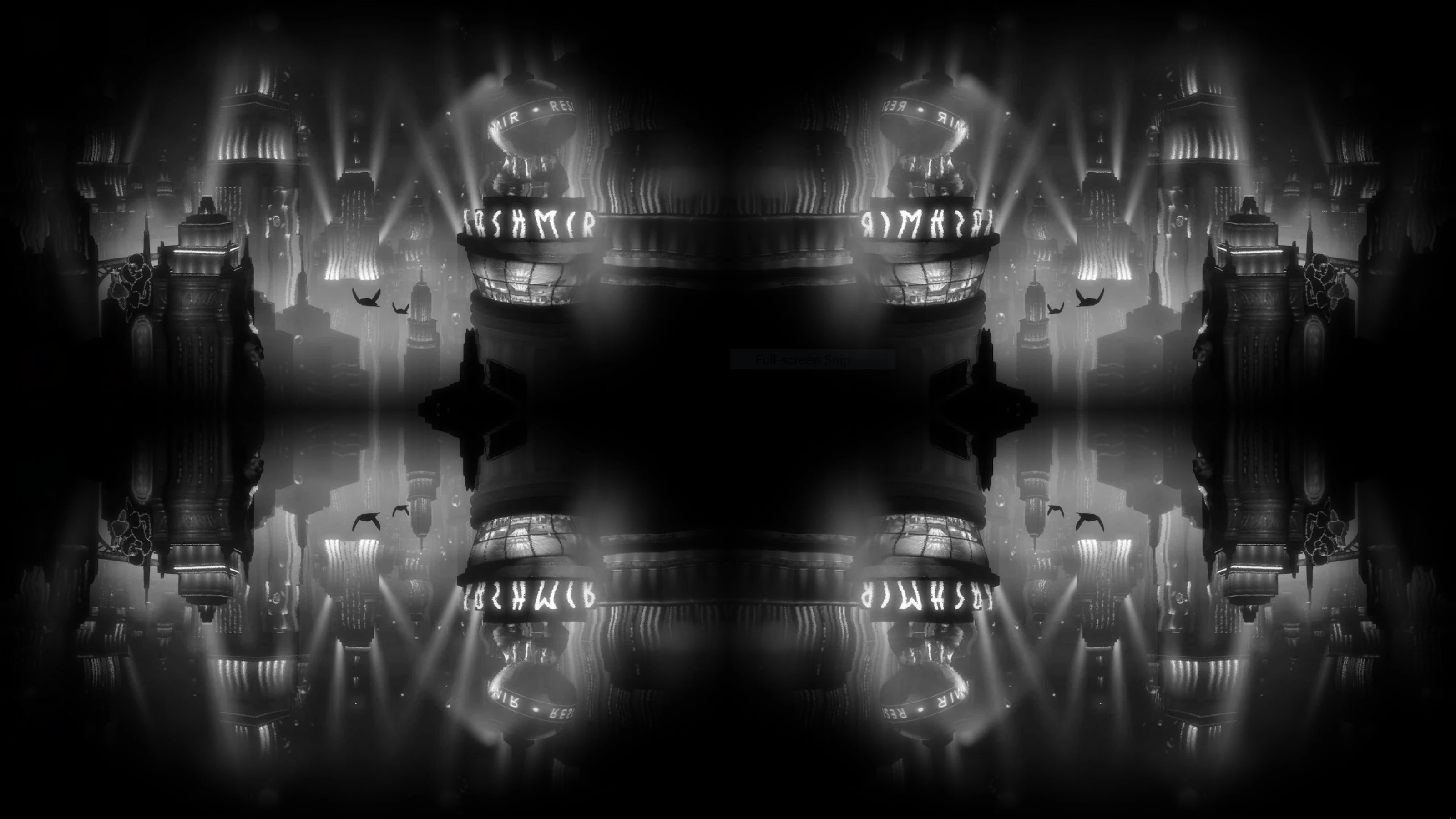
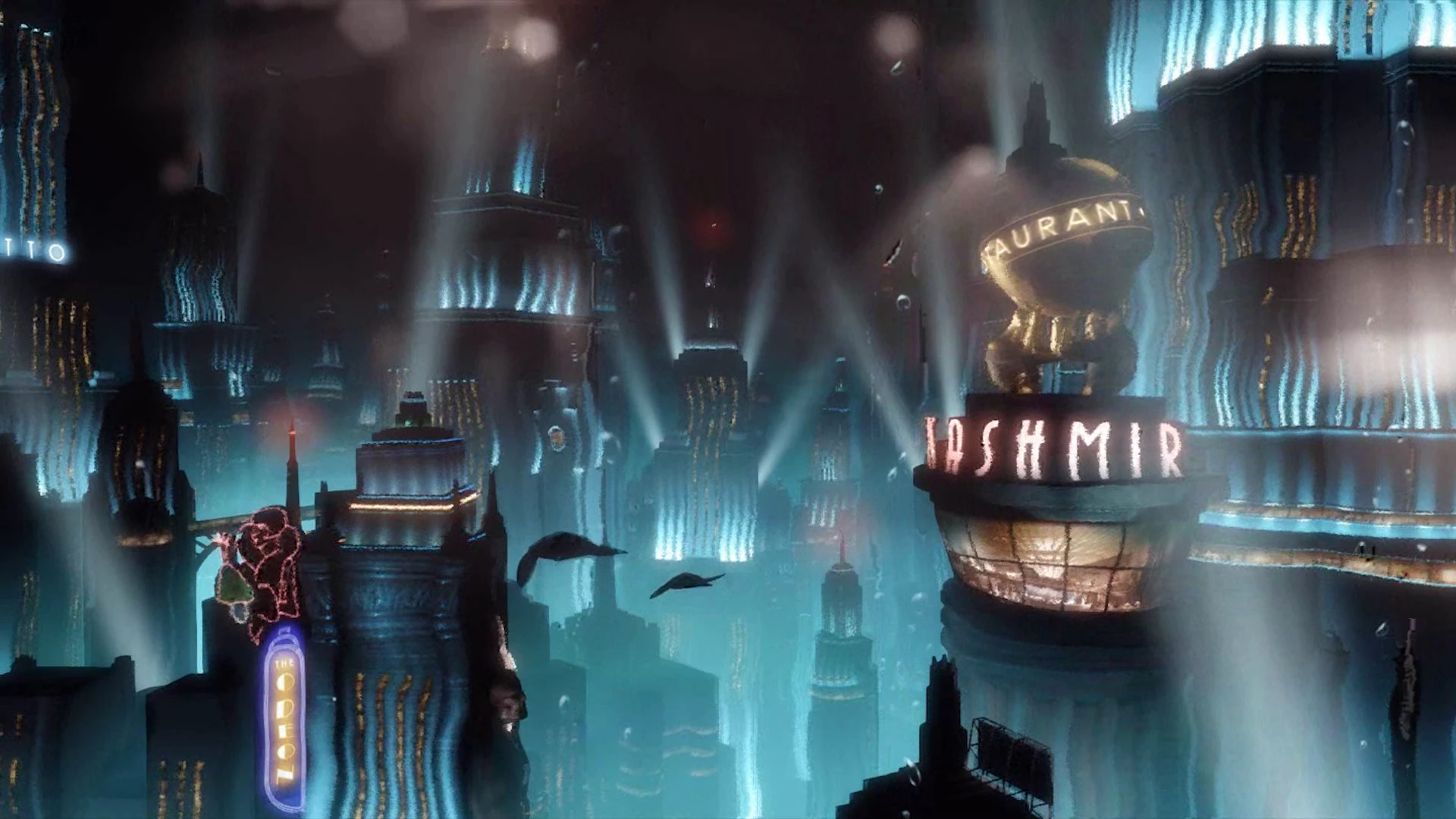
Hello i would like to achieve a result similar to this, which is via a .effects file in deskscapes (direct x) I truly appreciate some help on this! Best regards Adam

    This topic has been closed for replies.
    Correct answer Roei Tzoref

    you can use CC RepeTile or Motion Tile effect on your footage.

    1. scale the footage down so you will have room and place it on one of the corners
    2. if it's CC RepeTile set the Tiling to "UnFold", if it's Motion Tile set it to "Mirror Edges"
    3. adjust the expand/output parameters to fit.

    1 reply

    Roei Tzoref
    Roei TzorefCorrect answer
    Legend
    May 12, 2018

    you can use CC RepeTile or Motion Tile effect on your footage.

    1. scale the footage down so you will have room and place it on one of the corners
    2. if it's CC RepeTile set the Tiling to "UnFold", if it's Motion Tile set it to "Mirror Edges"
    3. adjust the expand/output parameters to fit.
    Participant
    May 12, 2018

    Awesome thanks so much for your quick respons, one more thing how do i achieve the porthole lens effect surrounding the tiles, as you can tell i'm a real newbie at this! Best Regards Adam

    Roei Tzoref
    Legend
    May 12, 2018

    you can add CC Vignette for a Darkening of the edges (before the Tile effect), or make a more precise composite by precomping the footage (leave all attributes) and adding a black solid layer with a mask set to subtract and enough feather.