


- Home
- After Effects
- Discussions
- Re: Accidentally close my composition and then its...
- Re: Accidentally close my composition and then its...
Accidentally close my composition and then its gone missing.

Copy link to clipboard
Copied
I accidentally click on CLOSE ALL on the composition and then the composition is gone, i try to closed and open the file again, i cannot discovered that. How can i discover the composition? PLEASE HELP ME


 16
Replies
16
16
Replies
16


Copy link to clipboard
Copied
If you can open the project but you cannot see the composition window then go to your workspaces and pick reset workspace. You should see workspaces at the top right corner of AE.
If you still cannot see your composition then find the composition in the Project Panel and double click it.
If you cannot find your AE project on your hard drive then searh for recent files or files with the extension .aep
If you did not save your project then all is lost.
Copy link to clipboard
Copied
I did save my project and i can open AE file I did try everything you suggested me but i still cannot find the composition.
Copy link to clipboard
Copied
Can you see the project panel? If not press Ctrl/Cmnd + 0
To reset your workspace go to Window>Workspace and pick another one or reset the one you are on.
Send us a screenshot of what you are seeing.
Copy link to clipboard
Copied
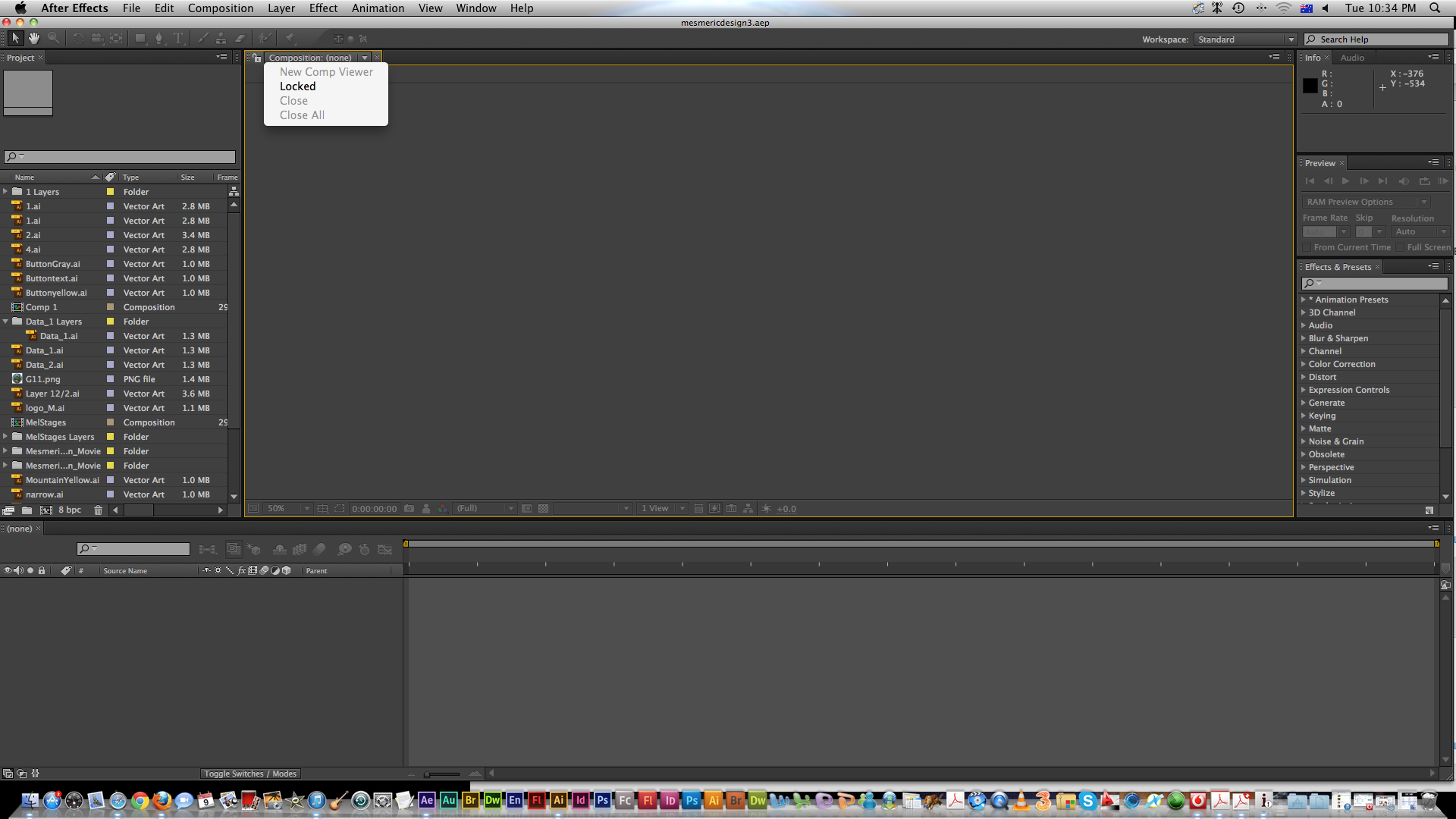
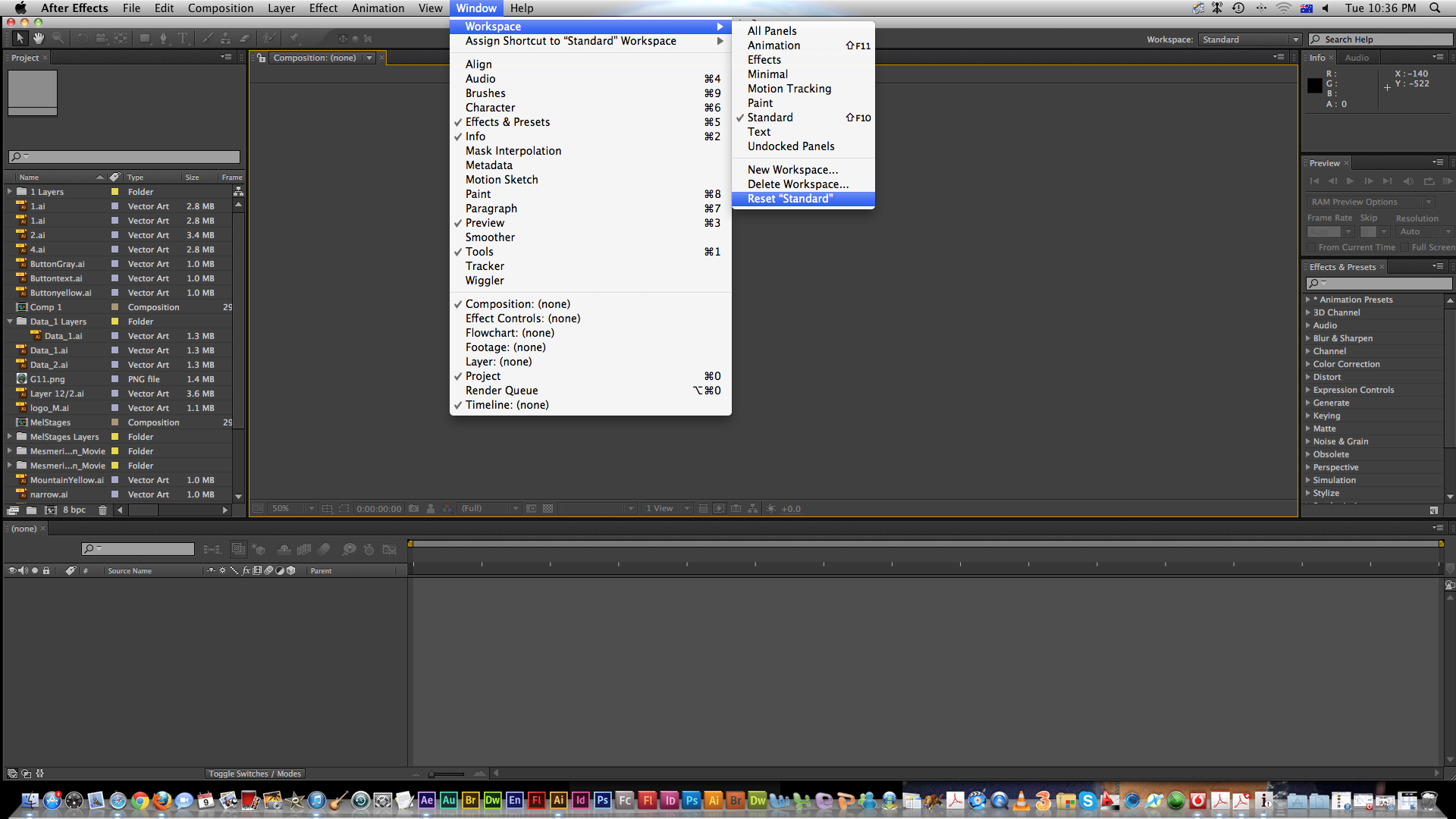
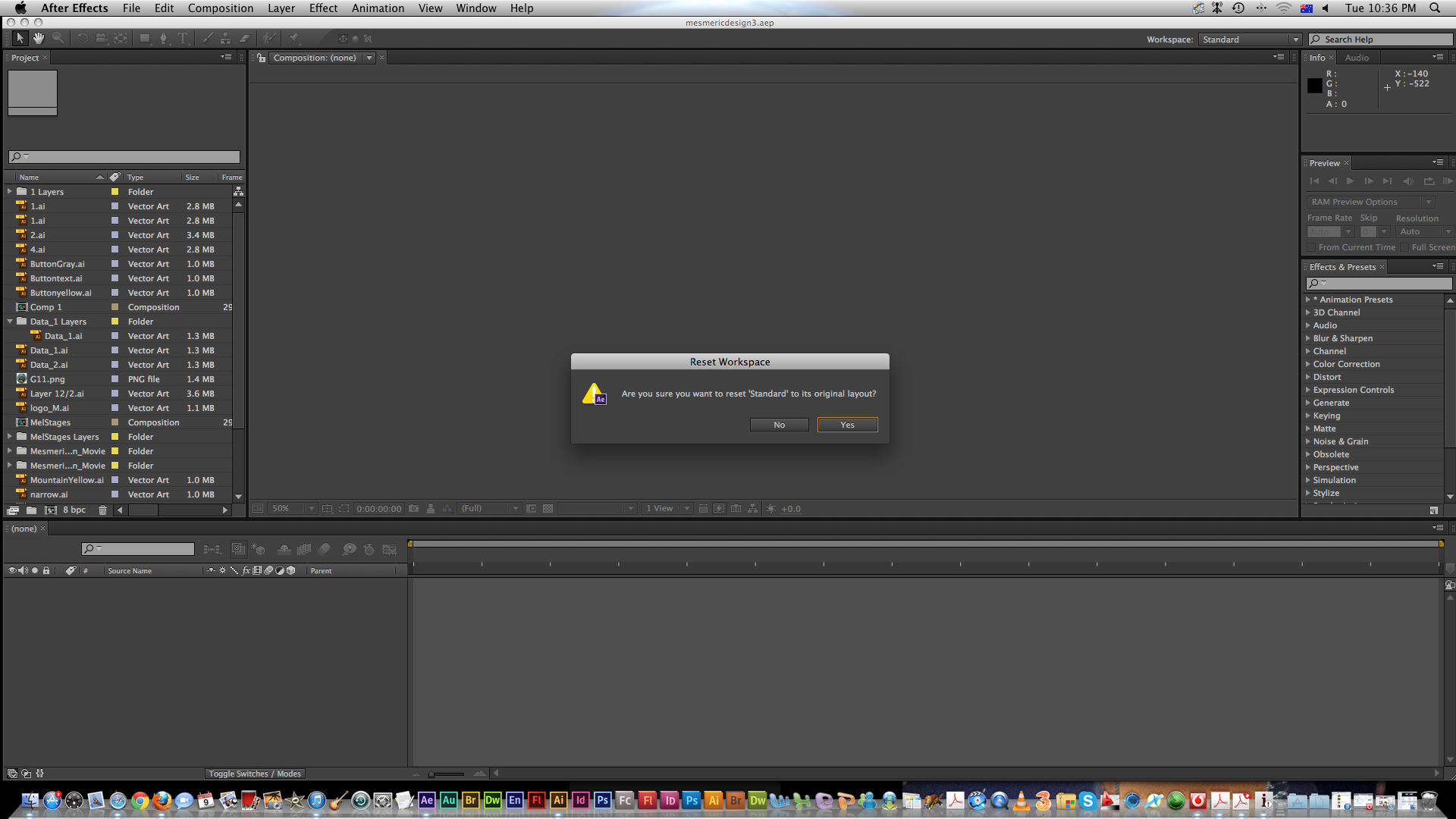
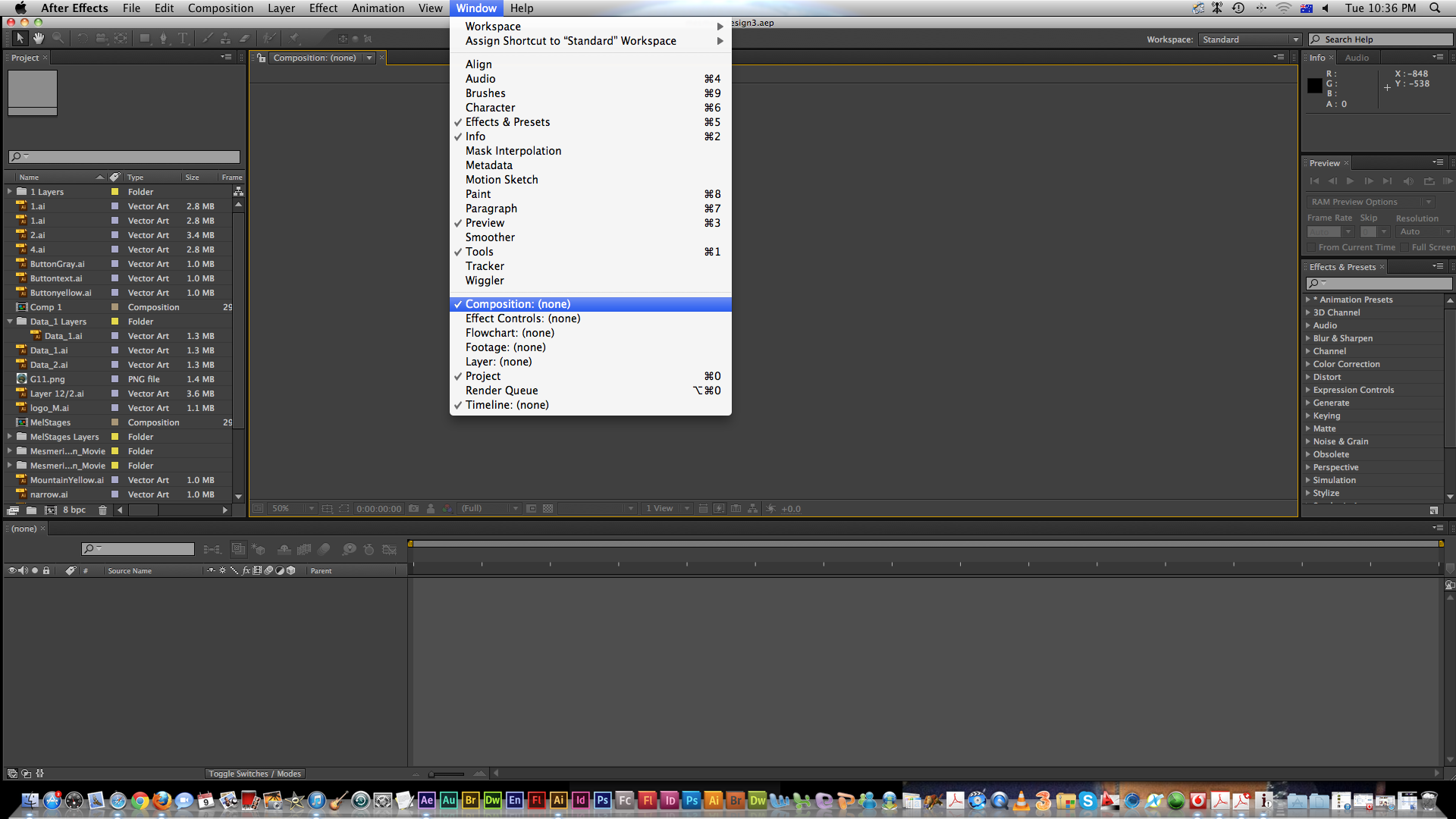
Still dose not work 😞

Copy link to clipboard
Copied
Double-click on any one of the compositions in your project panel.
Copy link to clipboard
Copied
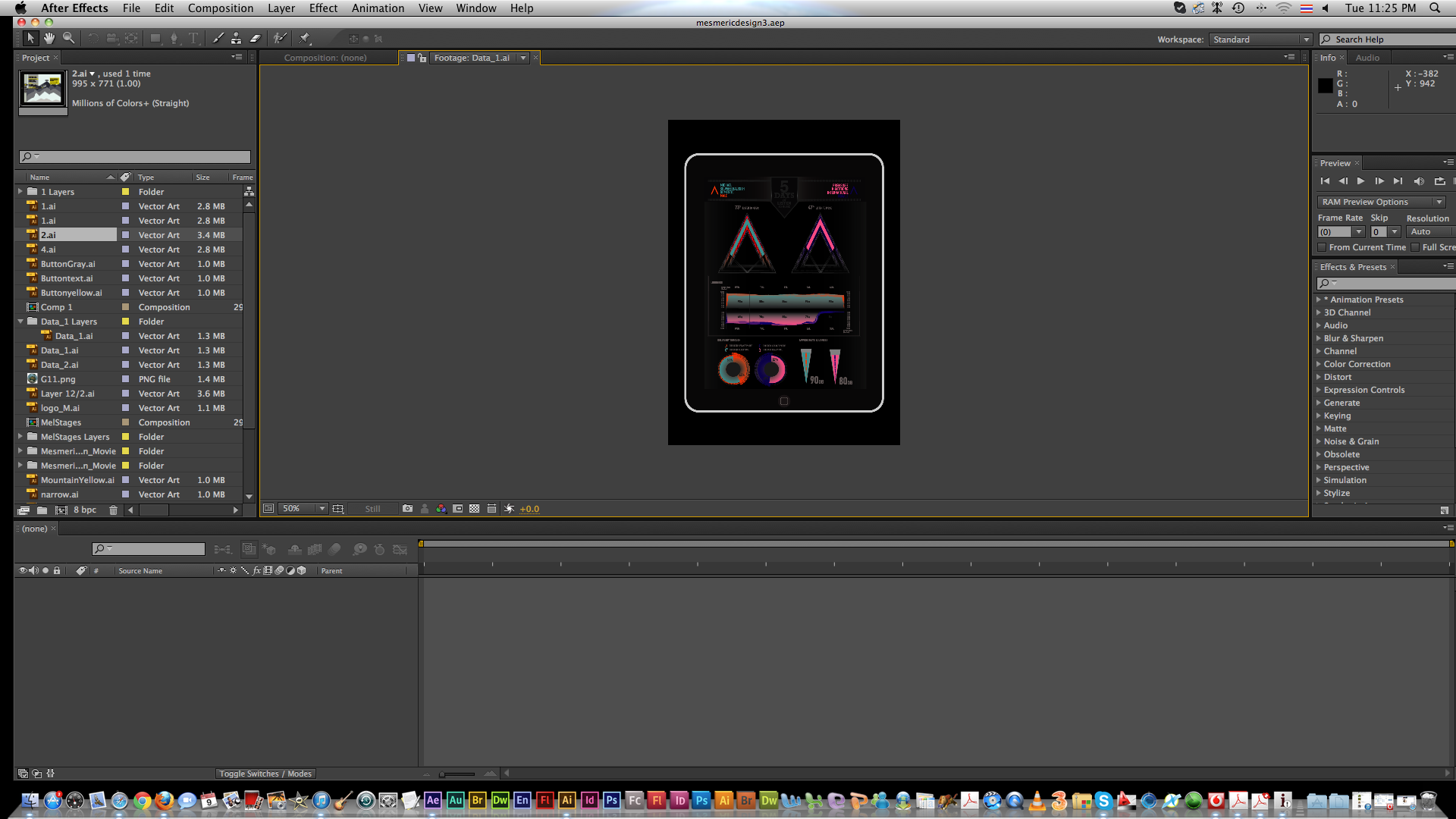
You mean something like this, and then what can i do next?? because nothing happening.

Copy link to clipboard
Copied
Here they are:

Copy link to clipboard
Copied
Thank you very much 🙂
Copy link to clipboard
Copied
Glad we could help.
However, since this was a problem for you, it's apparent that you don't have a good foundation in the basics of After Effects. If you keep trying to use AE without getting a grasp of the basics, you will keep running into frustrations like this one.
This page is a great place to start.

Copy link to clipboard
Copied
wow, it works. thank you a lot

Copy link to clipboard
Copied
Help me please. I accidentally hit close on the composition panel. After that I accidentally hit save. I've spend over 83 hours working on this project. This project is very important to me. This happened on Adobe After Effects. HELP! Please.

Copy link to clipboard
Copied
What? Huh?
You closed the comp. You saved the project. So open the project, and double-click on the comp in the project pane!
If you don't know how to do that, you really, Really, REALLY need to spend a lot of quality time here:

Copy link to clipboard
Copied
ok

Copy link to clipboard
Copied
Dude, imagine acting like we are stupid because we don't know how to do something in after effects when it could be something really simple. Legit, we have to learn it first to know how to do it. It's not like you just automatically know how to do anything, you have to learn it first. Jeezz

Copy link to clipboard
Copied
get a life dave

Copy link to clipboard
Copied
accidentally lost my composition


Find more inspiration, events, and resources on the new Adobe Community
Explore Now
 AdChoices