
Participant
August 25, 2022
Question

Added a photo to the AE template but it did not show up in the final comp

  • August 25, 2022
  • 2 replies
  • 1246 views

I was applying an AE template from Motion Array and added a photo to a picture placeholder. The picture was successfully added but it did not show up in the final comp.


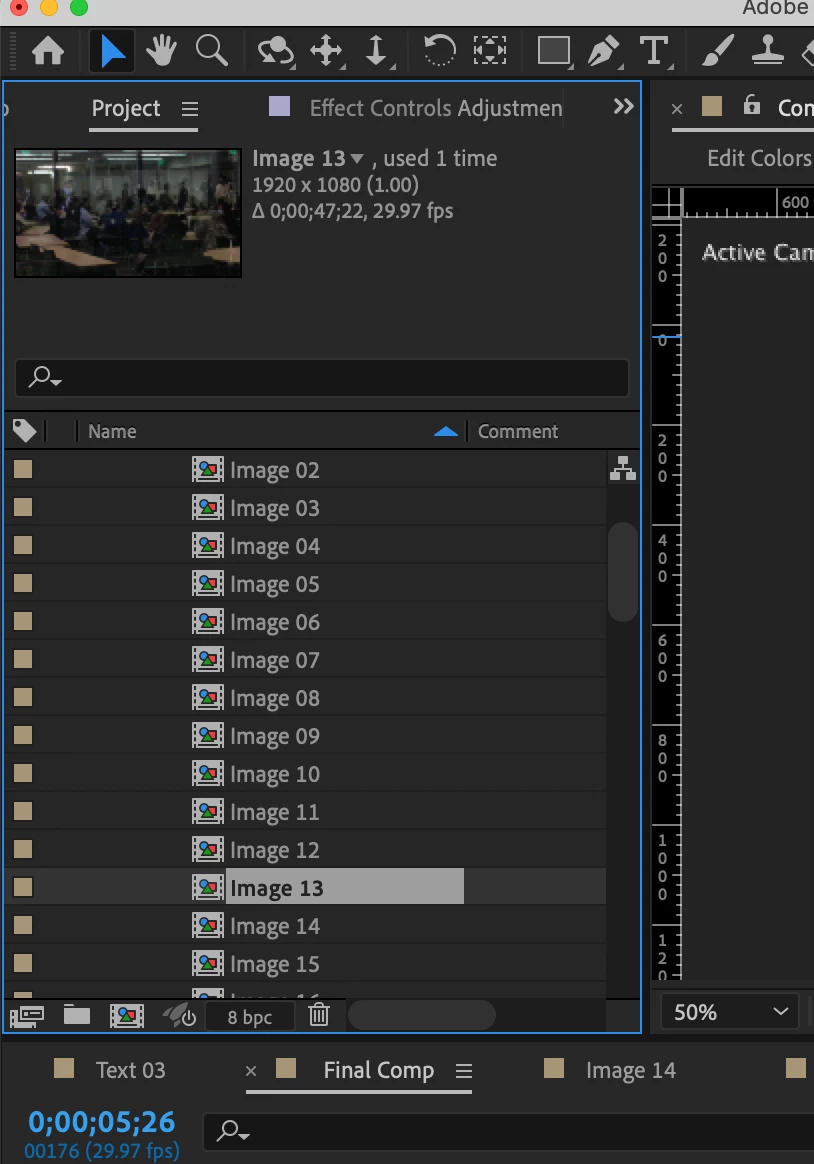
Below is the picture (or video) I was wishing to add.
 

 And this is where it is supposed to show up - yet the final comp seems to still be empty.
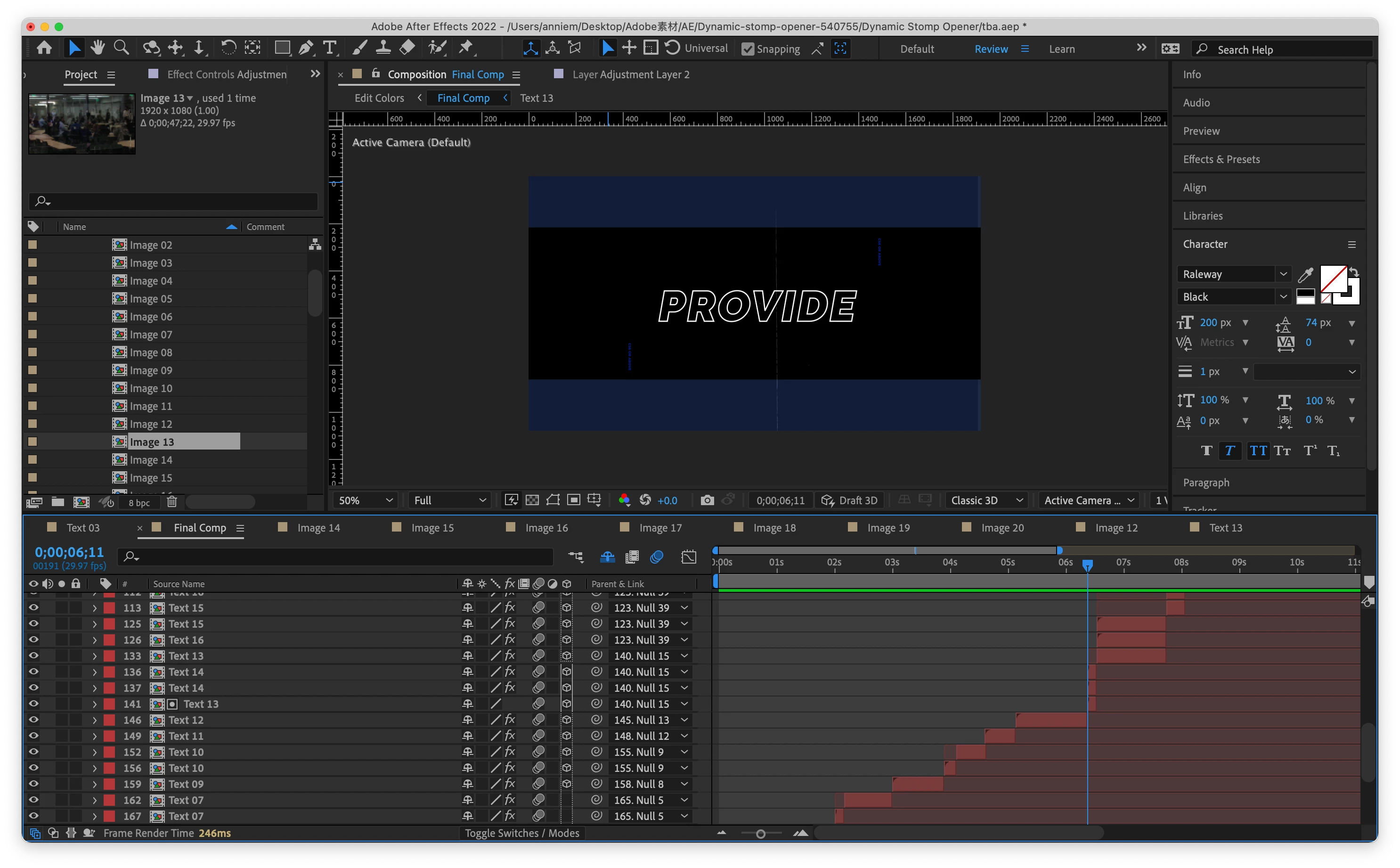
I'm a very rookie and not sure what happened. I'd really appreciate it if anyone could offer some help on that🥺

This topic has been closed for replies.

2 replies

Mylenium
Legend
August 25, 2022

Your "Text 13" layer is set to a track matte mode and thus of course will behave different from the others. The rest we can't know since you haven't even provided a link to the original template download location for info. That aside, I would strongly recommend you staret by reading the online help. If you don't even know what al lthose little icons mean, then it's inevitable you will screw up eventually.


After Effects User Guide


Mylenium

ErinSHAuthor
Participant
September 2, 2022

Hello there, thanks for replying. 

Sorry my bad. The link to the template is: https://motionarray.com/after-effects-templates/dynamic-stomp-opener-540755/ 

I tried importing pictures directly to the original template but some parts of it still did not work. The system says that the template would have to be converted from the windows 64 version while I'm using a MacBook (though there's no notification of any file being damaged), would that be a possible cause of the problem?

Community Expert
August 25, 2022

You will have to alt/Option-drag a new asset into the correct nested comp. That probably makes no sense at all to you. Does the template have instructions? You can put an unlimited combination of possible workflows in a template. Without instructions, or a screenshot showing us the specific problem layer with the modified properties of the layer revealed, we have no idea how to tell you how to fix the problem.

ErinSHAuthor
Participant
September 2, 2022

Hi, thanks for replying.

The template just has some very basic instructions like how to import files and change the theme color. The link to the original template is: https://motionarray.com/after-effects-templates/dynamic-stomp-opener-540755/

I'm not pretty sure which layers are with the problem but I'd attach all of the possible ones below. Would you like to have a look at them? Thanks a lot.