
Participant
July 2, 2021
Question

Adjustment Layer (Magnify and Bulge Effects) Keeps Moving With The Camera

  • July 2, 2021
  • 2 replies
  • 530 views

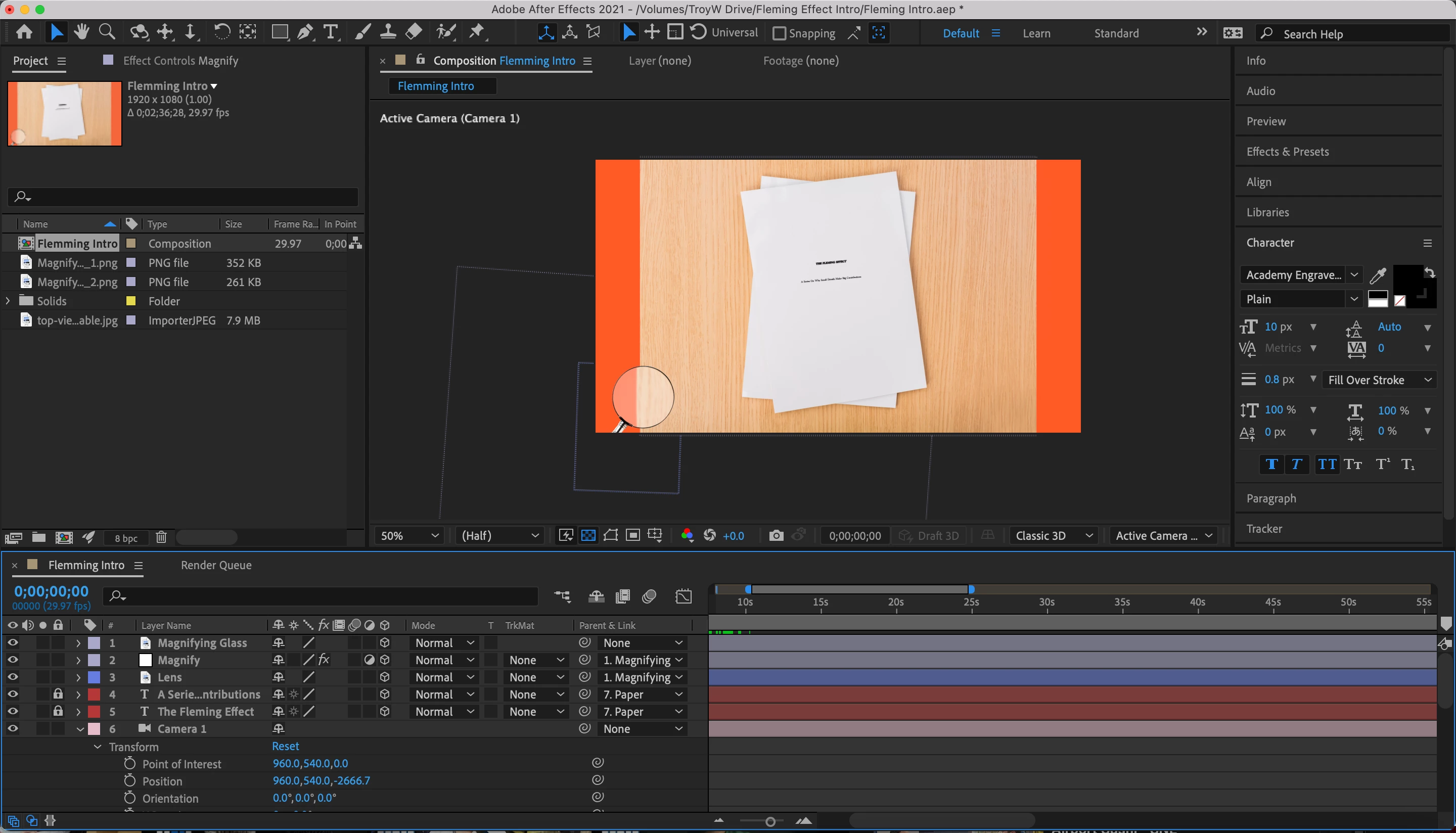
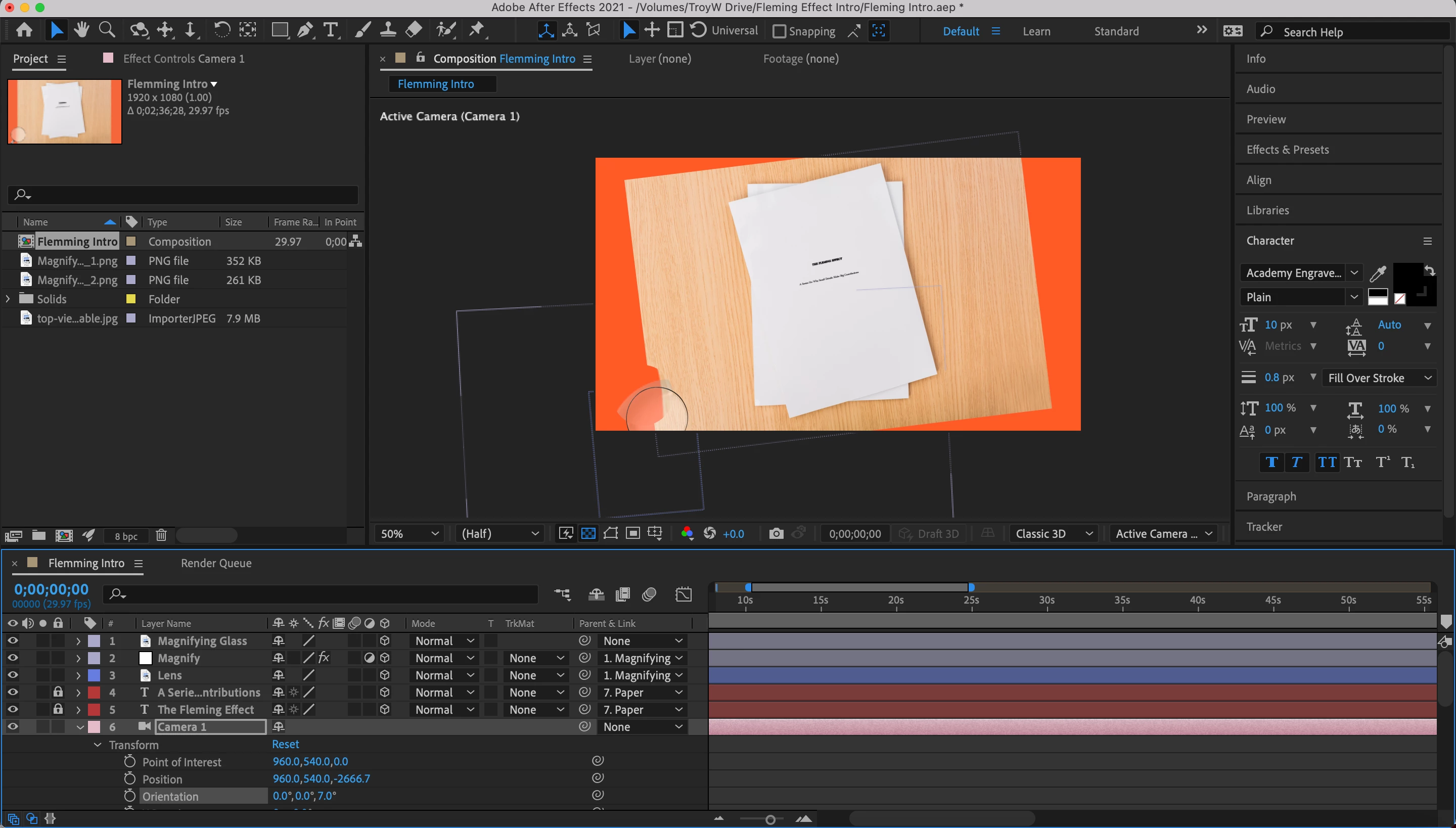
I created a magnifying glass asset by linking an adjustment layer with the Magnify and Bulge effects to PNGs of the frame and lens of a magnifying glass. There were no issues getting everything to link until I brought in the camera at which point the adjustment layer kept moving with the motion of the camera instead of remaining linked to the magnifying glass frame. I've tried turning 3D on and off, I've tried pick-whipping the position, orientation, and x/y/z-axis to both the magnifying glass frame and the lens. I'm out of ideas. Does anyone have any idea what I could be missing here? Why is this specific layer the only one that won't stay in place?


Ex: I moved the camera a bit along the Z-axis and that ripple is the adjustment layer moving out of position
This topic has been closed for replies.

2 replies

ShiveringCactus
Community Expert
Community Expert
July 2, 2021

In my tutorials I occasionally bring in a magnifying glass.  To make this manageable as I use 3D layers and a camera), I went the other way to Rick and precomped the magnifying glass and adjustment layer.    To get it to work, I use the collapse transformation option on the precomp, which passes through the adjustment.  

I did have to use an expression (just a pickwhip really) to control the centre of the bulge effect.  Linking it to the precomp's position in the main comp.


Community Expert
July 2, 2021

That's the workflow I was thinking about. 

Community Expert
July 2, 2021

None of the distortion effects are 3D effects so they won't work on a 3D adjustment layer. You'll have to pre-compose 2D layers and apply Magnify to the pre-comp or work out some expressions. The complexity required depends on your design.