
Copy link to clipboard
Copied
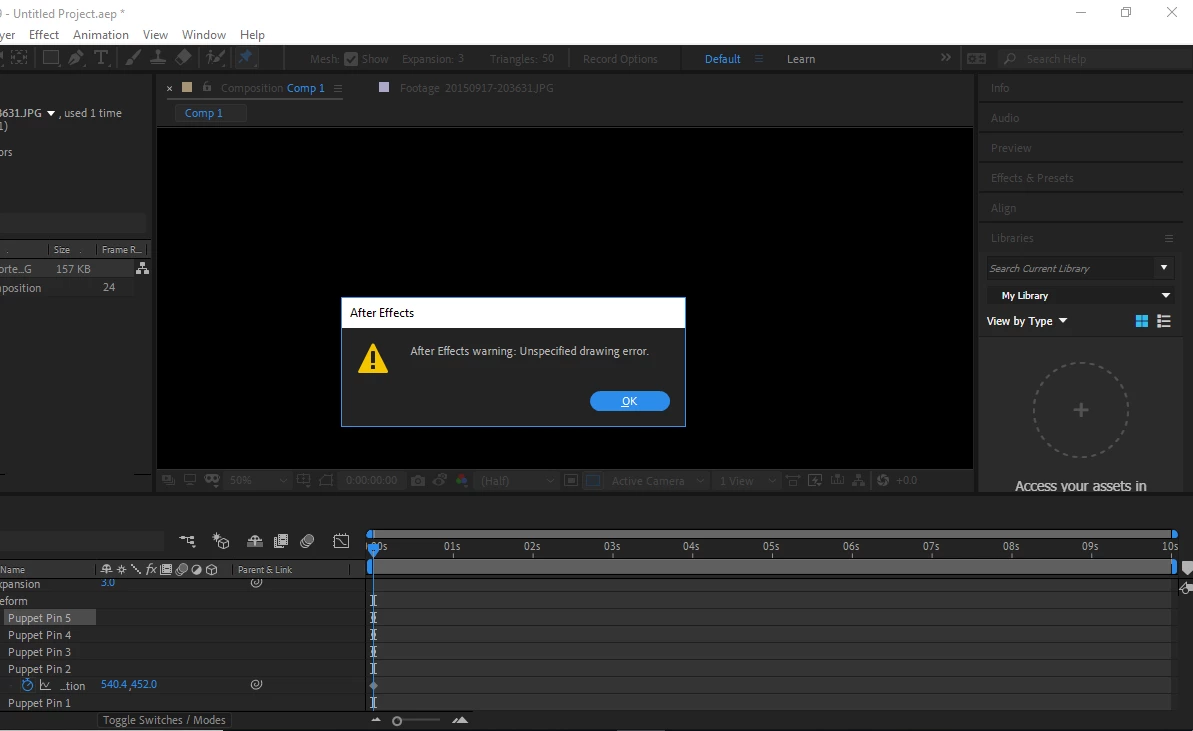
I have a big problem for when I use the Puppet Pin Tool in After Effects. Whenever I try to click on something, this error occurs:
I am still able to see the pins afterward shown here:
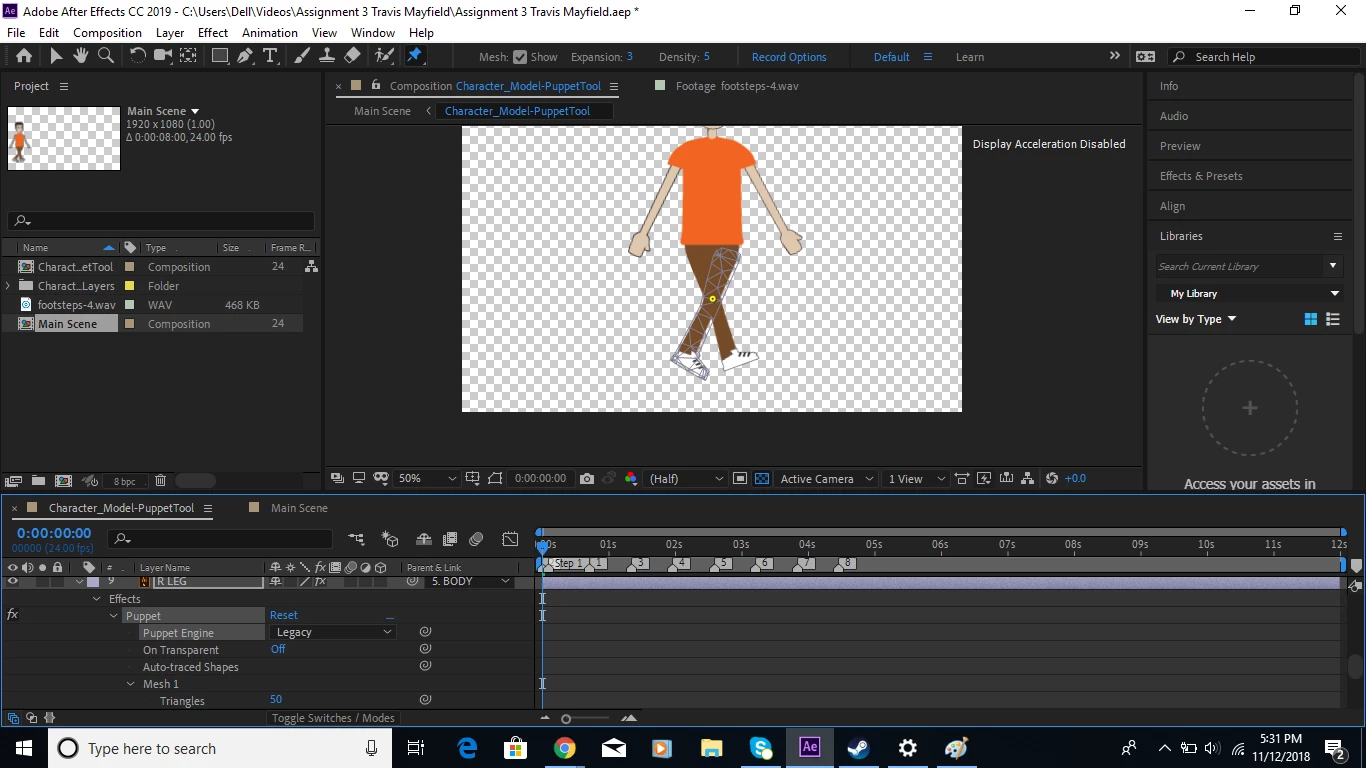
Is there a solution to this? These errors show up a lot and even cause an endless amount of them to appear sometimes. I think it has something to do with the red circle animations that pop up when something is pinned, though I am not sure how to access that. I am in a time crunch for I have an assignment due tonight. Thank you!
Copy link to clipboard
Copied
Hey Travix,
I had the same issue, and the problem turned out ot be something with my graphics card, but I was able to fix it. I don't know if it's going to work for you too, but here you go:
1.) On the top of AE go to Edit - Preferences - Previews
2.) click on the button that says "GPU Information"
3.) and under Raytracing make sure GPU is selected
4.) now just UNCHECK the box where it says "Enable untested, unsupported GPU for CUDA acceleration of ray-tracing 3D-renderer"
5.) Aaand you are good to go
I hope this will fix your issue ![]()
Copy link to clipboard
Copied
Find more inspiration, events, and resources on the new Adobe Community
Explore Now