



Adobe Max 2020 Session: Introduction to Logo and Text Animation in After Effects
Eran Stern presents Introduction to Logo and Text Animation in After Effects. A three part lab that was recorded as part of Adobe MAX 2020.
 Learn how to animate your company’s logo to make it stand out. In this follow-along lab, motion designer Eran Stern will guide you through the process of animating a multilayered Illustrator file in After Effects. You’ll use 3D layers, cameras, and lights to make the logo animation pop. You’ll also create a packshot animation by applying text animation presets and effects. Expand your skill set by learning some After Effects animation basics.
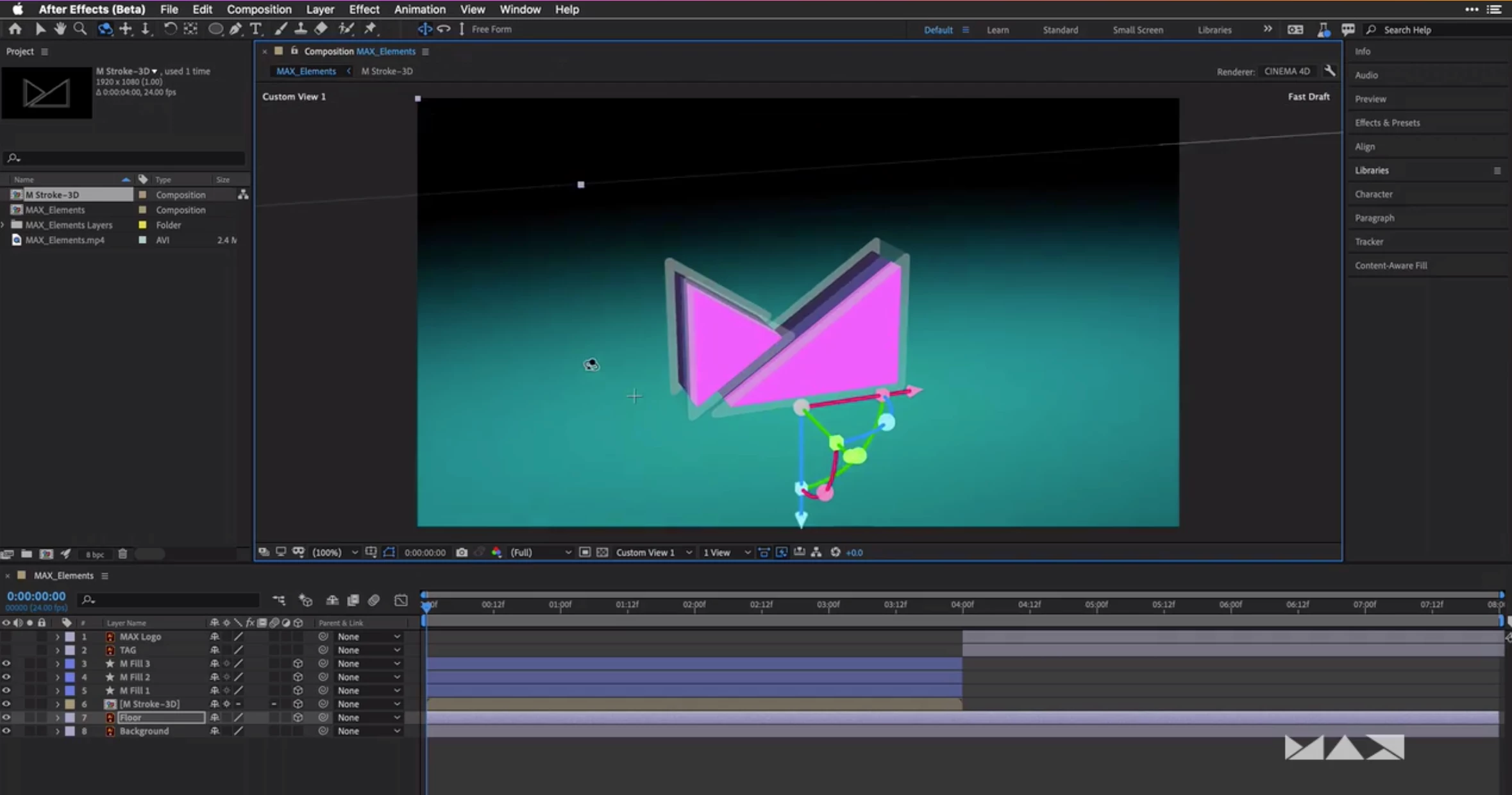 In Part 1, you’ll begin the process by taking a design from Illustrator to After Effects. Specifically, you’ll:
- Create an After Effects composition from an artwork in Illustrator
- Design, extrude, and texture a 3D multilayered logo
- Precompose layers and define transformations
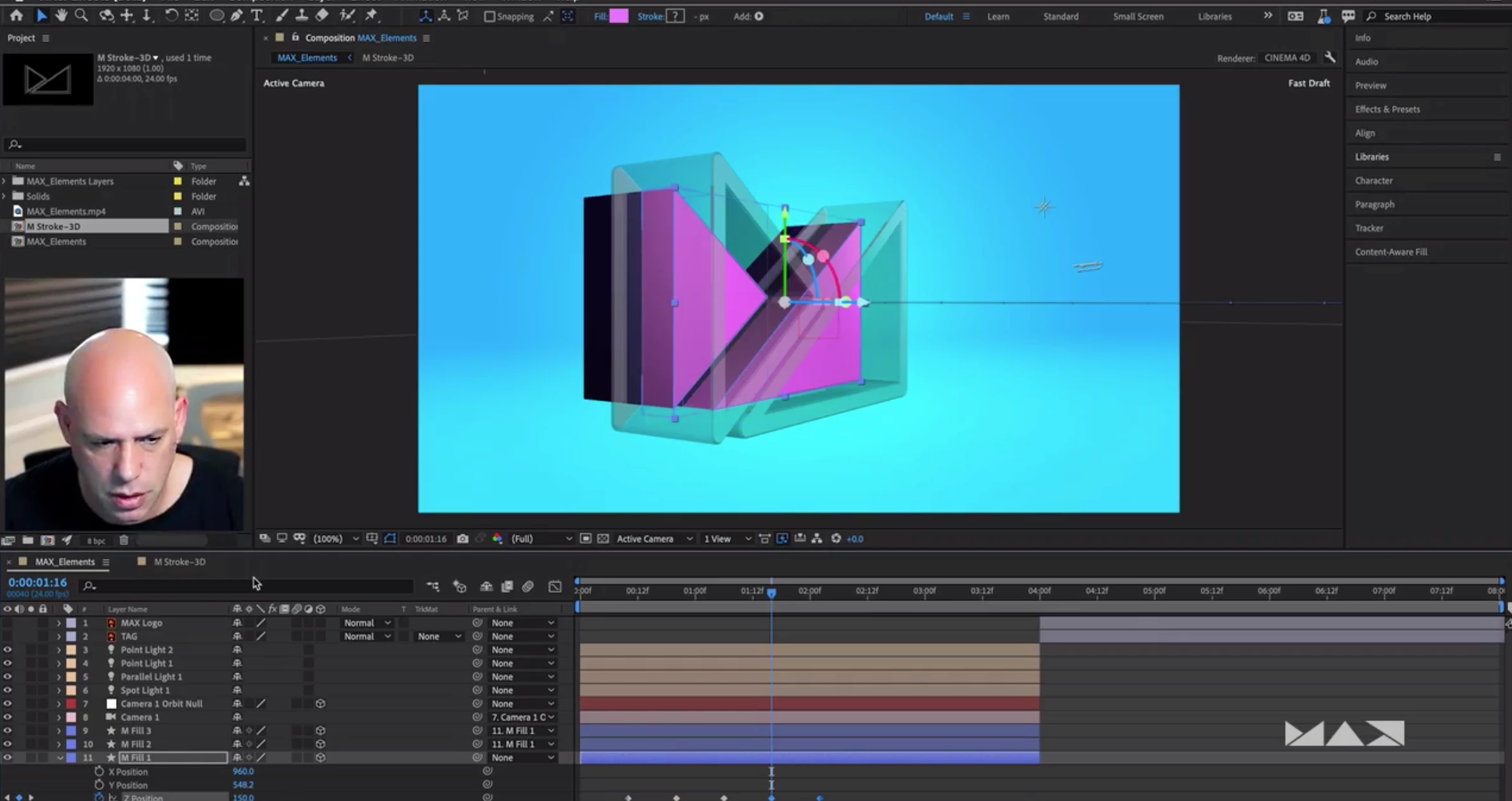
In Part 2 of this three part lab, you’ll take your logo further with lighting effects and animation. Specifically, you will learn how to:
- Add a camera, lights, shadows and reflections
- Animate layers using keyframes and parenting
- Work with the graph editor
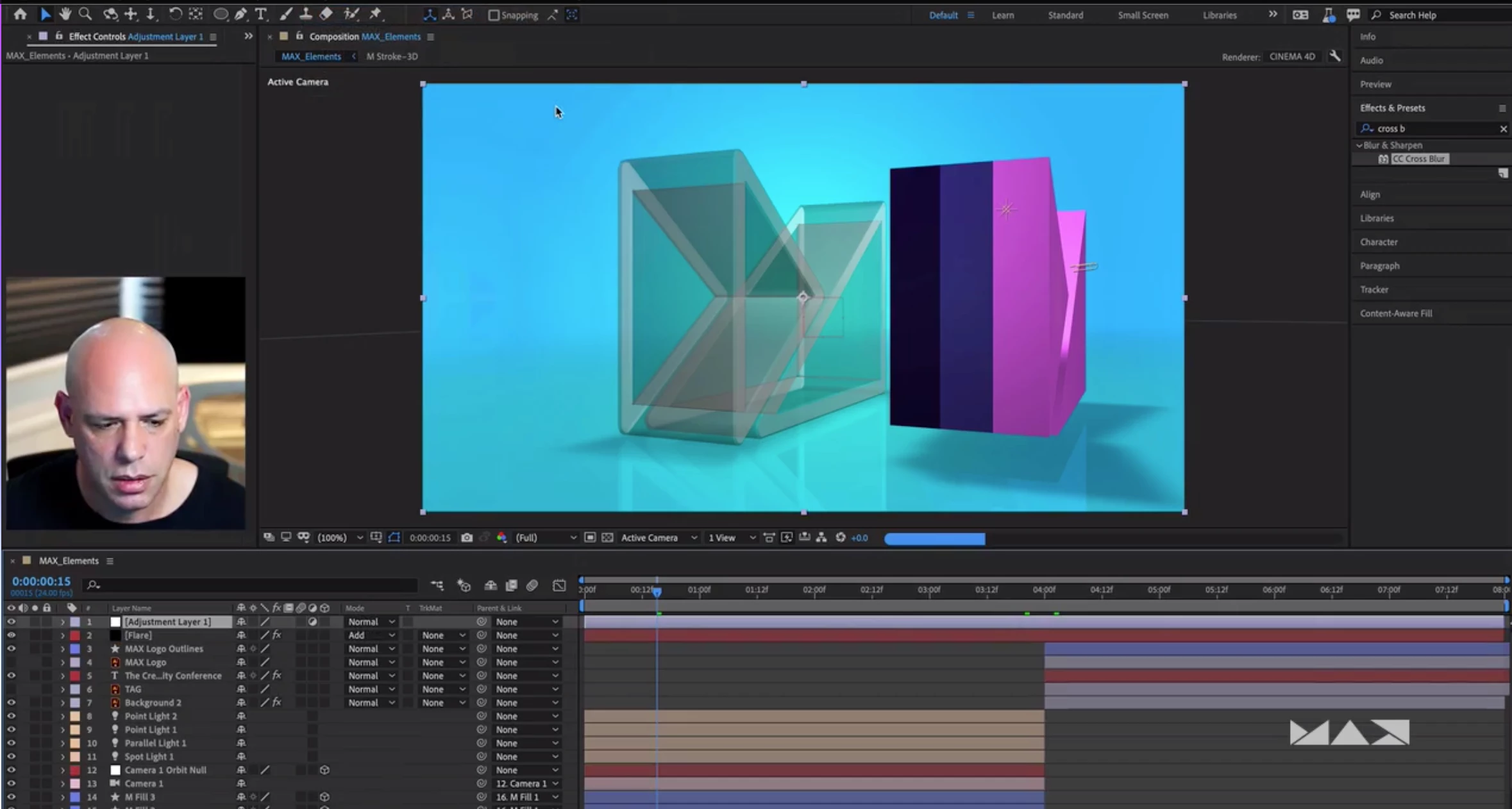 In Part 3 of this three part lab, you’ll complete and render your animated logo.
You will learn how to:
- Animate and reveal strokes
- Apply per-character text animation
- Add color effects and transitions
- Render the result
Technical Level: Beginner, Intermediate
Type: Lab
Category: How To
Track: Graphic Design, Video
Audience: Art/Creative Director, Graphic Designer, Motion Graphics/Visual Effects Artist, Post-Production Professional, Print Designer, Web Designer
 AdChoices