
Known Participant
August 26, 2024
Answered

Advanced 3D Cutouts with shape layer?

  • August 26, 2024
  • 1 reply
  • 404 views

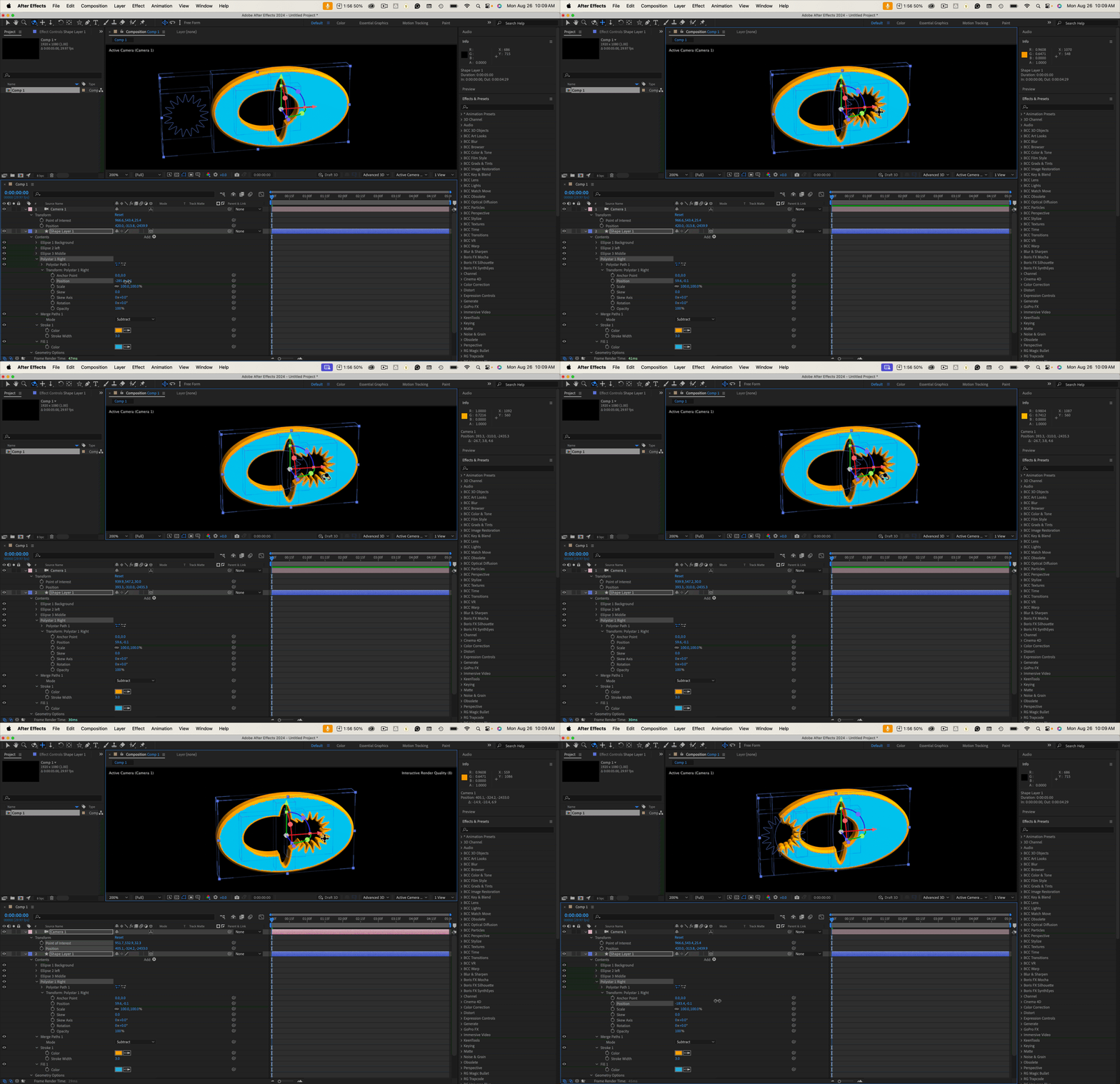
I there a way to get 3D Cutouts within 1 shape layer just using the basic vector shapes to add vertex shape animations in 3D?  Is this not possible in the Advanced 3D yet?
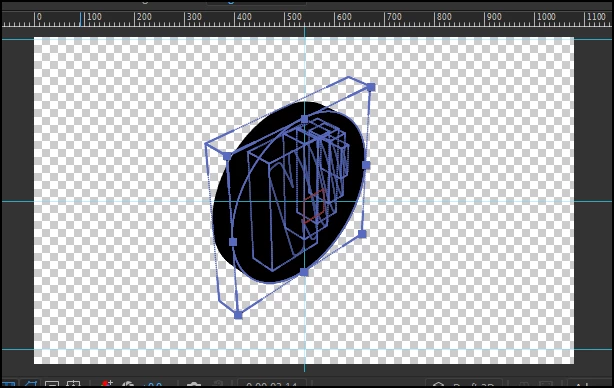
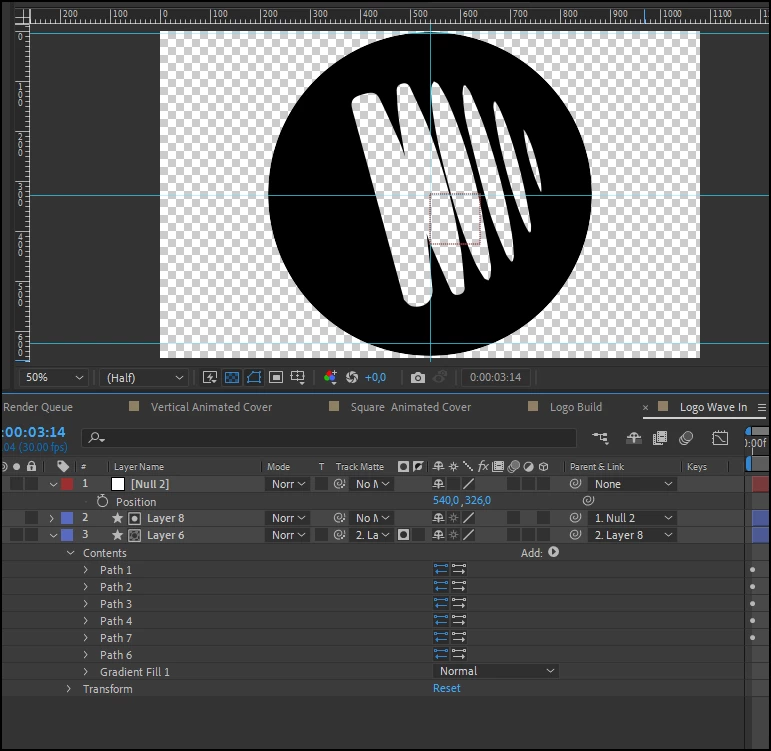
I have this setup in Advanced 3D but can't figure out where to enable the cutout options. Generally with masks, there are clear options, but being restricted to shapes is a pain. layers just seem to need to be stacked in just the right way like below.


This topic has been closed for replies.
Correct answer Rick Gerard

Stack the contents in a single shape layer with the background path on top, then deselect all the shapes and add Merge Paths/Intersect.


1 reply

Rick GerardCommunity ExpertCorrect answer
Community Expert
August 26, 2024

Stack the contents in a single shape layer with the background path on top, then deselect all the shapes and add Merge Paths/Intersect.